
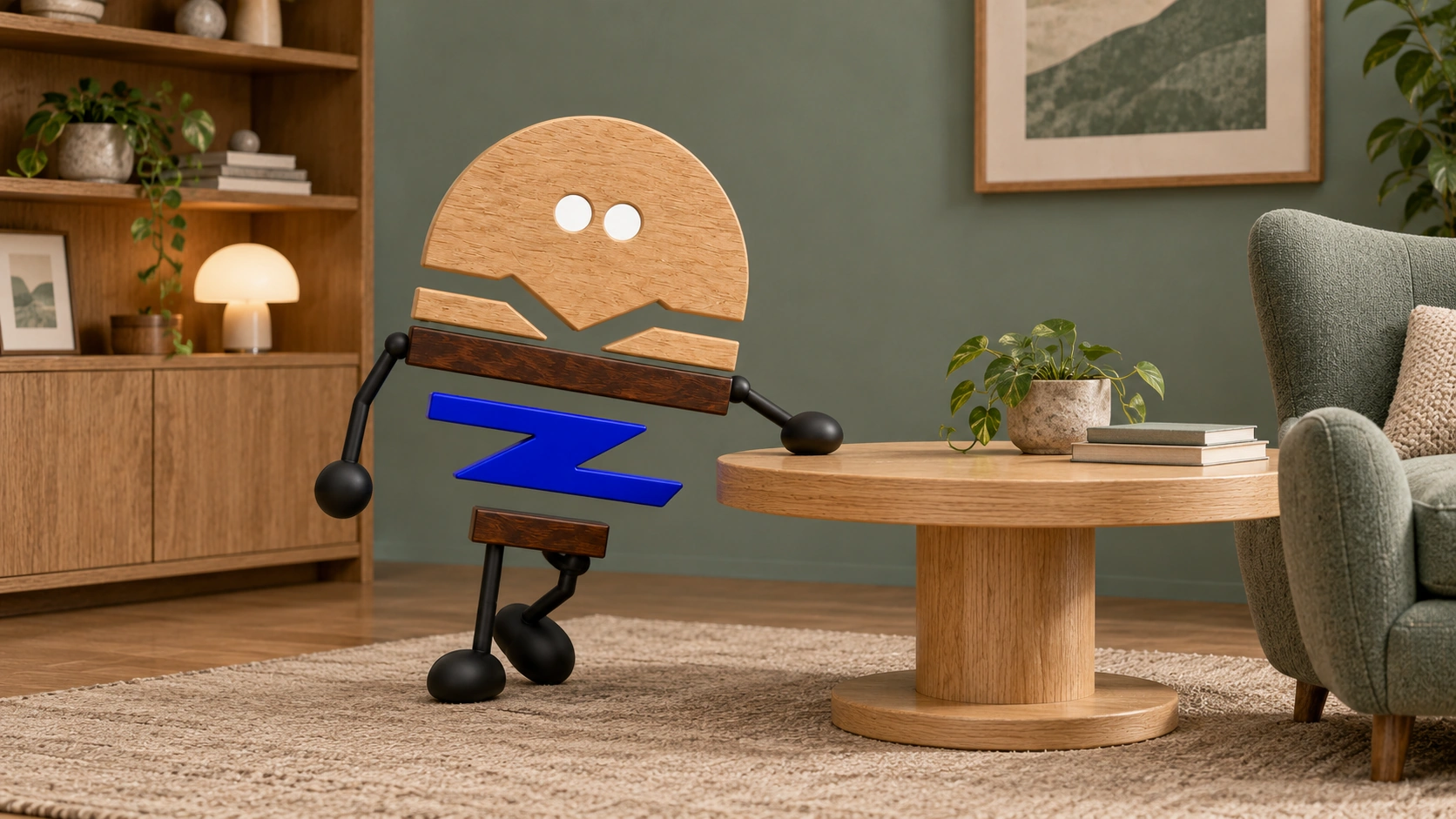
An executive space is increasingly judged by how the main desk, side and back cabinets, reception area and equipment work together, and how easily the user can move between them, rather than by desk size alone.
A large desk can easily define an executive office: a broad tabletop, a rich wood veneer and a commanding back cabinet. Daily use brings another dimension to the space.
During a day, an executive may work independently, approve documents, receive visitors, have brief team discussions, review samples and join video meetings. The main desk is the centre, while the side cabinet, back cabinet, reception area, equipment and backdrop collectively determine usability. This article examines how to organise the executive space; proportions, edges and feel are discussed in “Desks, cabinets and screens shape an office's first impression”.
01 · STRONG DESK, WEAK RELATIONS
A commanding desk still needs a workable space around it.
Making the main desk the sole focal point can produce a strong image while leaving awkward side-cabinet access, a back cabinet too far from the seat, visitor routes through document areas or a cluttered video-meeting background.
These issues may be less apparent in renderings, which emphasise front views and presence. Actual use involves sitting, turning, opening cabinets, connecting power, showing documents, receiving visitors and leaving.
02 · MULTIPLE WORKING STATES
Executive offices accommodate several ways of working.
HALCON's official VESPER materials place desks, storage, height adjustment, power, controls and lighting within one series. Kettal Workplace also discusses furniture, architecture, lighting, acoustics and collaboration as part of a complete working environment. These examples support a direction: premium offices are considered through system relationships alongside individual product scale.
A well-organised executive office gives each component a role in the working day, rather than loading every function onto the main desk.
- Key point 01Main desk
Supports core work, including writing, computer use, document approval and the main working posture.
- Key point 02Side cabinet
Supports frequent access, keeping documents, equipment and temporary items from repeatedly interrupting the main desktop.
- Key point 03Back cabinet
Provides long-term storage, display and a video-meeting backdrop, establishing order behind the user.
- Key point 04Reception area
Sets a suitable distance for conversation, keeping brief discussions clear of the main desk and sensitive document areas.
- Key point 05Equipment routes
Provide for connections and maintenance, avoiding improvised exposed power, display and control arrangements.
03 · WORKING RADIUS
Assess desks and cabinets through the user's working reach.
Working reach considers how the user sits, turns, retrieves items, receives visitors and leaves throughout the day, alongside desktop dimensions.
This assessment is closer to actual use than asking whether the desk is large enough. An oversized desktop can squeeze the reception area; incorrect side-cabinet orientation can make movement harder; an overfilled back cabinet can clutter the backdrop; equipment without planned routes can disrupt order.
- Key point 01When seated
Are the computer, power, frequently used documents and drawers within easy reach?
- Key point 02When turning
Can the back cabinet open safely, without requiring the user to move too far from the seat?
- Key point 03When visitors arrive
Will visitors see or pass through document areas that should remain private?
- Key point 04During brief discussions
Is there a conversation position that leaves the main working area clear?
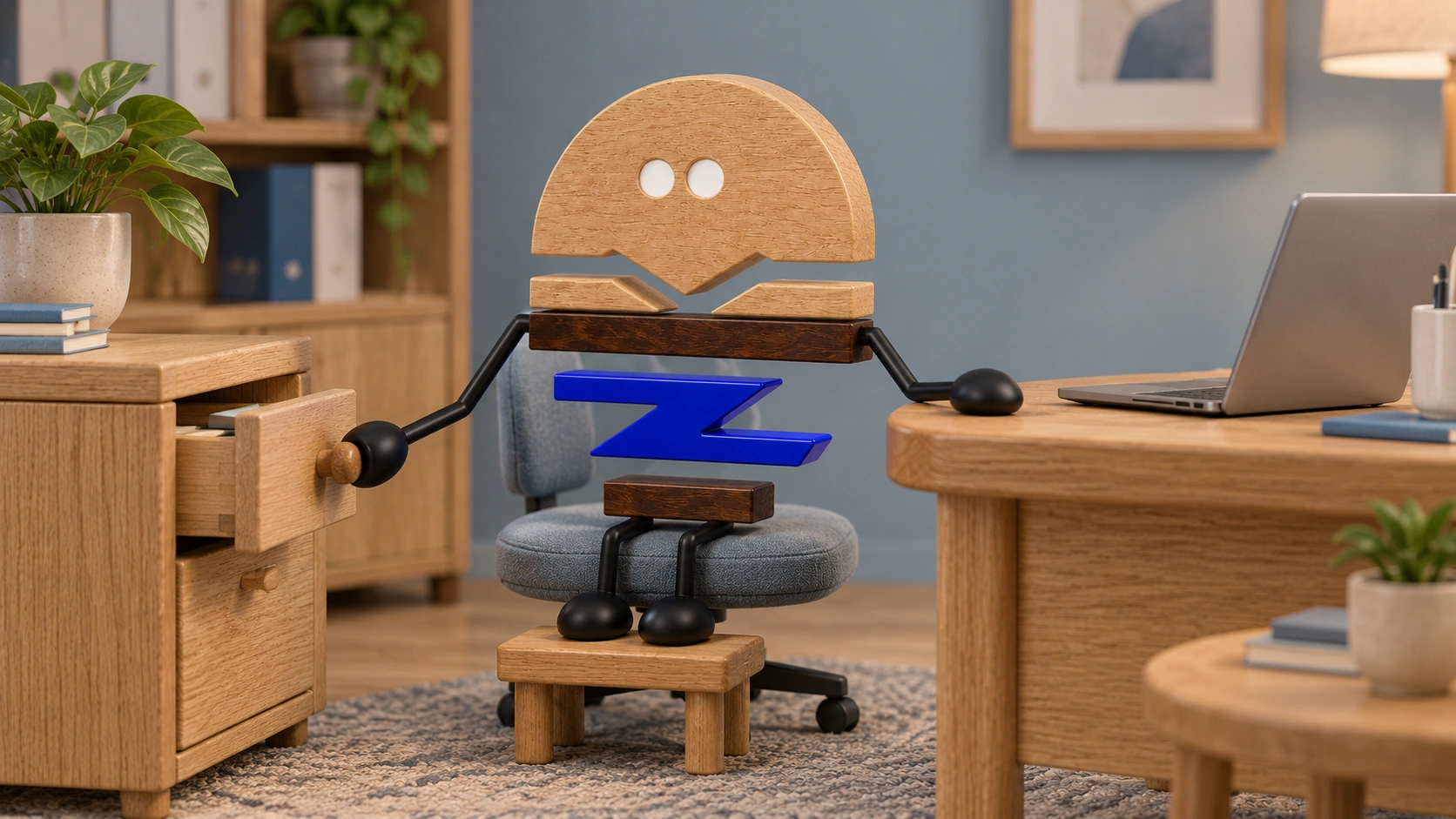
04 · LINKED VARIABLES
Dimensions, cabinets, reception and equipment change together.
A wider desktop changes visitor distance and circulation. An added side cabinet changes turning movements and cable paths. Revised back-cabinet proportions affect the backdrop and storage categories. Height adjustment or video-meeting equipment changes cut-outs, controllers and maintenance methods.
A brand seeking to strengthen an executive desk should also assess its side cabinet, back cabinet, reception area, equipment and room dimensions. Improving the desktop alone can upset the balance of the whole space.
05 · WHEN SIMPLE WORKS
A simple scheme can work better in a small, stable office.
A smaller executive space with stable usage, few equipment needs and infrequent visitors may be better served by a simple main desk and basic cabinets.
A more complex system suits varied activities, frequent reception, extensive equipment, complicated document and sample management, or brands developing executive spaces as a coordinated product series. Without these conditions, extra functions increase costs and maintenance.
06 · VERIFY THE COMBINATION
Use samples to assess the full combination in action.
Manufacturers need to consider the main desk, side cabinet, back cabinet, office chair, visitor chairs, cables, hardware and material junctions together. Samples should cover at least four actions: seated work, turning to retrieve items, visitor conversations and equipment connections.
When changing dimensions or materials, or adding functions, distinguish changes that affect construction from those affecting only finishes. This reduces unnecessary sampling and protects the design identity the brand wants to retain.
PRACTICAL CHECKLIST
Check six conditions in an executive space
First consider how the space works, then whether each piece of furniture fits.
- 01Ways of working
How much time is spent on individual work, reception, brief discussions, meetings and sample reviews?
- 02Working reach
Are the main desk, side cabinet and back cabinet within convenient, safe reach?
- 03Visitor routes
Do visitors stay clear of documents, equipment and personal work areas?
- 04Backdrop and storage
Does the back cabinet provide display, concealed storage, long-term storage or a video backdrop?
- 05Equipment routes
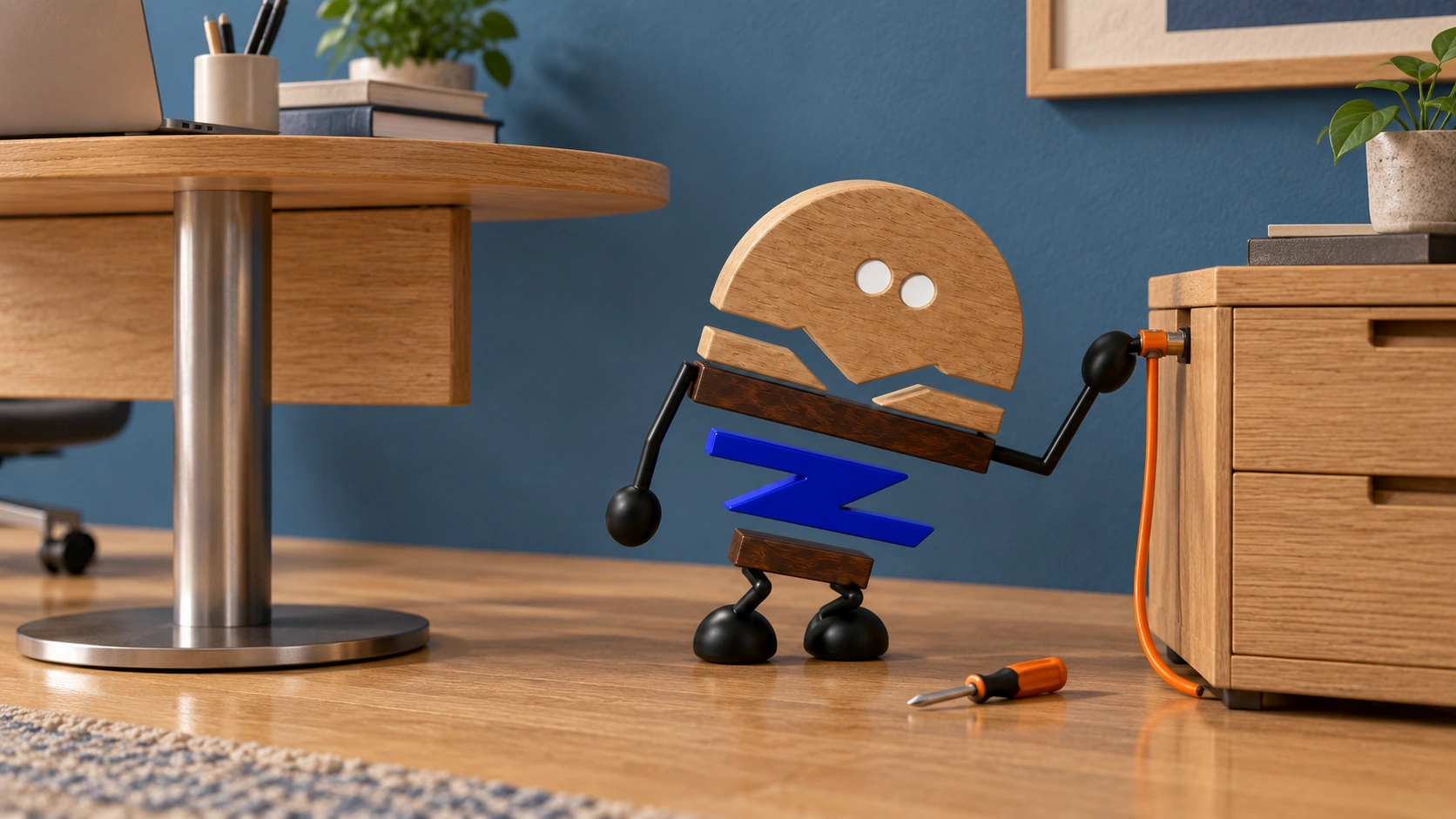
Are there places for power, displays, charging, controls and maintenance access?
- 06Scope of change
Which construction details need new samples after dimensional or functional changes?
Official brand product information informs the discussion of office furniture and space. Meichun perspectives and manufacturing notes express our views on products and making.
Original illustrations use the Meichun logo character and furniture to introduce product, component and spatial relationships.
- HALCON Furniture|VESPER
Used to observe desks, storage, height adjustment, power, controls and lighting expressed as a system within one premium office series.
View official source ↗ - Kettal Workplace|Kettal at NeoCon 2026
Used to observe furniture, architecture, lighting, acoustics and collaboration spaces discussed as a complete working environment.
View official source ↗