
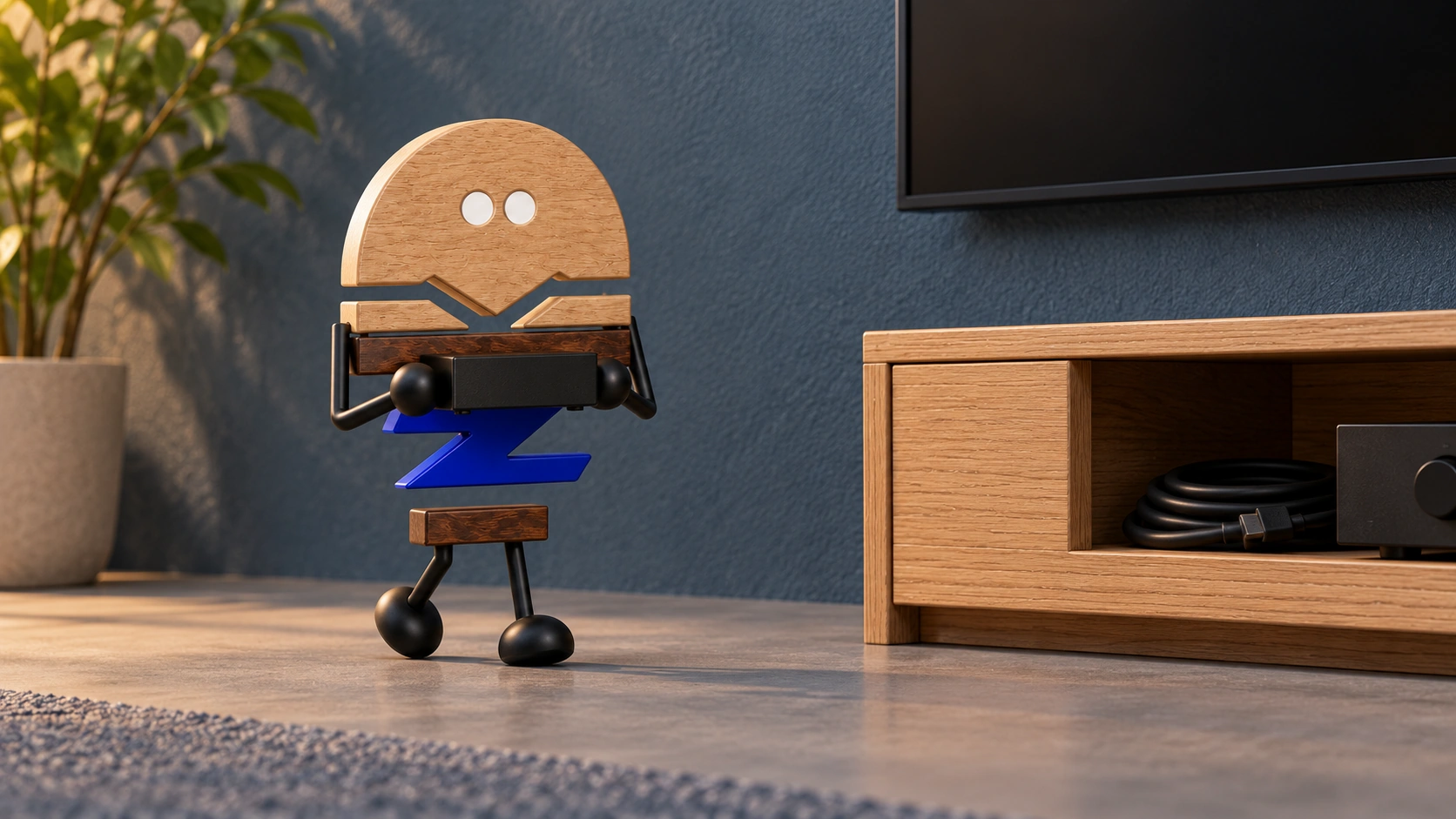
A display has a working role in the room. Coordinate equipment, seats, cables, cooling and maintenance first to give the furniture design a practical foundation.
The issues most easily missed in a meeting room rendering are whether the equipment works properly, participants can take part and faults can be serviced. If a complete decorative wall is fixed before the equipment is considered, cameras, connectors and maintenance operations have to compete for whatever space remains.
Steelcase's official information on Ocular Frame includes displays, cameras and related technology in AV furniture configurations, providing an example of furniture and equipment considered together. Following a meeting room from selection to renewal, this article explores the relationships to establish before furniture production and the responsibilities of the specialist teams.
Meichun observations · 01
Look beyond dimensions to installation, use and servicing.
Displays of the same size may have different mounts, port directions, connectors and replacement procedures. A camera needs more than a position on the front elevation. The equipment schedule should connect installation, operation and maintenance requirements so the furniture openings correspond to how the equipment works.
Consider each item in three states: installation, use and servicing. How does it enter its position, where are the connections made, and how is it removed later? Show the equipment outline, connection points and service operations together in the layout so each state has a clear access route.
If the equipment has not been selected, retain an explicit list of provisional conditions and identify which decisions trigger a furniture review. A change in mount or port direction, for example, should prompt a check of the affected junction rather than carrying the first elevation into every later equipment choice.
Meichun observations · 02
Check both directions of view from every seat.
Participants seeing the display and the camera seeing participants are two separate directions. Aligning a display and camera on one elevation axis does not automatically coordinate both. Table shape, seat positions, backrests and participant orientation affect the actual conversation.
Imagine a room used mainly for in-person presentations with occasional remote attendees. A presentation may direct people towards the speaker, while a remote meeting must also consider faces in the camera view and shared content. Looking only from the table centre may miss edge seats that require frequent turning or are obscured by people in front.
During a layout trial, go to the outermost and rearmost seats and review both the displayed content and camera image. Include light reflections and the presenter's position. Choose installation height, angles and coverage in relation to the equipment, space and actual activities.
Meichun observations · 03
Keep the full cable route traceable after concealment.
A connection runs from the equipment through furniture, walls or floors and into the building and its systems. Each part has requirements for access, turns, fastening and replacement. If each team solves only its own section, the route can break between interfaces and end up relying on temporary extensions or exposed bundles.
Furniture can provide clear openings and service boundaries while the relevant specialists confirm electrical arrangements, cabling and system compatibility. Include the connectors themselves in the design discussion: a thin cable and its plug or the tools needed to connect it can require different clearance. Plan the complete connection route through the junctions.
Meichun observations · 04
Plan the work that happens behind a service panel.
Useful maintenance access gives the operator a place to stand, allows hands and tools to reach the equipment, makes port labels visible and permits full removal. If a fixed meeting table blocks the opening, or an adjacent cabinet has to be dismantled to reach it, account for that work at the proposal stage.
Review a sample through a complete replacement sequence: reach the service position, identify the equipment, release connections and fasteners, remove and reinstall it, and close the panel. Follow the equipment instructions and coordinate load-bearing mounts and electrical work with the responsible specialists.
Review the closed appearance and open service arrangement separately. The first concerns the elevation; the second concerns the maintenance route. If they conflict, consider independent panels, an equipment layer or the installation sequence so the design remains coherent and serviceable.
Meichun observations · 05
Decide what remains when equipment changes.
Displays, cameras and control equipment may be updated at different times. If the furniture tightly encloses one device outline, even a small change may affect the whole wall. Separate the relatively stable spatial framework from the faster-changing equipment layer and define replaceable mounting components, panels and their compatible ranges.
Make spare capacity specific: is it installation clearance, connection space or a removal route? Address cooling, support and system updates within the same proposal so reserved space serves the actual operation and maintenance requirements.
The final handover should give furniture, building, electrical and AV integration teams one shared version, recording the equipment, installation references, cabling and service openings. A complete AV wall supports participation during use, access during maintenance and clear decisions about what can change during an update.
PRACTICAL CHECKLIST
Bring these questions to the table.
Use these points to discuss product selection, configurations and the requirements of your project.
- 01Equipment version
Are the model, mount, port direction and connectors established?
- 02Seat-by-seat review
Check display legibility, camera coverage and reflections from every seat.
- 03Service space
Open the actual service panel and check access for hands, tools and equipment replacement.
- 04Responsibilities
Who verifies the furniture, building, electrical work and AV integration?
Official brand product information informs the discussion of office furniture and space. Meichun perspectives and manufacturing notes express our views on products and making.
Original illustrations use the Meichun logo character and furniture to introduce product, component and spatial relationships.
- Steelcase|Ocular Frame|AV Solutions
Official product information shows displays, cameras and related technology considered as part of an AV furniture configuration.
View official source ↗ - Meichun|Meichun observations on selection and manufacturing · 2026-10-04
Meichun shares perspectives on selection and configuration through use scenarios, product relationships and manufacturing methods. Original illustrations introduce the arrangement of furniture, components and space.