
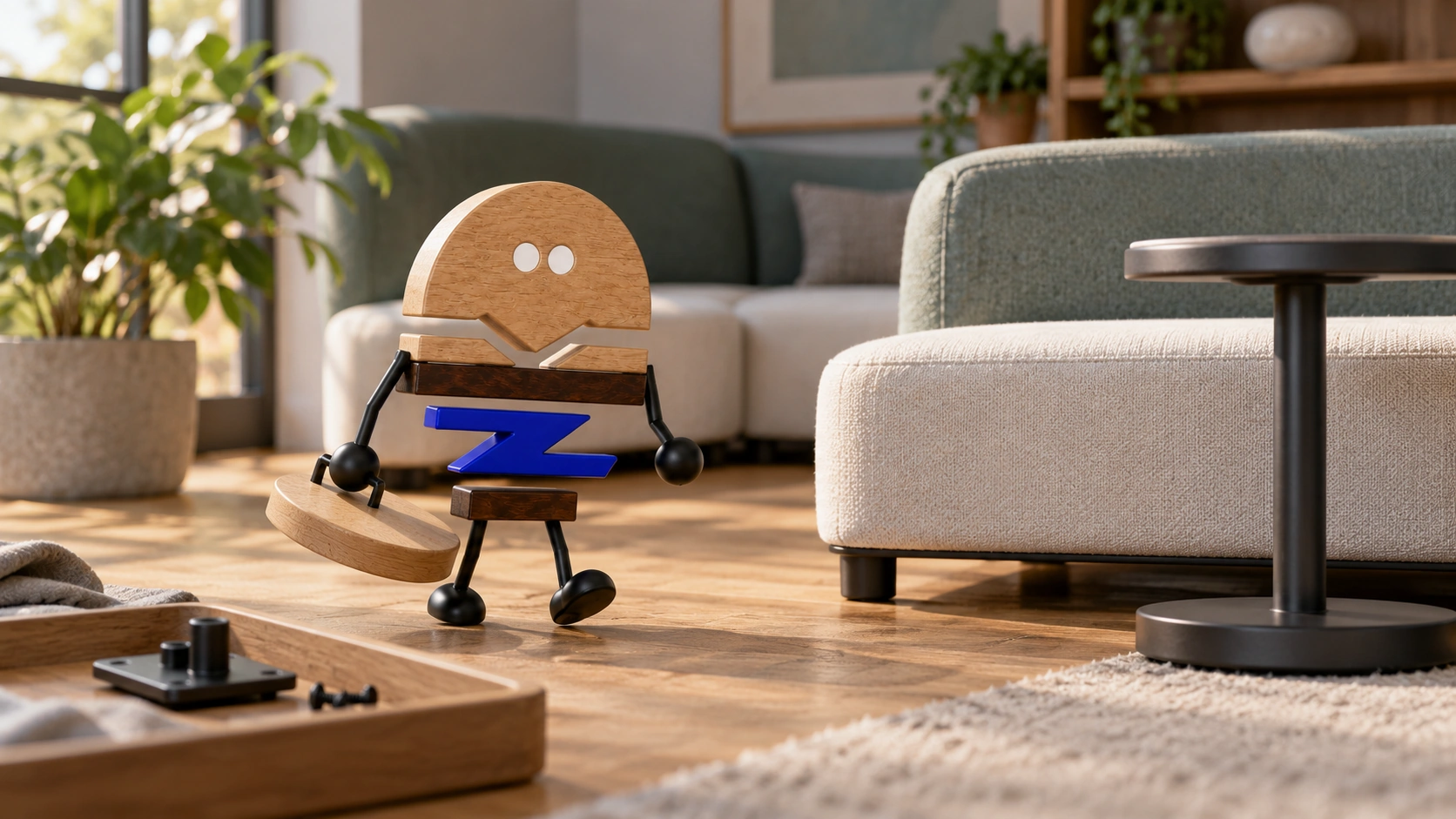
A defined connection determines whether a side table simply sits beside the sofa or becomes part of a system with shared rules for arrangement, installation and maintenance.
A side table beside a sofa easily looks like a complete arrangement in a rendering. In actual use, questions emerge about whether table and sofa legs occupy the same position, how the table returns after being moved, and whether cleaning or replacing an individual part is convenient. Its place in a system is expressed through support positions, connections and everyday repositioning.
Haworth's official description of the Moxie Table distinguishes freestanding use from integration with seating through a shared support. This article uses that third-party product to explore relationships between selection, combinations, maintenance and working actions.
01 · THE INTERFACE BELOW
Freestanding and integrated side tables have different roles.
A freestanding side table mainly relates to the sofa through position. It can stand separately as permitted by the particular product, with distance and orientation rearranged after either object moves. Independence provides flexibility, while returning the pieces to their places may require repeated coordination.
An integrated table joins a combination through specified supports or connections. Tabletops, leg positions, ends and joints begin to share requirements. Beyond fitting visually, it must match the combination rules of its version. Similar appearance alone does not make a freestanding model suitable for integrated use.
Start with the actual goal: should the table move frequently between seats, or should a combination retain a defined position over time? Neither approach is inherently better; activities need to match the product's permitted use.
Consider the supports within the complete arrangement to compare orientation, fixed positions and everyday routes through the space.
02 · COMBINATION RULES
Selection and installation need to identify the same combination.
As module counts increase, names, directions and connectors need clear correspondence. Documentation should specify which units work independently, which depend on neighbours, the viewpoint used to identify left and right ends, and the item number supplied with each connector.
Suppose a customer selects two-person seating and later wants to add a side table. First identify the original combination and its connection requirements, then discuss the addition. Finding a table of suitable-looking dimensions or appearance alone does not establish its integration requirements.
An overall combination drawing, an item list and typical connection details can explain the arrangement without requiring customers to learn complex terms immediately. Installation and replacement teams should identify the same version from these records, rather than relying separately on sales screenshots and installers' memories.
A third-party product's starter, add-on or connection terminology has specific definitions that do not automatically apply to other furniture. A series can use its own clear rules, provided they carry accurately through selection, ordering and site handover.
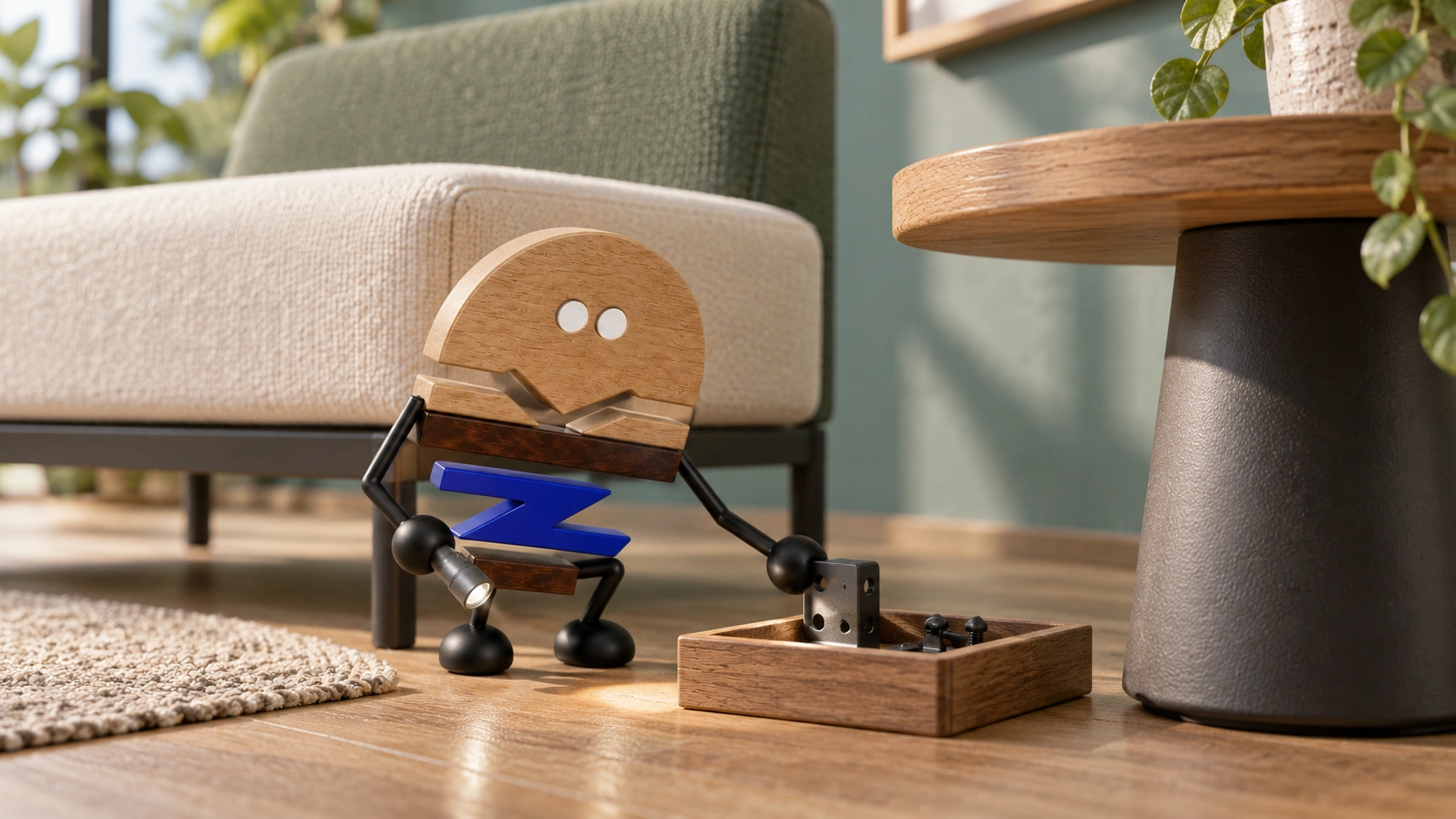
03 · INSTALL + MAINTAIN
Check what needs to come apart when replacing a unit.
With shared supports and connections, a change to one unit can affect its neighbours. The particular product's instructions should define how far disassembly goes when replacing a side table, which parts remain temporarily fixed and who restores the arrangement, alongside first installation.
Sample reviews can consider the finished appearance and servicing actions together: access to joints, entry for cleaning, identifiable connectors, placement of removed items and checks after reassembly. Each addresses a different use or maintenance need.
Where upholstery meets a hard tabletop, compare how people sit and lean, the joints and the table height together, so the seating and work surface work comfortably alongside one another.
Maintenance records can explain supports, connectors and restoration steps separately, keeping installation, replacement and daily cleaning within the same combination rules.
04 · SOFT SEATING + WORK
Assess the table through the actions it supports.
Placing a cup while waiting, setting down documents during a brief conversation, using a laptop and reviewing materials as a group require different table positions and movements. Identify the main activity before comparing table forms; one accompanying table need not serve every mode of use.
Begin with entering the seat, then placing items, turning to talk, retrieving equipment and standing up. Observe relationships with the tabletop, armrest and neighbouring seats. Integration makes position more fixed, potentially reducing repositioning while limiting some actions. Freestanding placement offers greater freedom but still needs defined parking positions.
For powered equipment, check the route from device to connection point. Shared supports do not imply shared power, and an integrated tabletop does not imply compatibility with every device. Technical requirements need a separate configuration checked by the relevant responsible team.
05 · A CLEAR VERSION
Record the final combination and its boundaries.
An actionable version identifies the selected units, their orientation, which can move independently, which changes require renewed confirmation, and where maintenance begins. Overall drawings, item lists and connection instructions work together for selection, installation and maintenance.
The value of modularity is retaining clarity after changes. Records that accurately identify connections, accessories and relationships to recheck when parts are added or replaced keep flexibility from becoming guesswork on site.
PRACTICAL CHECKLIST
Check six points when reviewing modular seating
Start by establishing whether the combination can be put into use, without first learning specialist terms.
- 01Independent use
Which units can work separately, and which must connect to an existing unit?
- 02Combination direction
Are left and right ends, starters and add-on relationships clearly documented?
- 03Connectors
Which item number includes each connector, and who checks it during installation?
- 04Removal and replacement
How much disassembly is needed to replace a unit, and can it be supplied separately?
- 05Maintenance
Can joints, undersides and cleaning routes actually be reached?
- 06Supporting configurations
Do tabletops, power and cables have separate configuration instructions that can be checked?
Official brand product information informs the discussion of office furniture and space. Meichun perspectives and manufacturing notes express our views on products and making.
Original illustrations use the Meichun logo character and furniture to introduce product, component and spatial relationships.
- Haworth|Moxie Table | Official freestanding and integrated configurations
Used to check official descriptions of modular seating, freestanding side tables, integration through shared legs and combination connectors. Selection, installation, maintenance and replacement assessments are Meichun's observations.
View official source ↗