
Move from colour swatches to the sample cabinet and 25 craft samples, comparing colours, grain, edges and connections to make material choices more specific.
Online furniture selection often starts with colour, but similar wood tones can produce different results with different grain directions, edges and surface processes. A shared name across desktops, cabinet doors and curved surfaces does not imply the same method for every part. Digital swatches narrow the options, detail samples reveal how a finish is made, and approved project samples establish its use on a particular product.
Meichun's sample cabinet and 25 craft samples give these choices a tangible form. This guide follows colour, parts, edges, movement and connections, linking each detail to the part where it belongs.
01 · COLOUR & VERSION
Confirm names, codes and versions before comparing colours.
The 2027 standard colour palette is organised into natural veneer, engineered veneer, bamboo veneer and solid-colour paint. Refer to names, codes and categories together rather than only 'light wood' or 'dark walnut'. Objects sharing a name but carrying different codes need separate confirmation; similar names do not identify the same surface.
The 2024 digital colour card remains in use. Organising the 2027 materials does not automatically invalidate it, and each version retains its own codes. For example, Natural Oak MC-24005 does not automatically become a VE code when a new version is introduced. Current selection and replacement for existing projects should start from the exact item, without renumbering it by year.
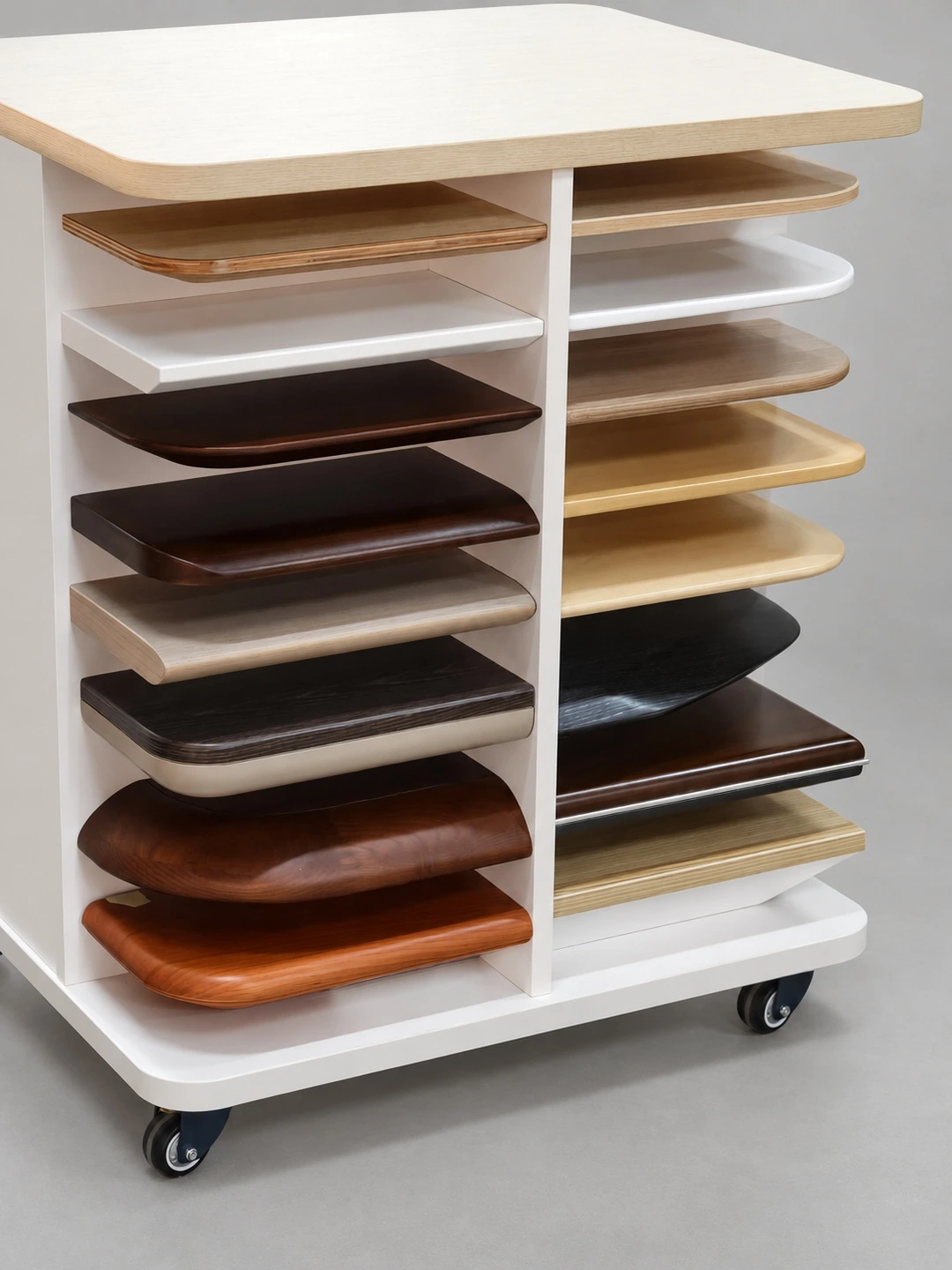
The sample cabinet stores numbered colour swatches and detail samples, making it easier to compare colours with specific parts. Record the chosen names, codes and material categories as project colour information.
02 · GRAIN & PARTS
Consider the grain on a specific part, alongside its wood tone.
Desktops, side panels, cabinet doors and curved surfaces face different directions in a room, with different grain continuity and turns. Compare fronts, sides and corners together, specifying the direction on each face. Confirming only the average colour of a flat surface misses these relationships.
For example, to create light-dark layers between a central desktop and its outer area, place candidate finishes on those two parts before comparing grain and boundaries. Choosing the centre surface differs from recolouring the entire product; choosing a veneer also needs to connect to the intended curves and edges.
Natural grain varies, so a digital image is not a repeated template for every board. Where adjacent parts need continuity, define what should carry through and which differences are acceptable in actual layouts and samples. Enlarge grain and edge details, then compare candidate swatches at their intended positions.
03 · EDGE & TOUCH
Move from the face to the edge to see how materials finish.
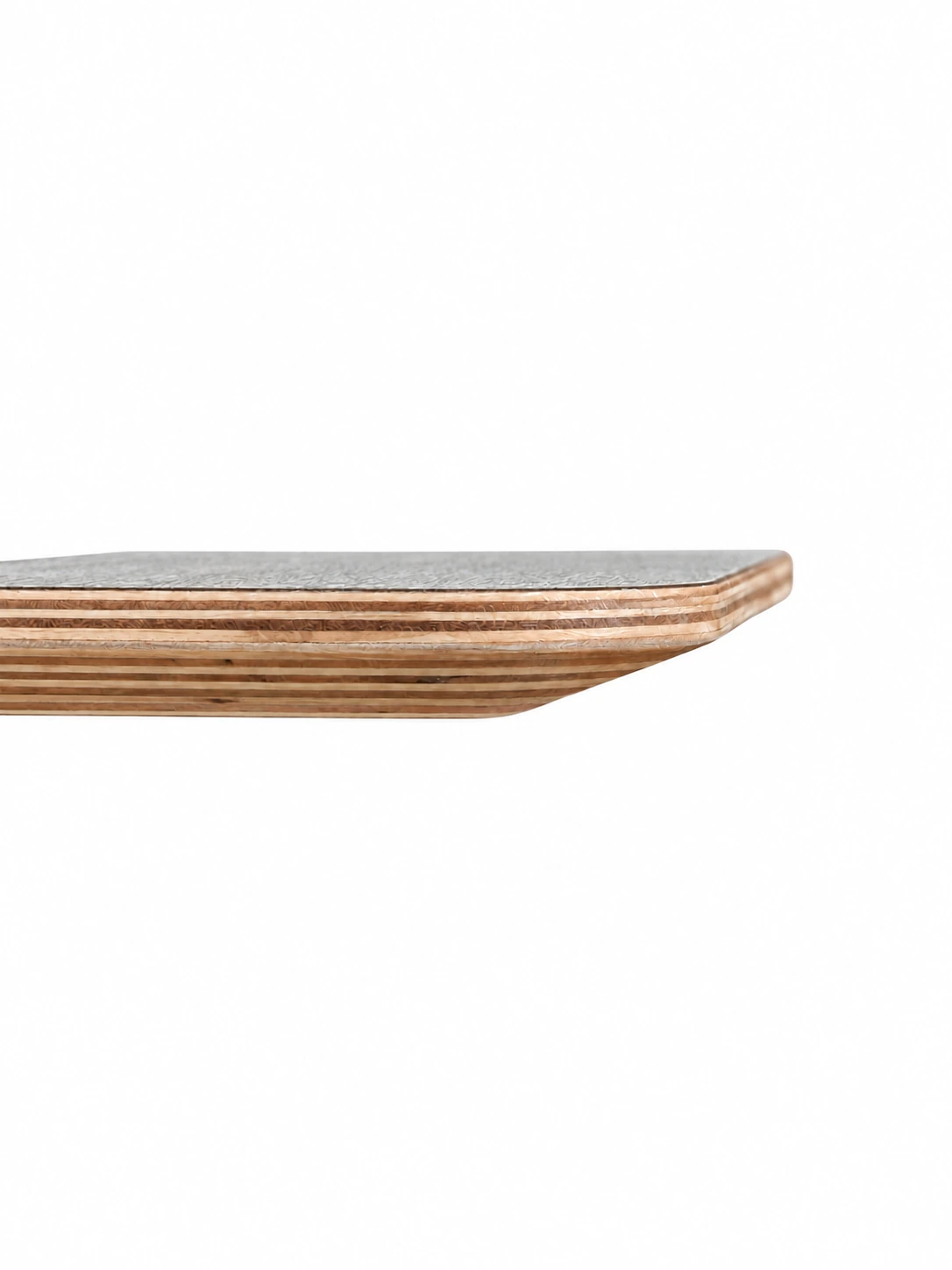
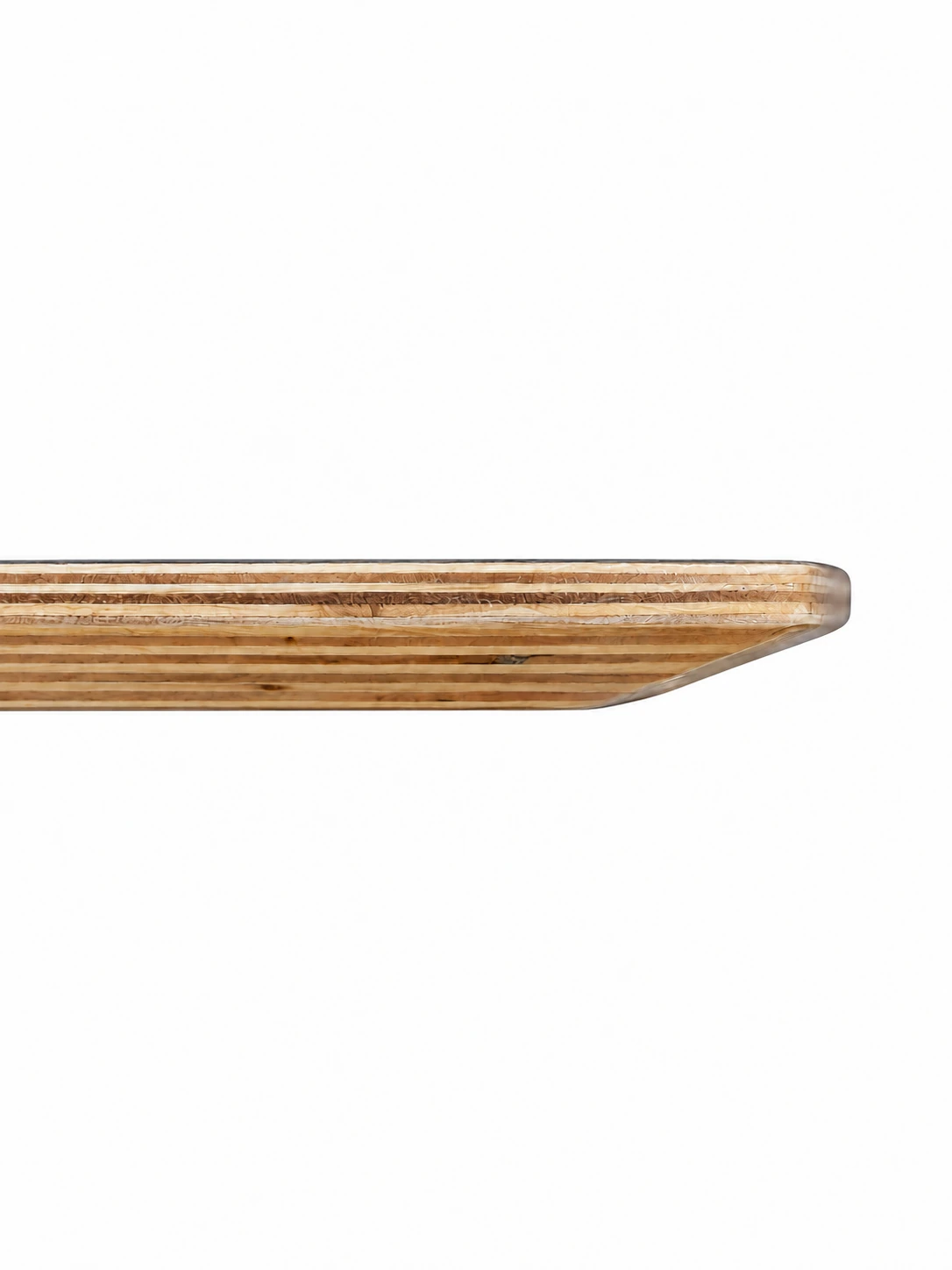
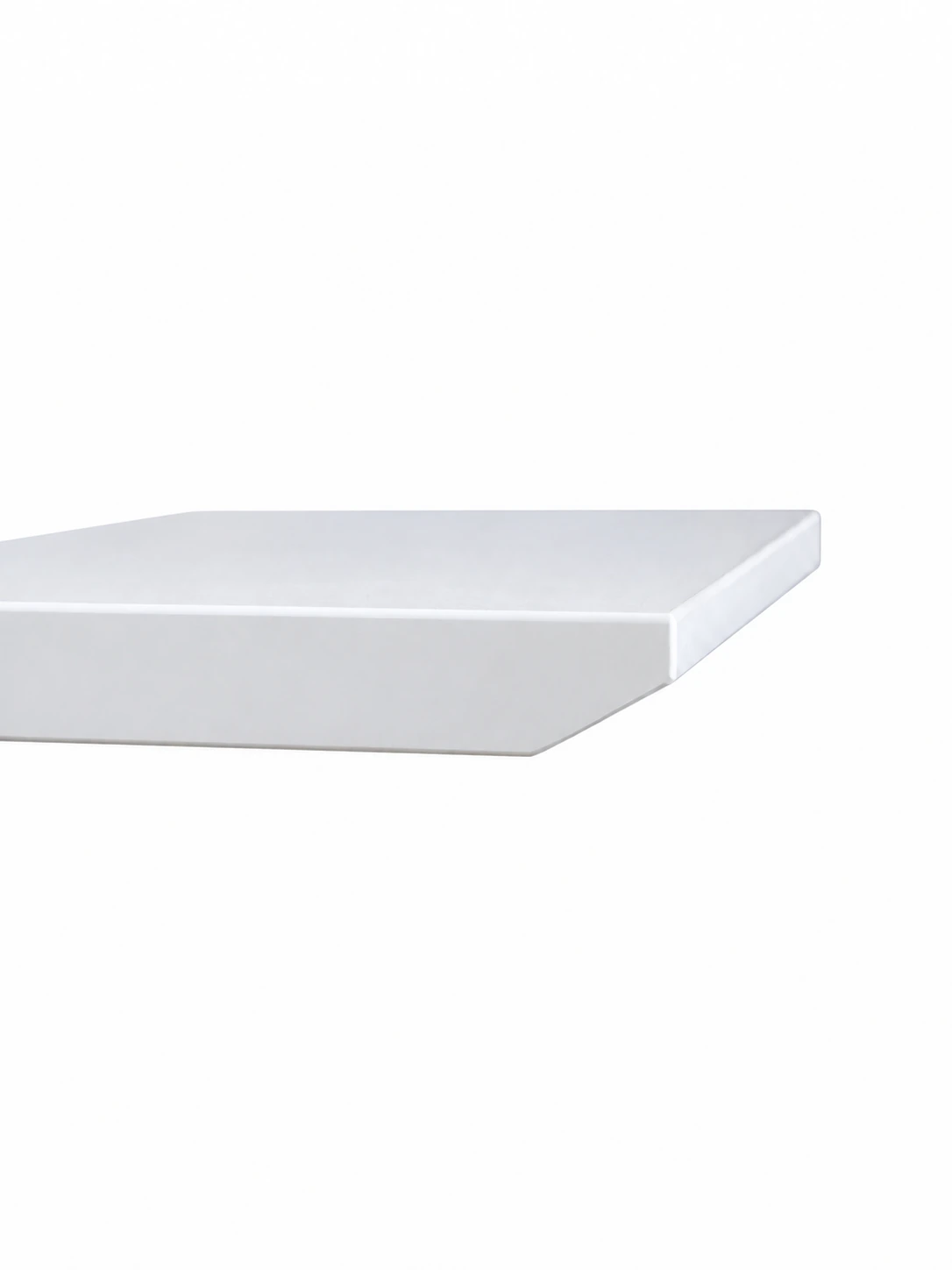
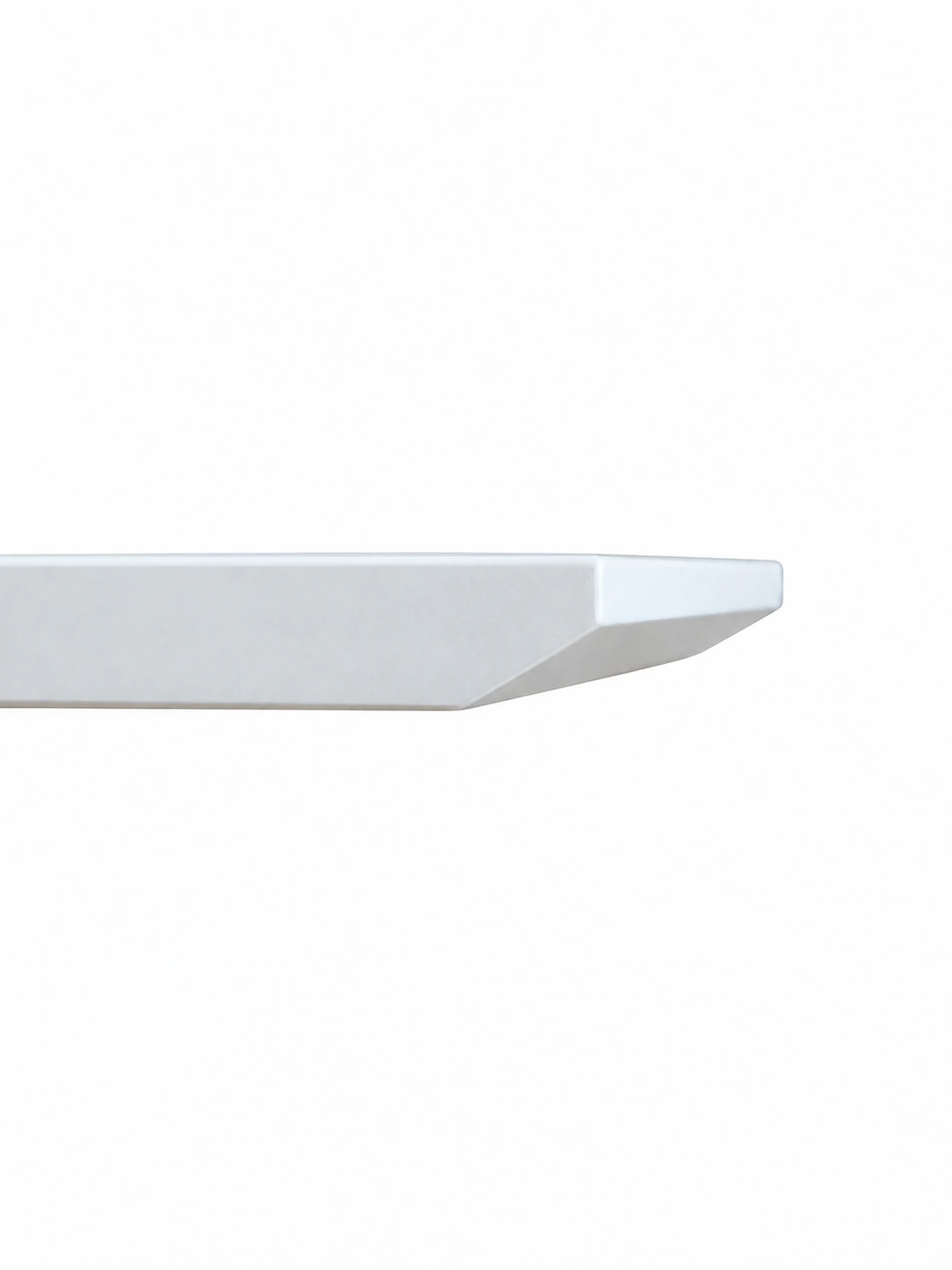
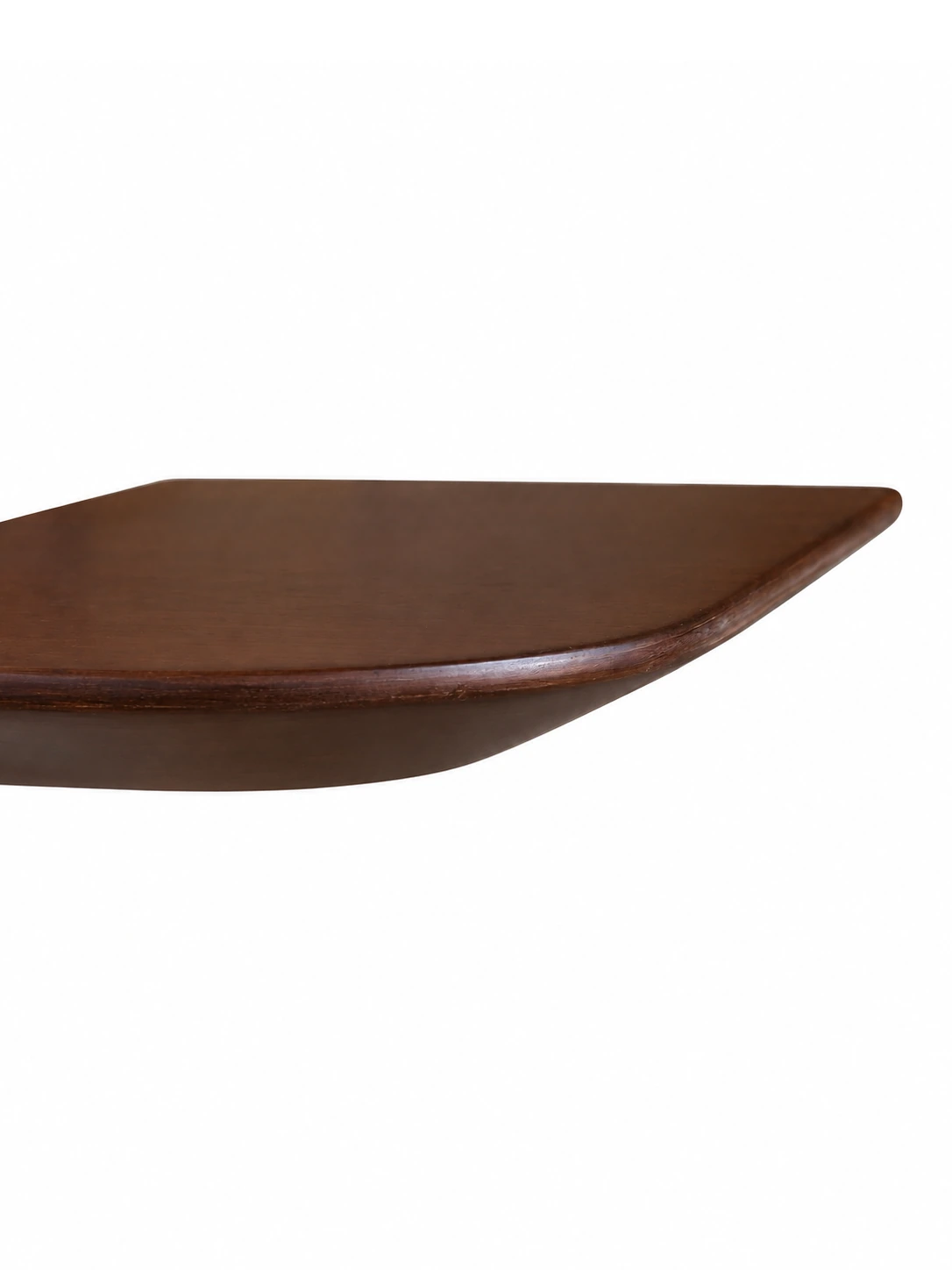
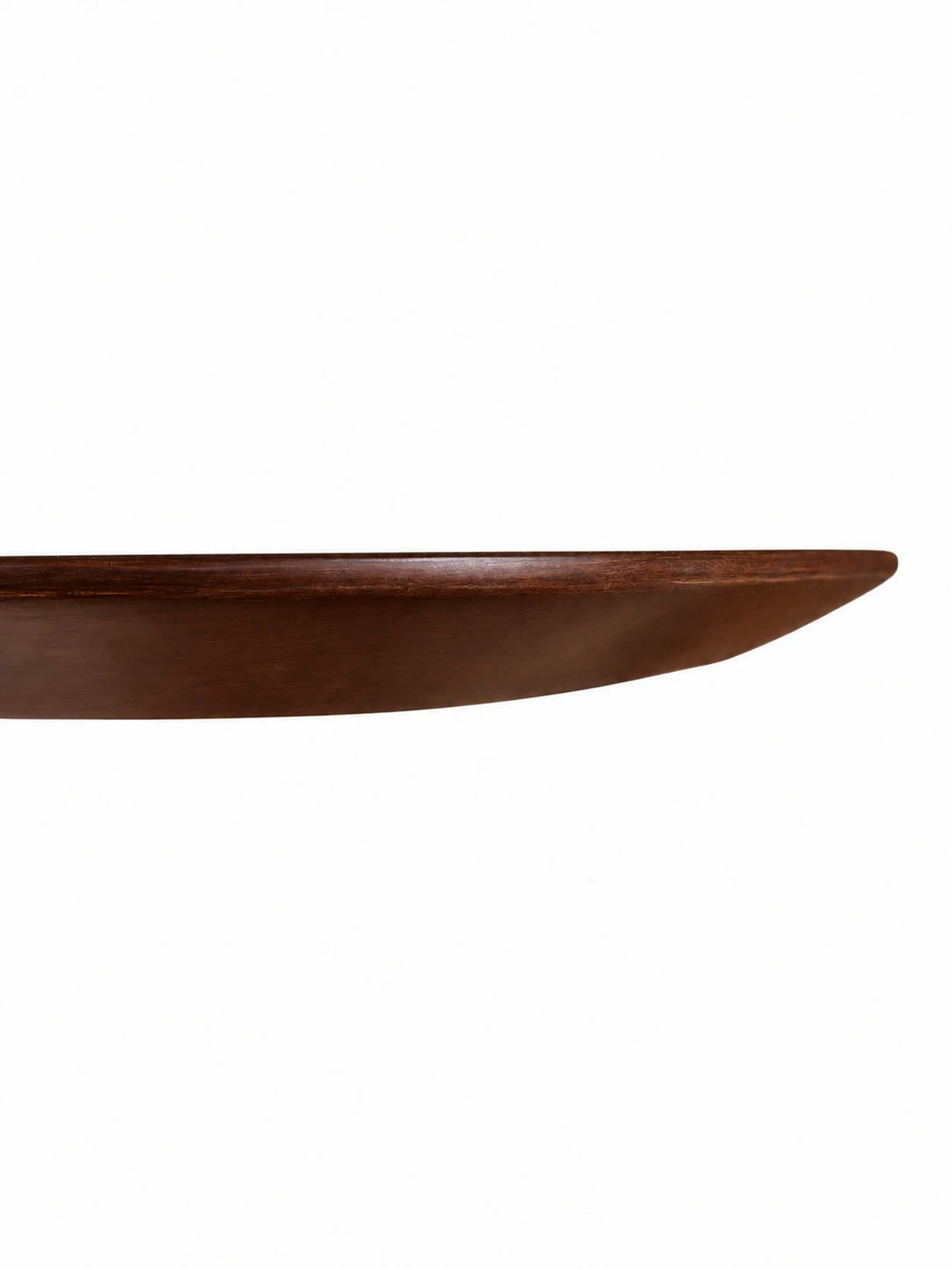
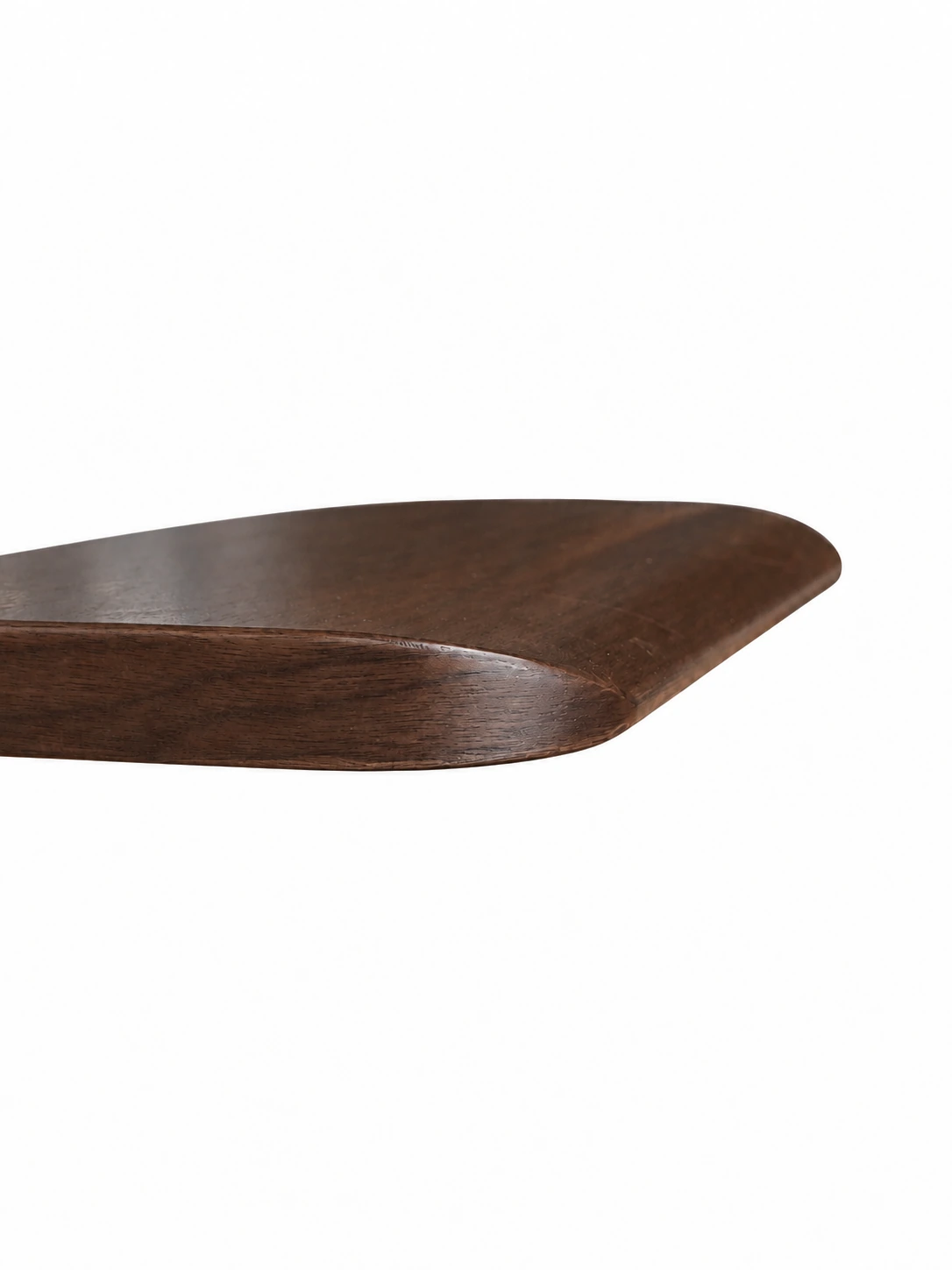
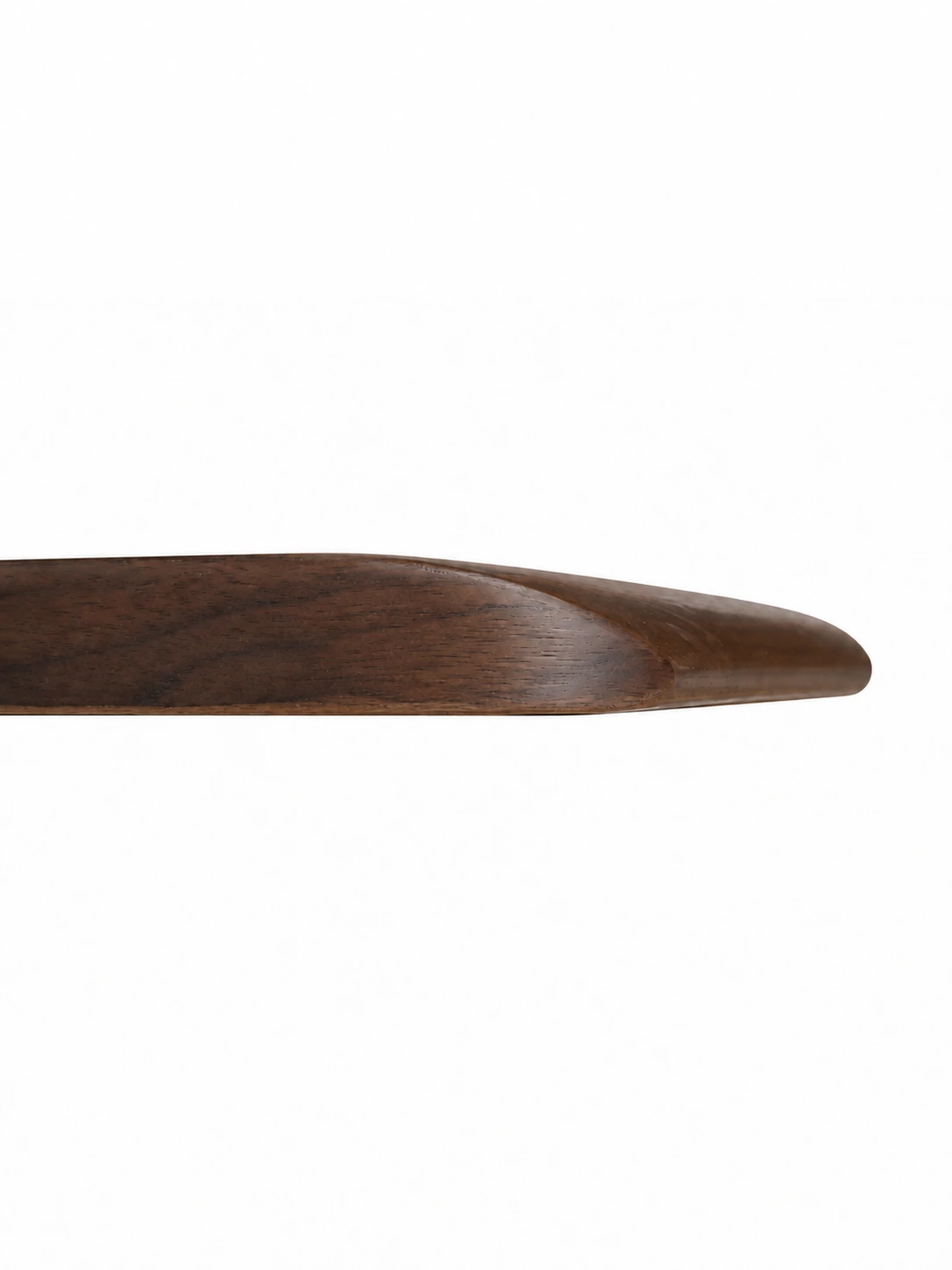
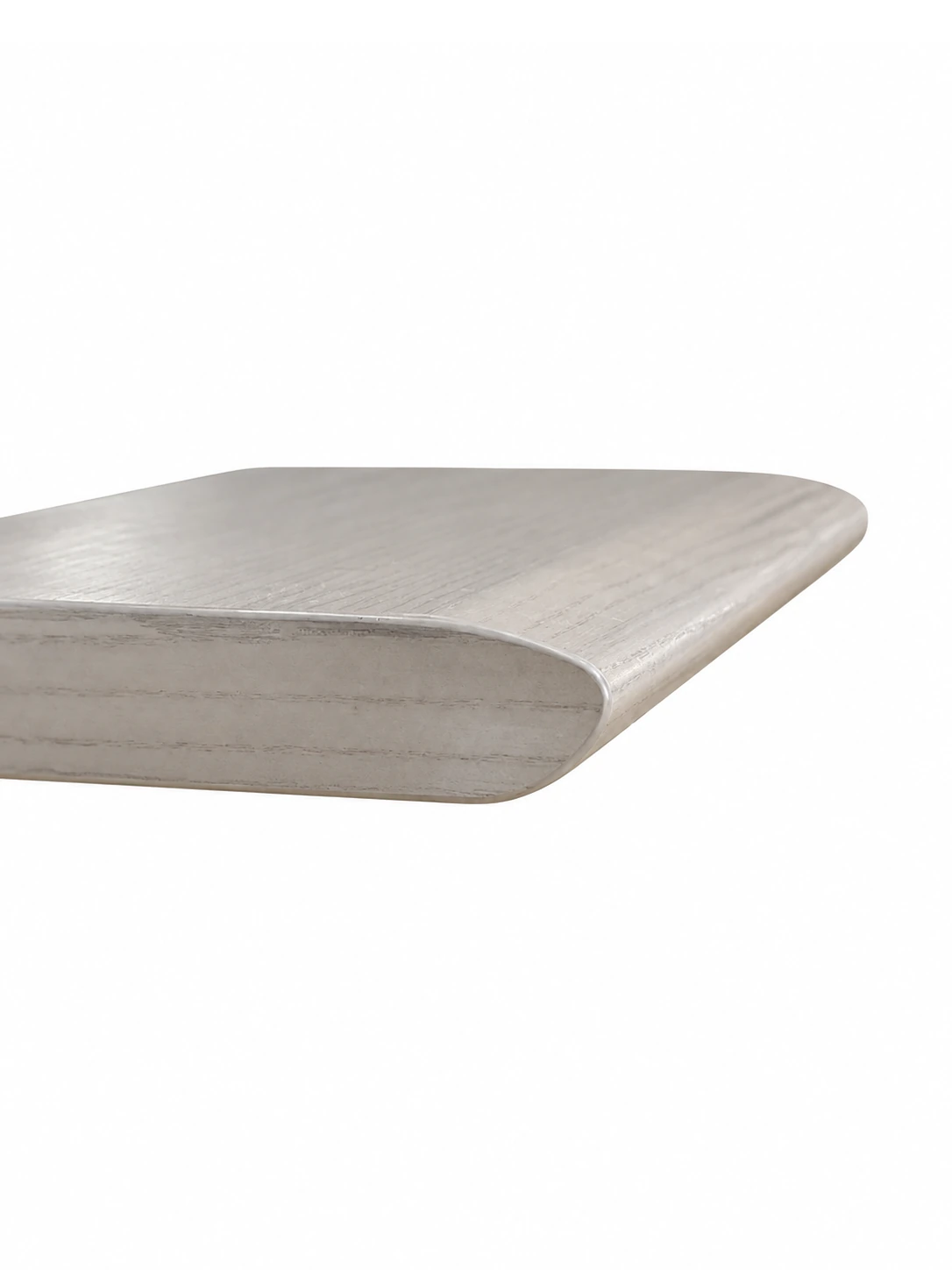
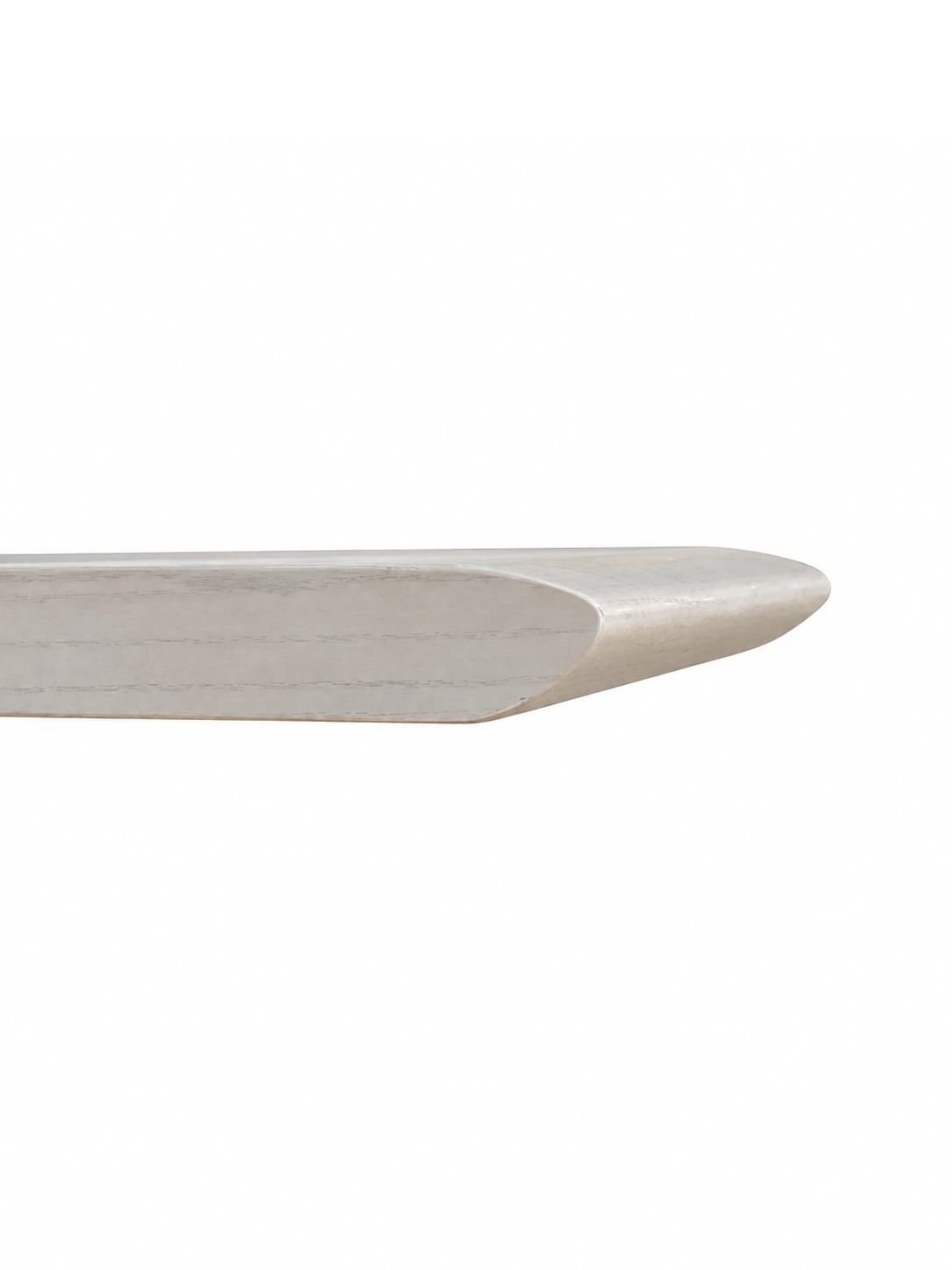
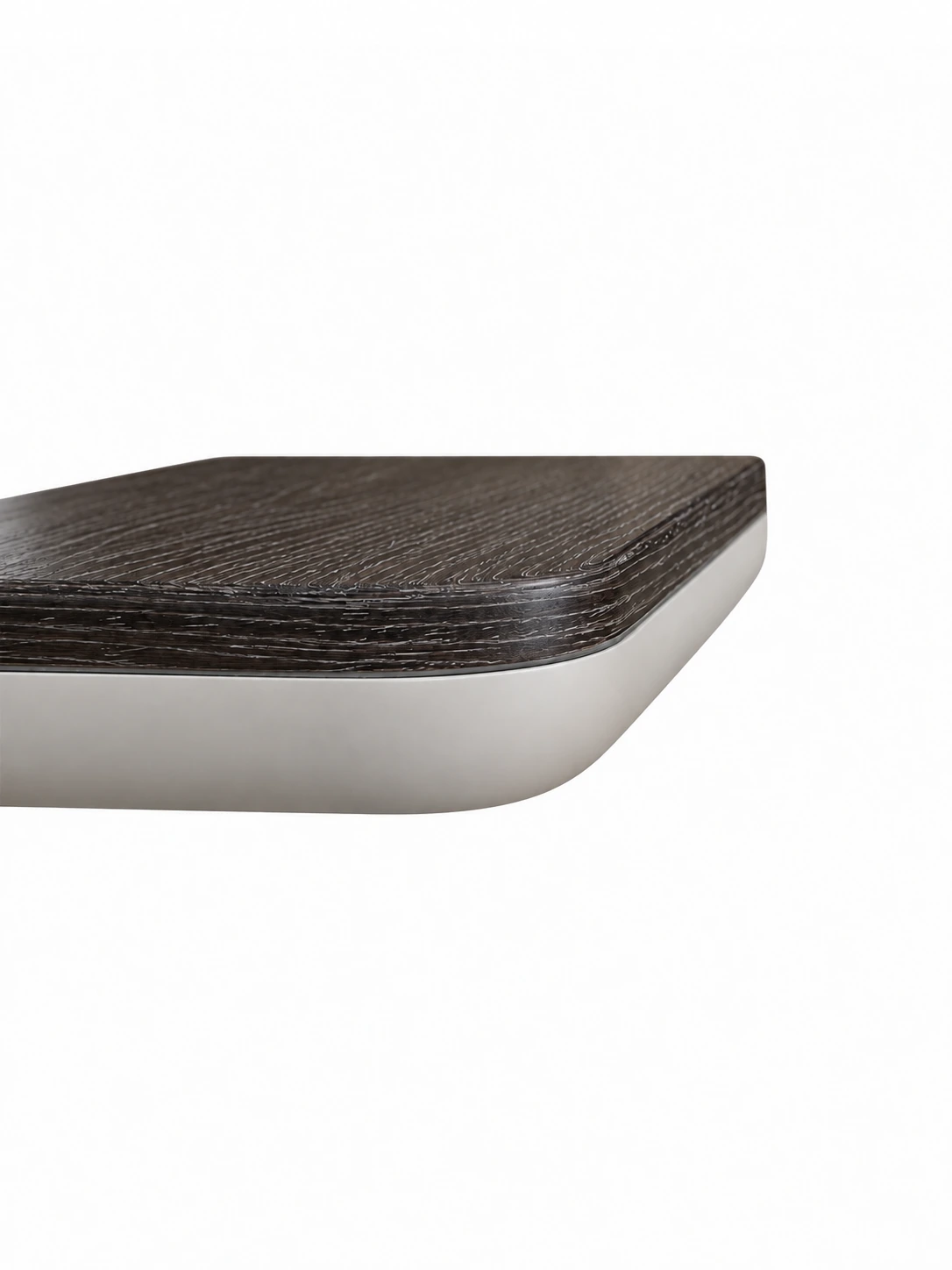
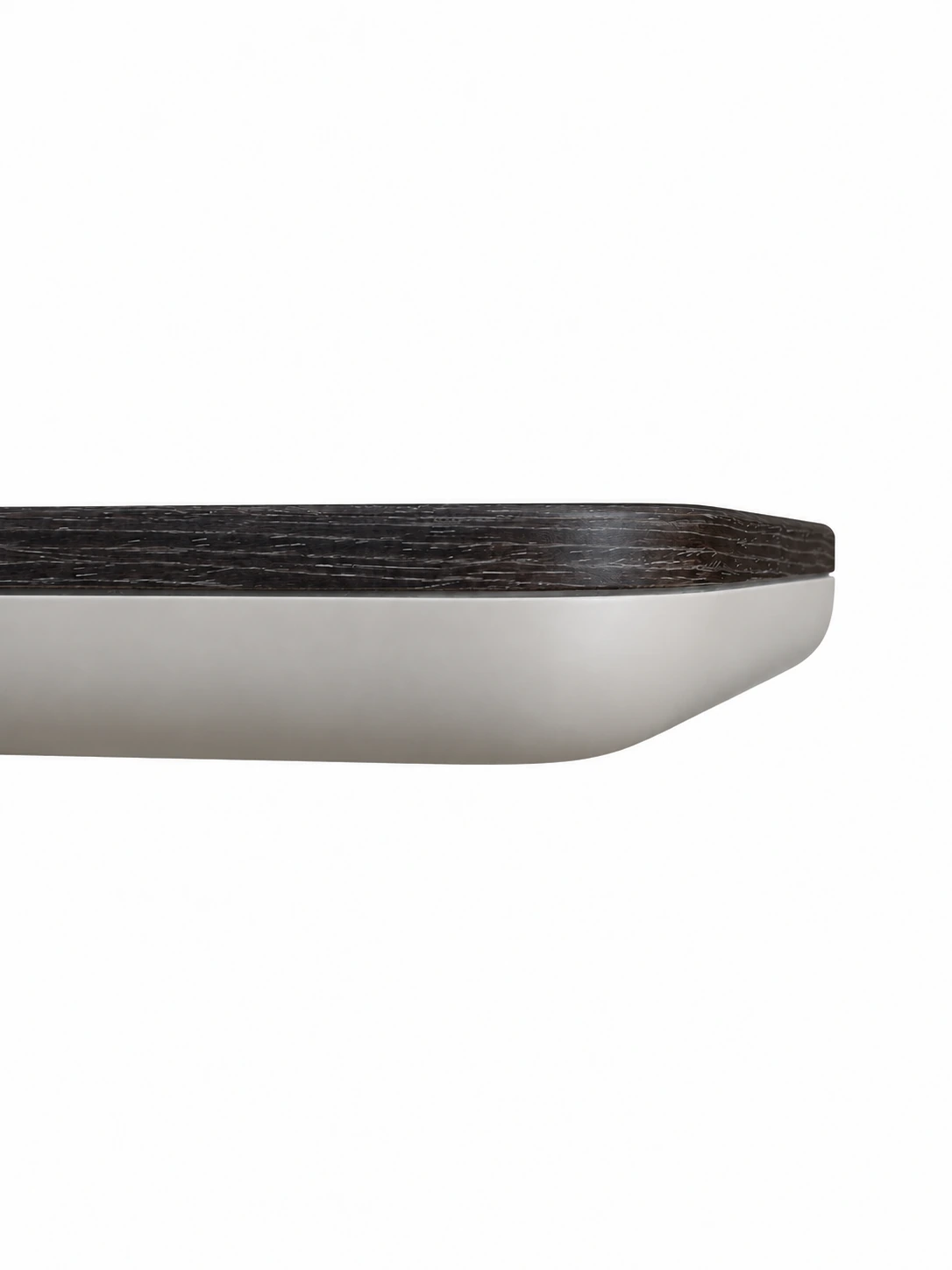
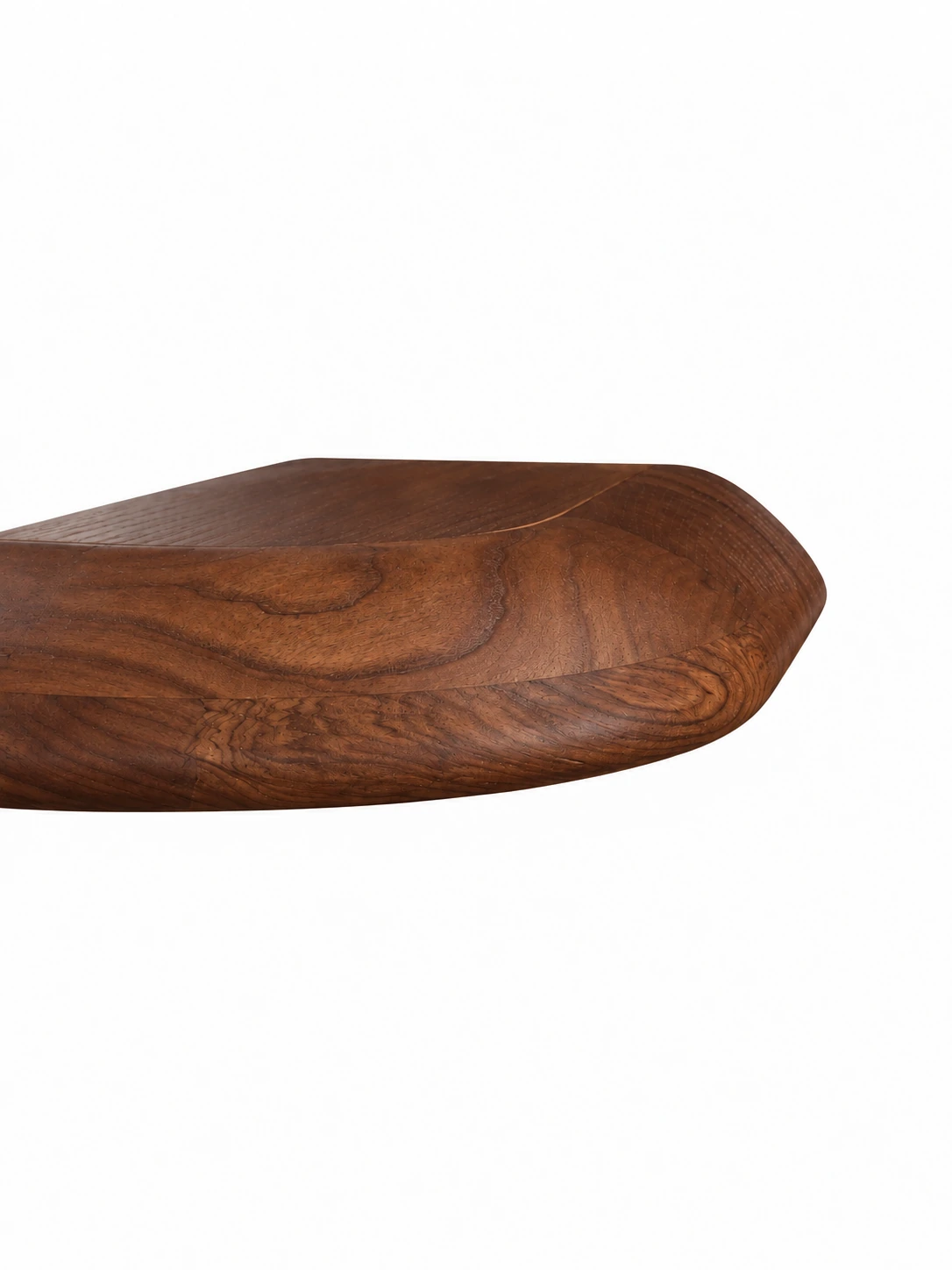
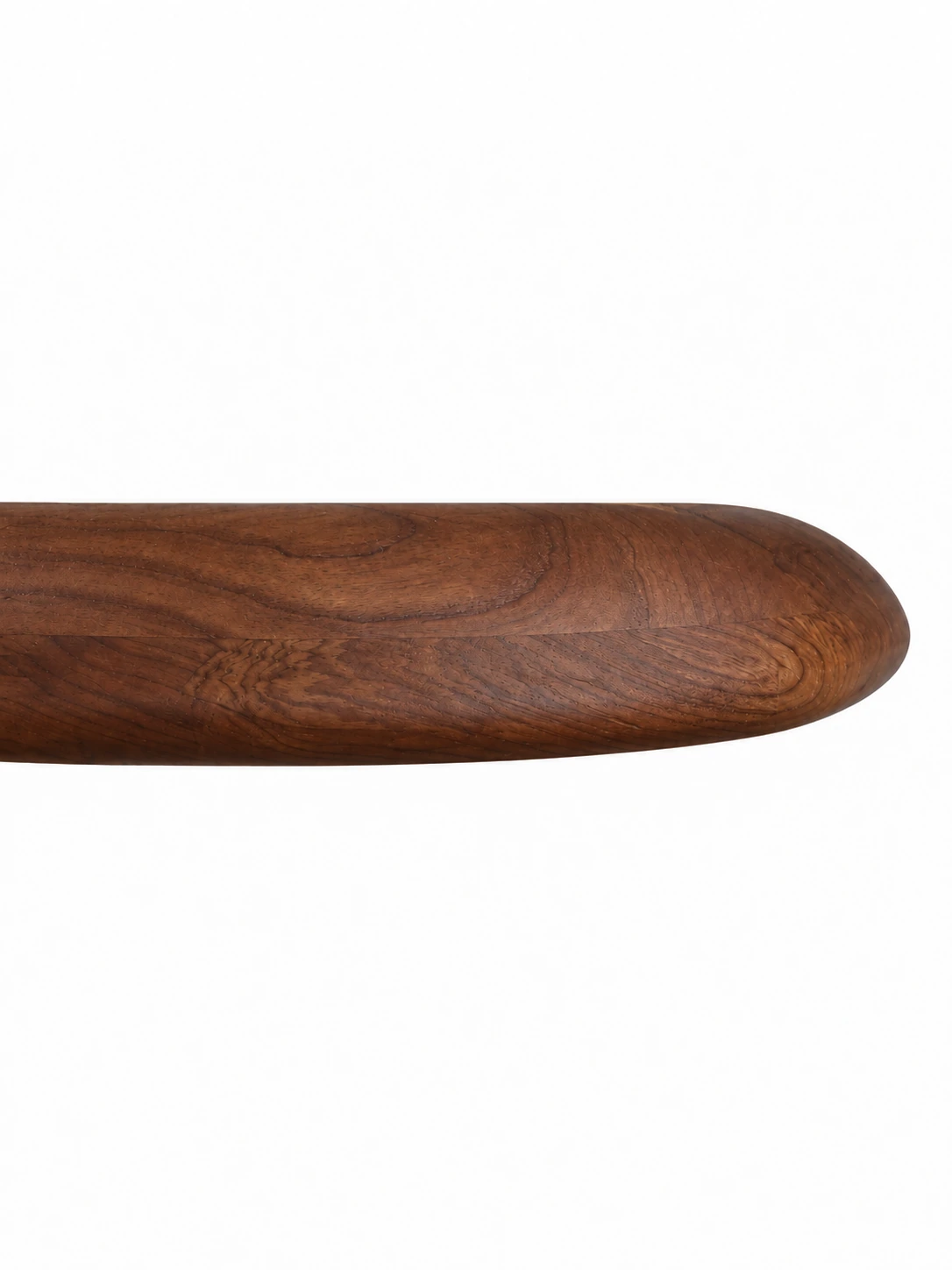
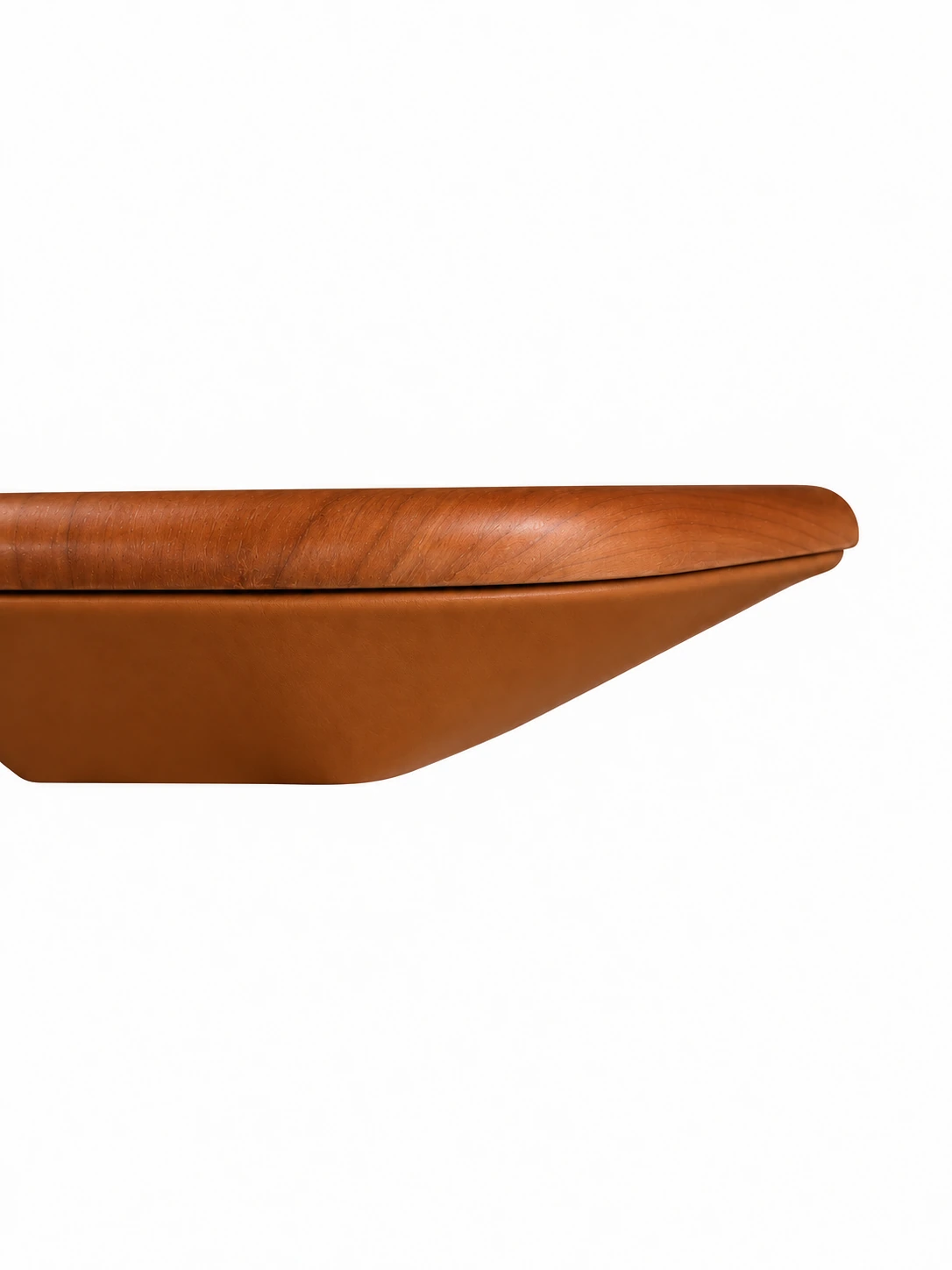
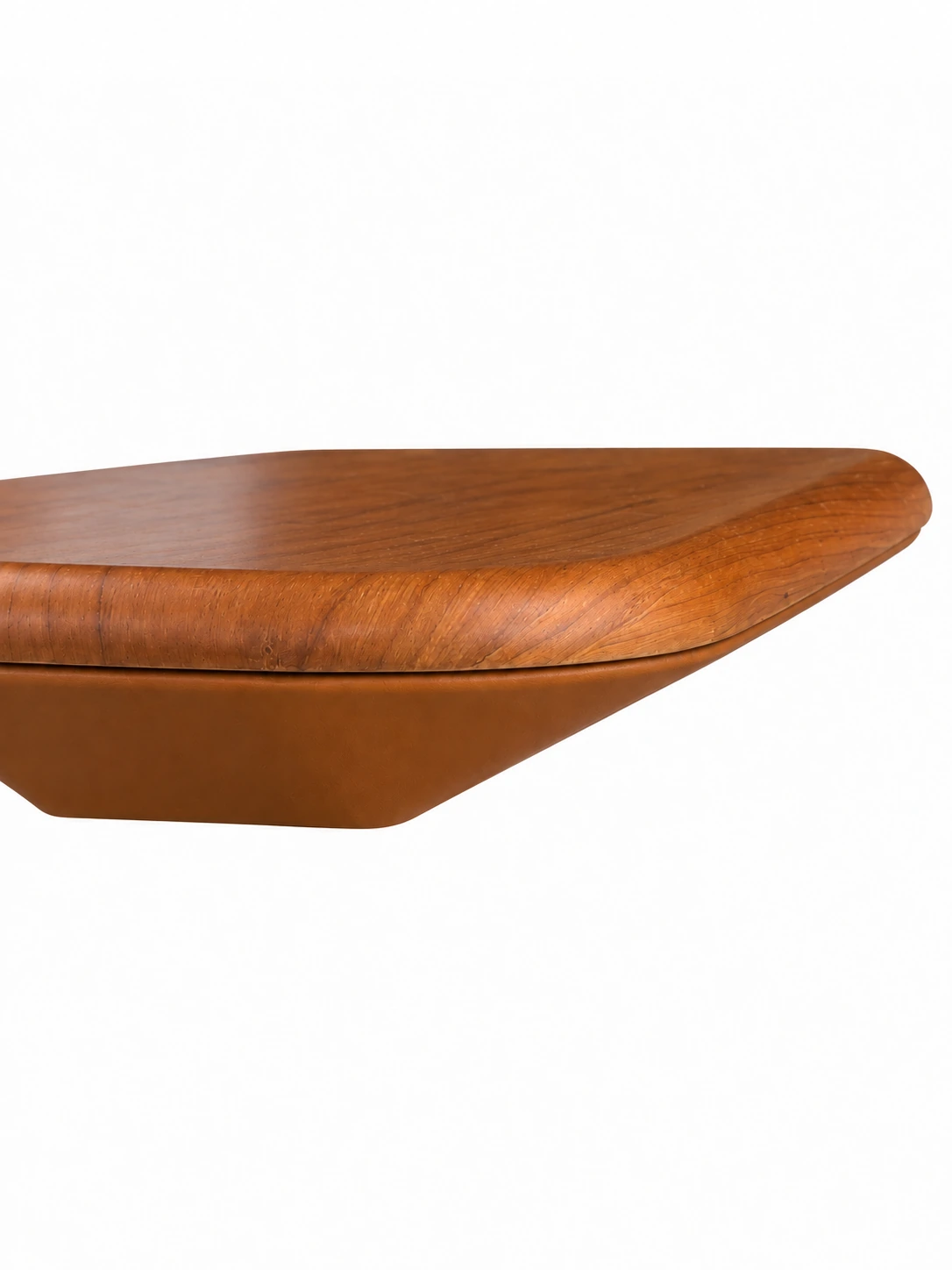
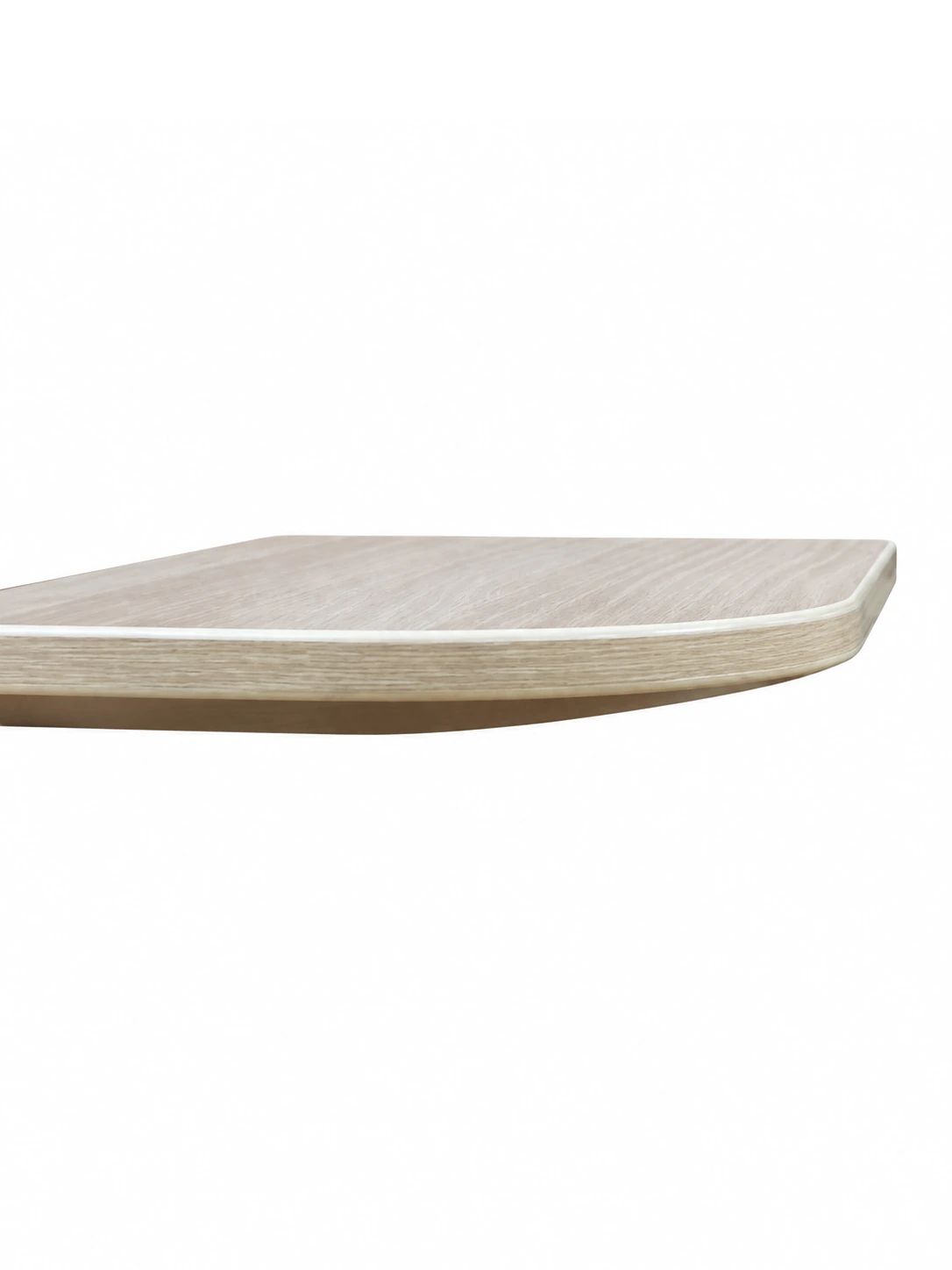
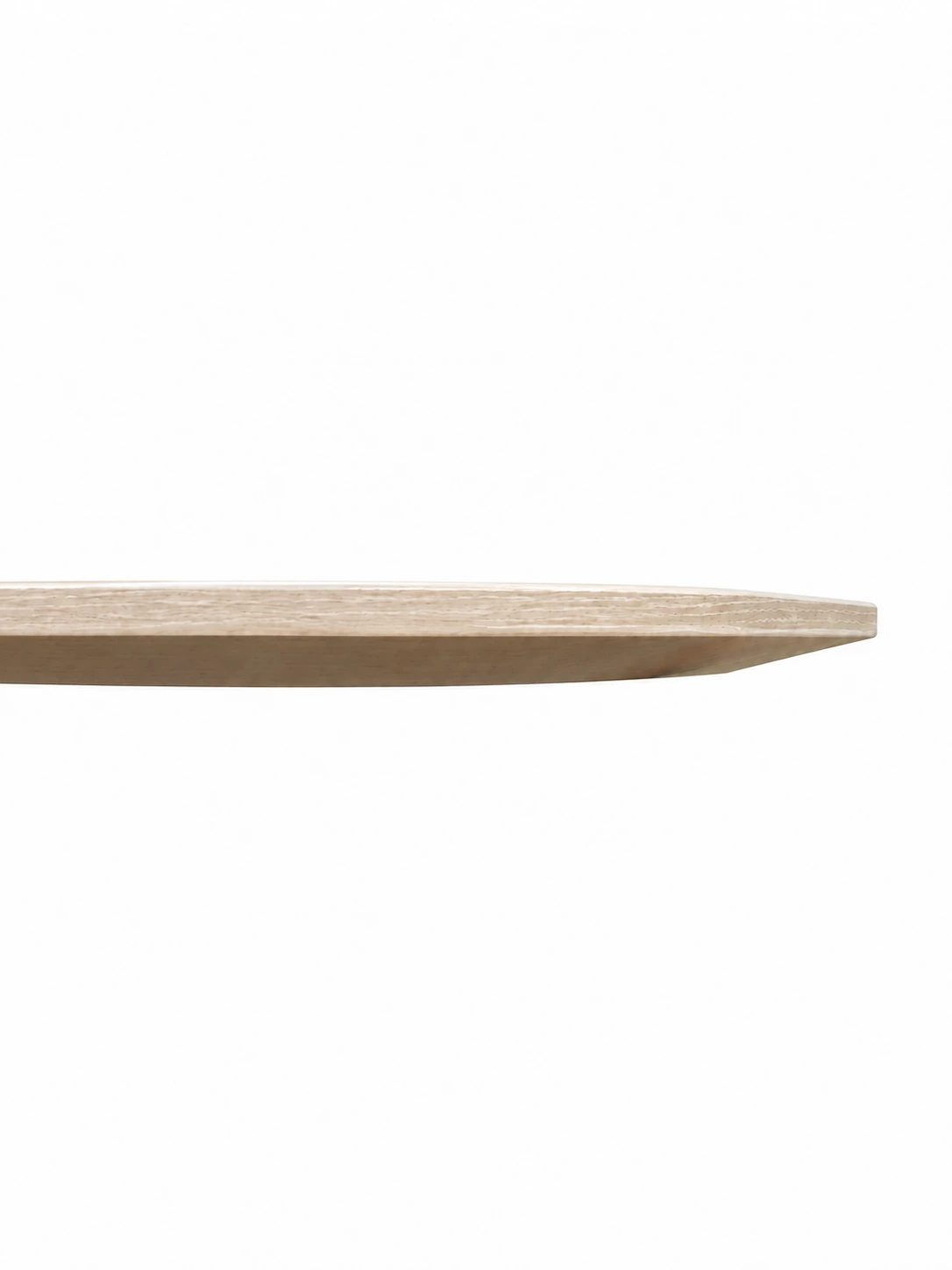
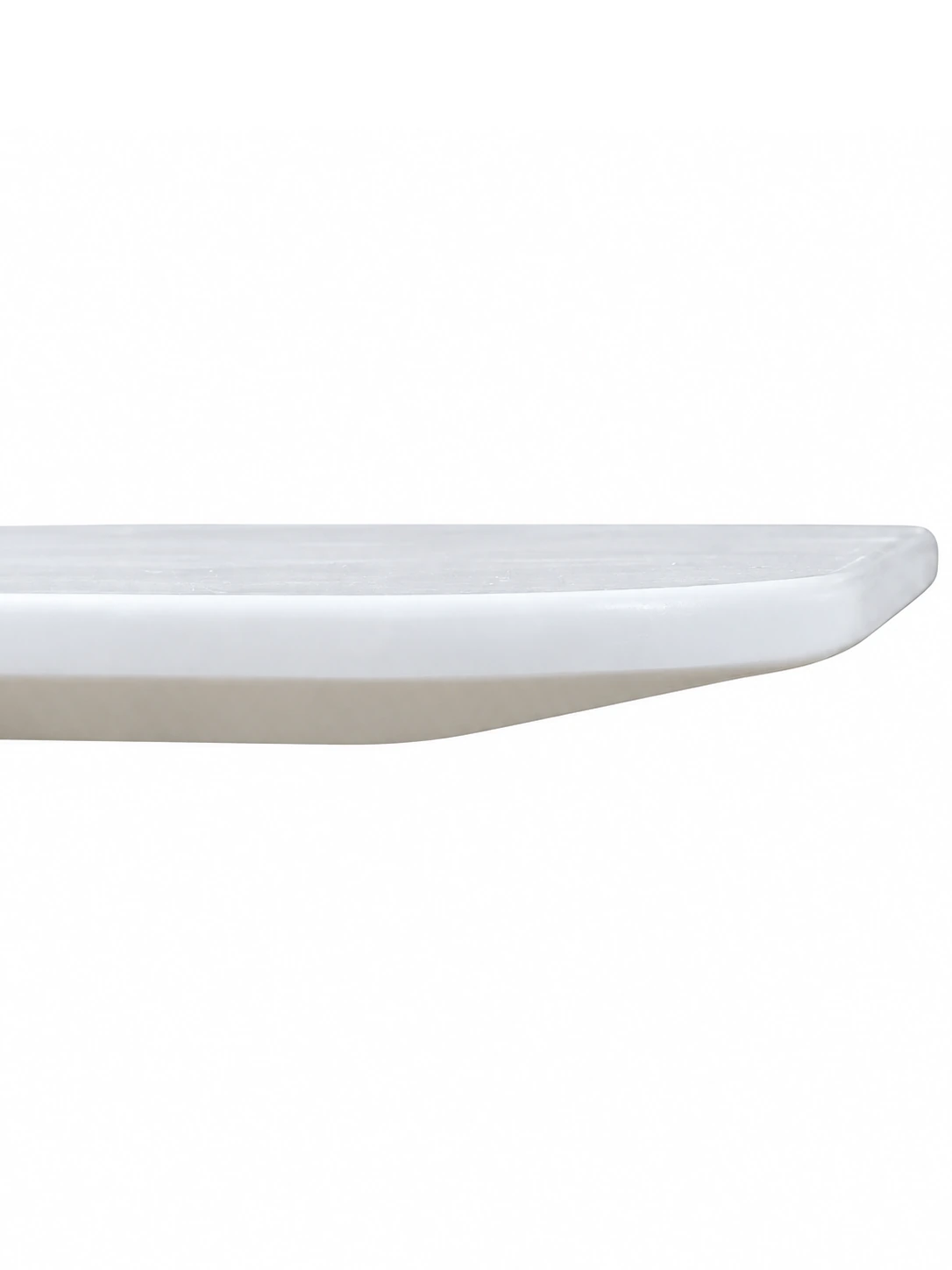
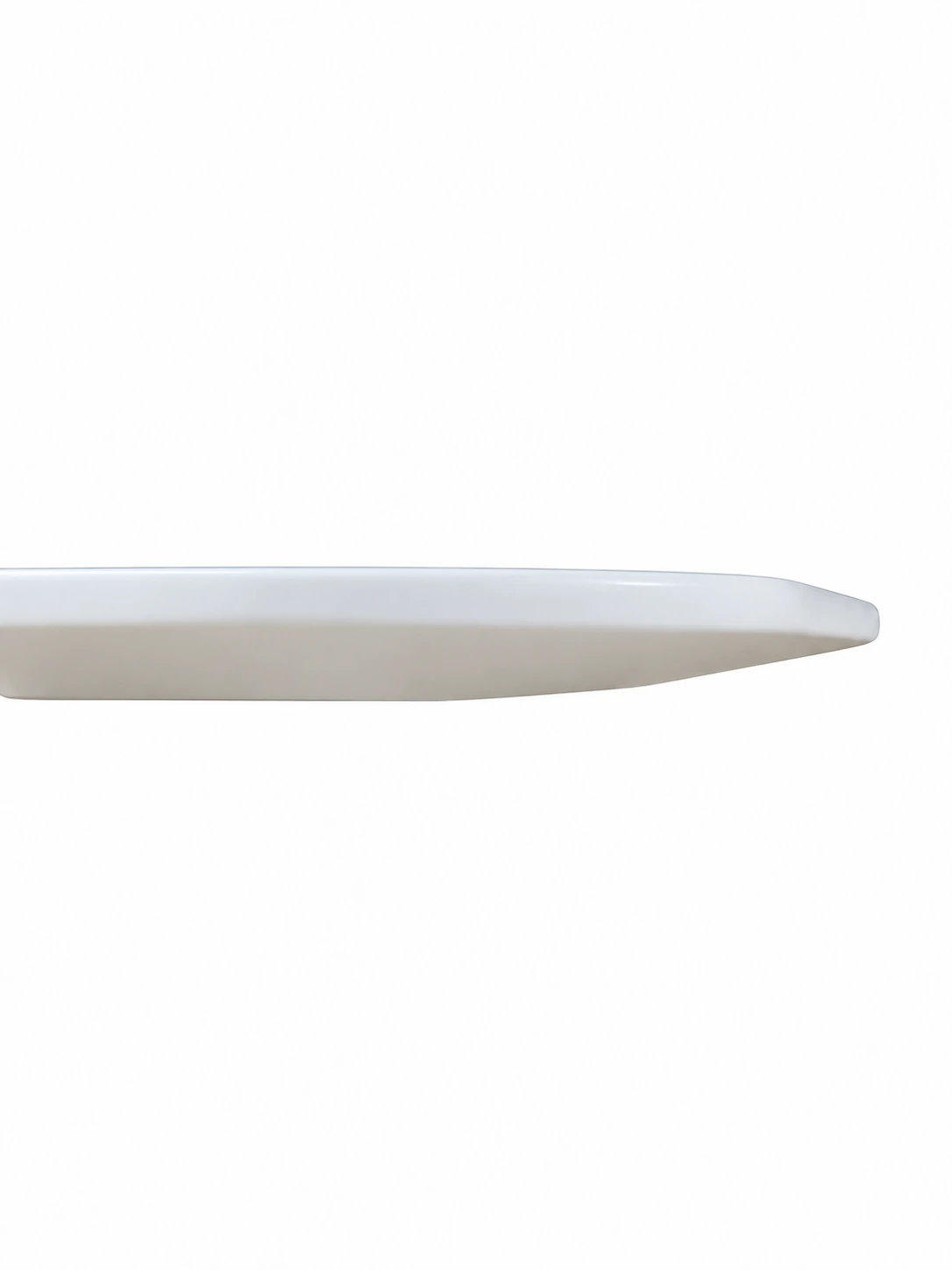
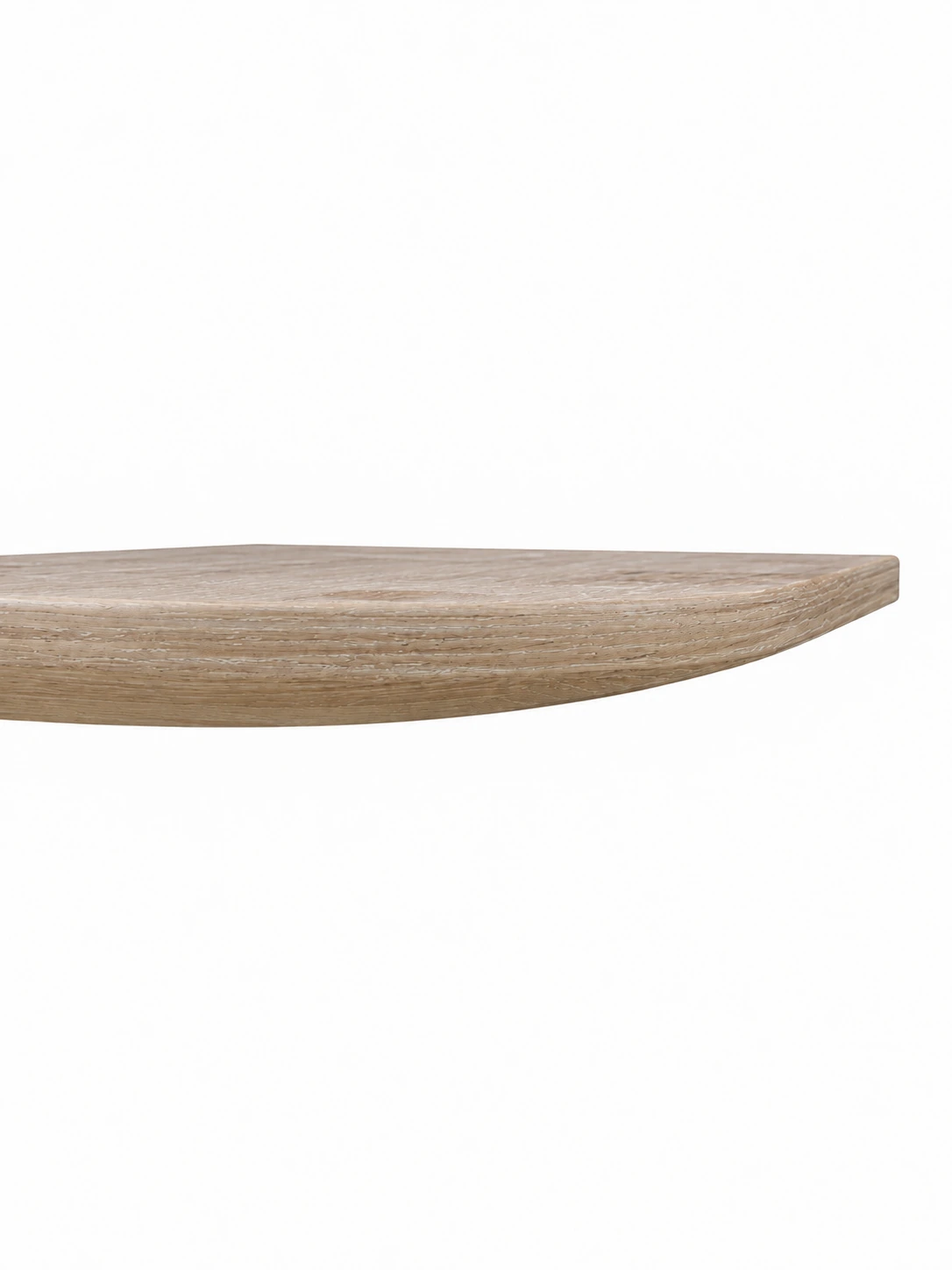
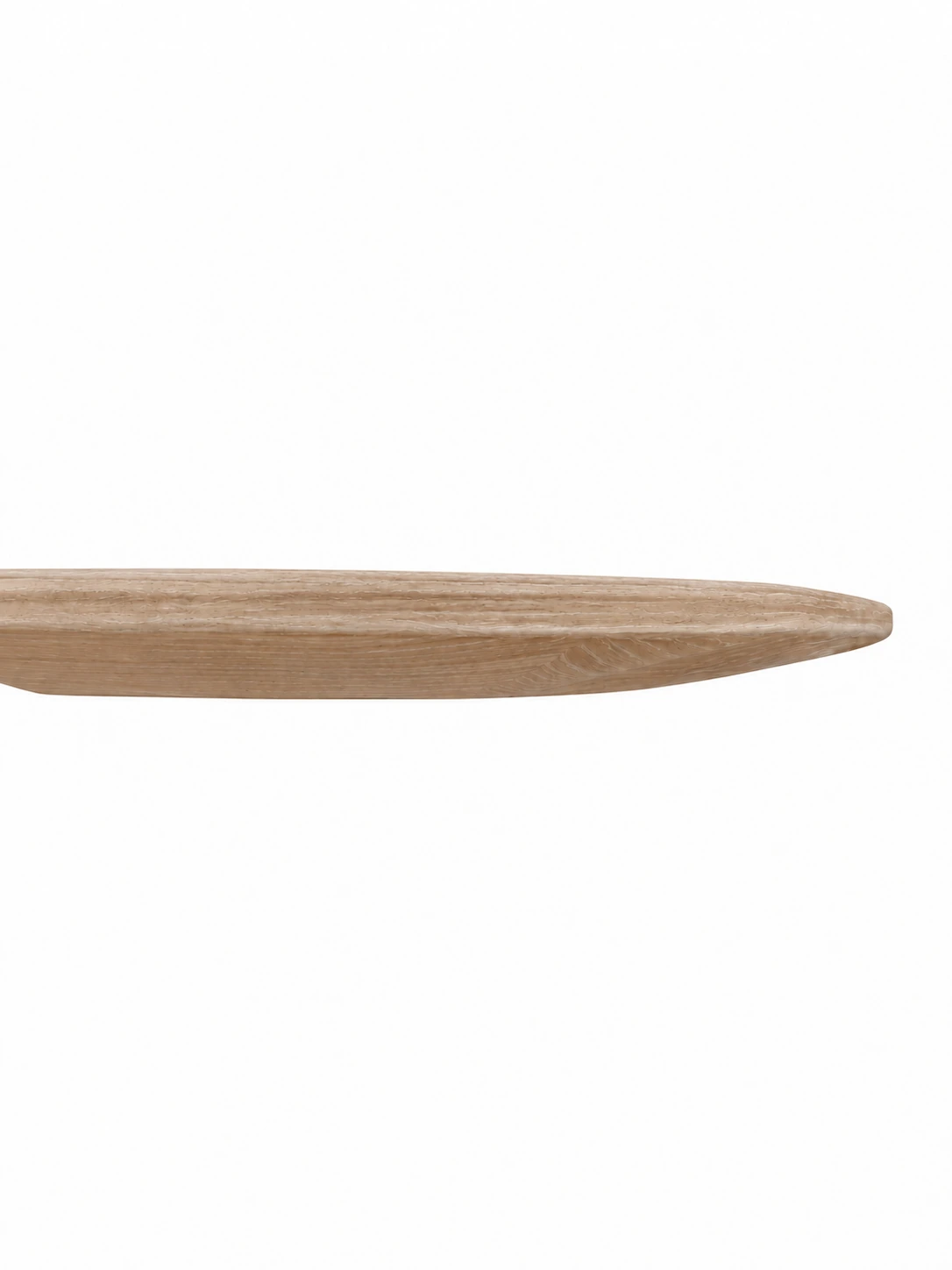
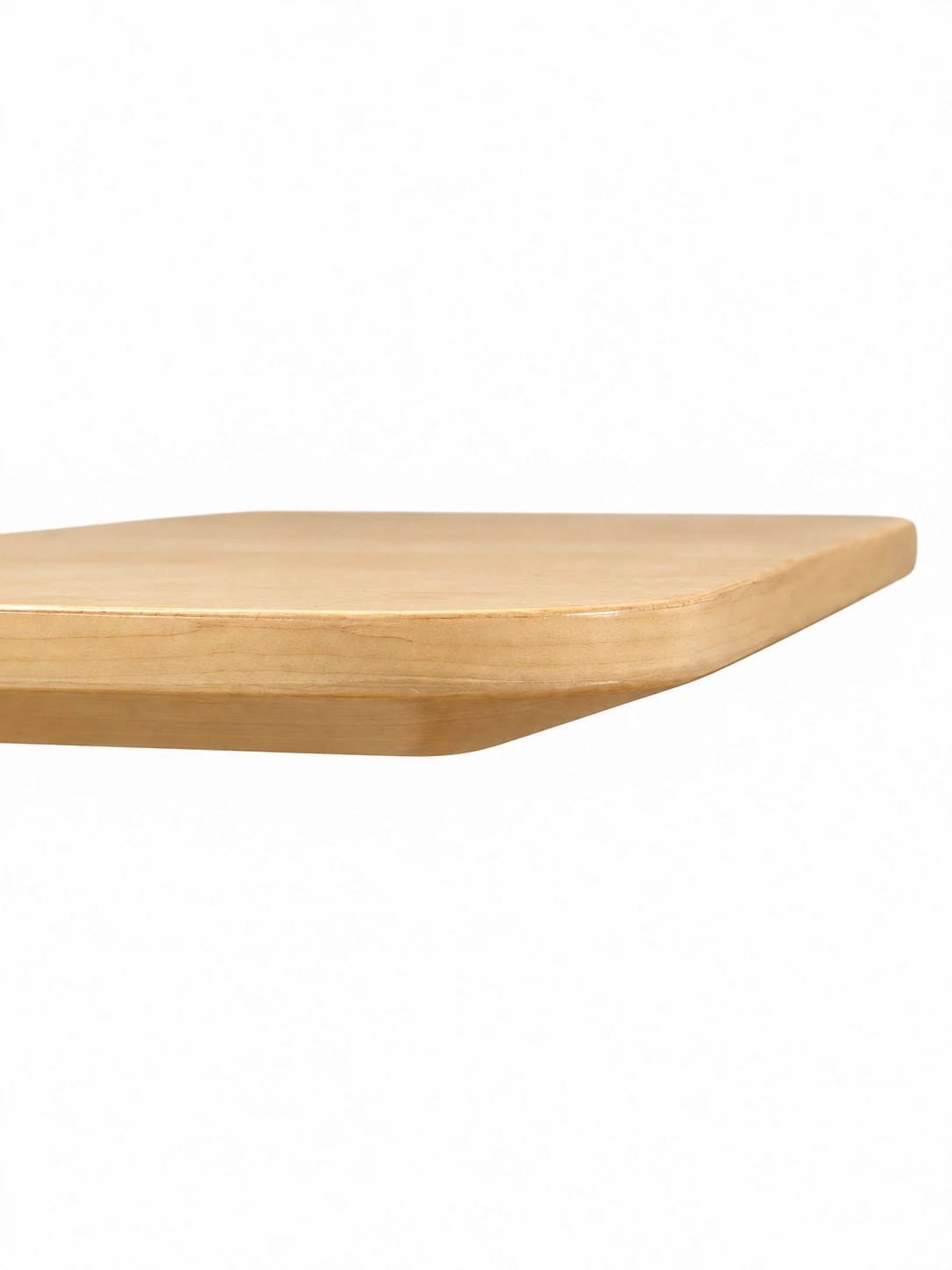
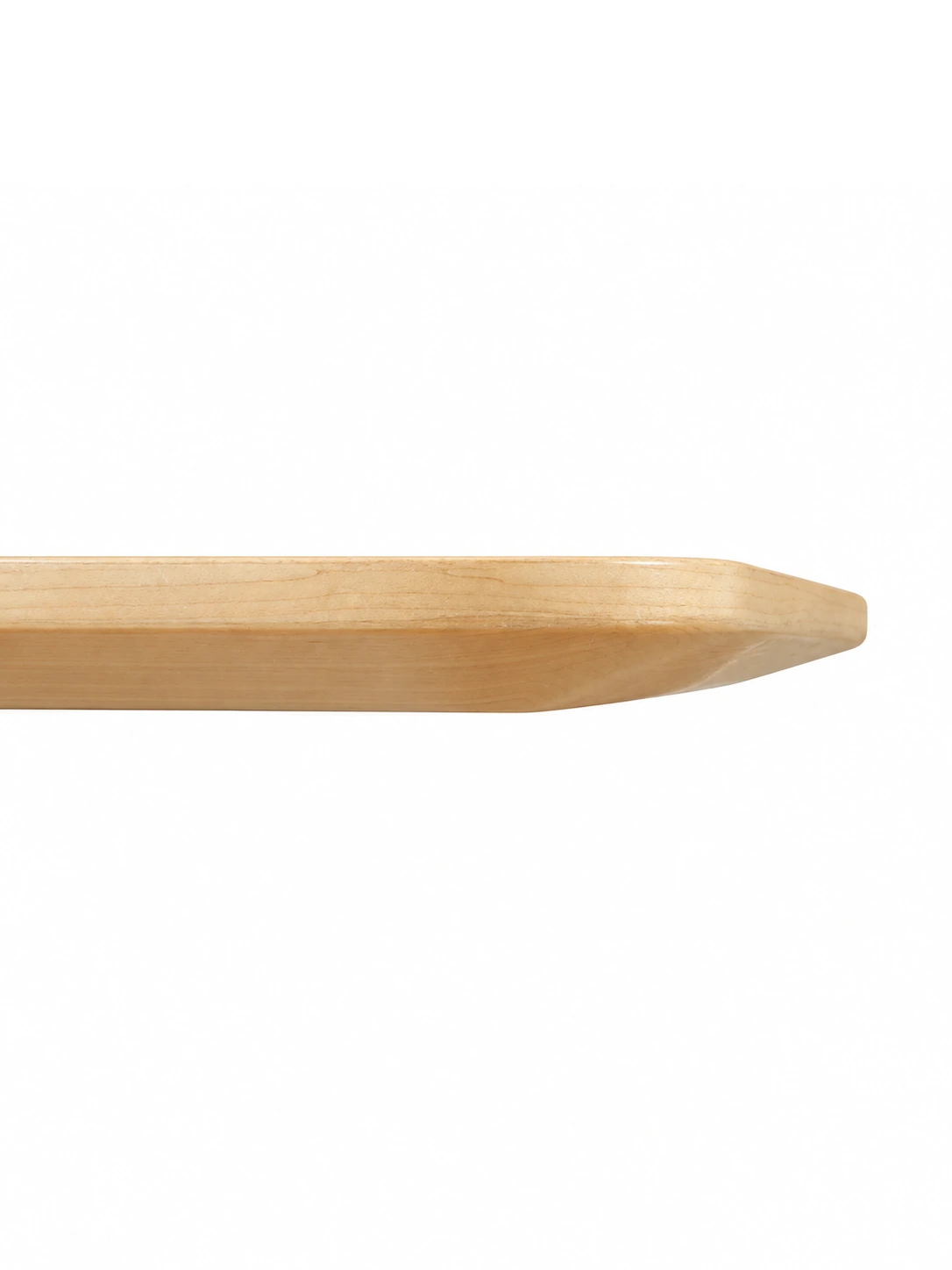
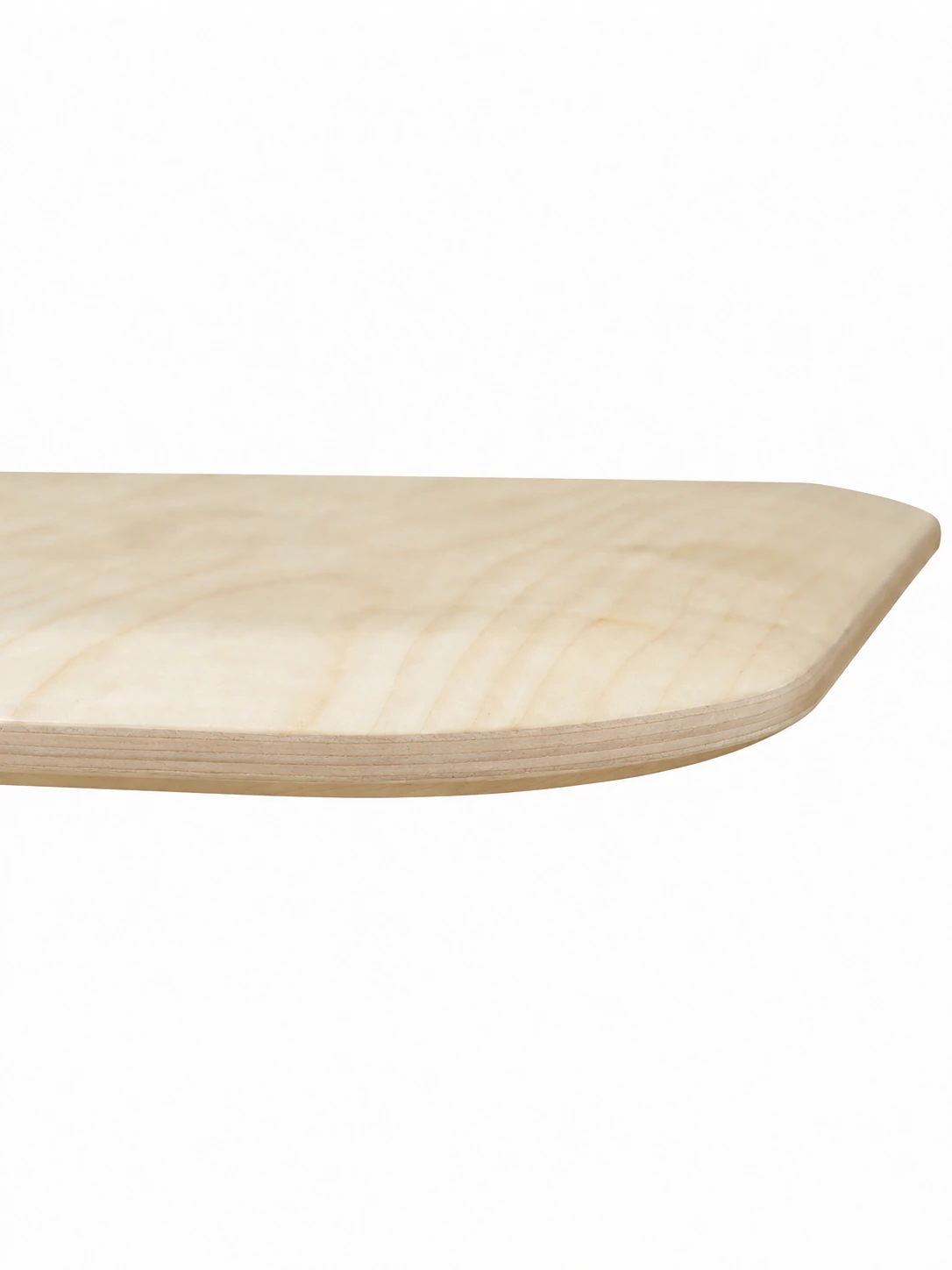
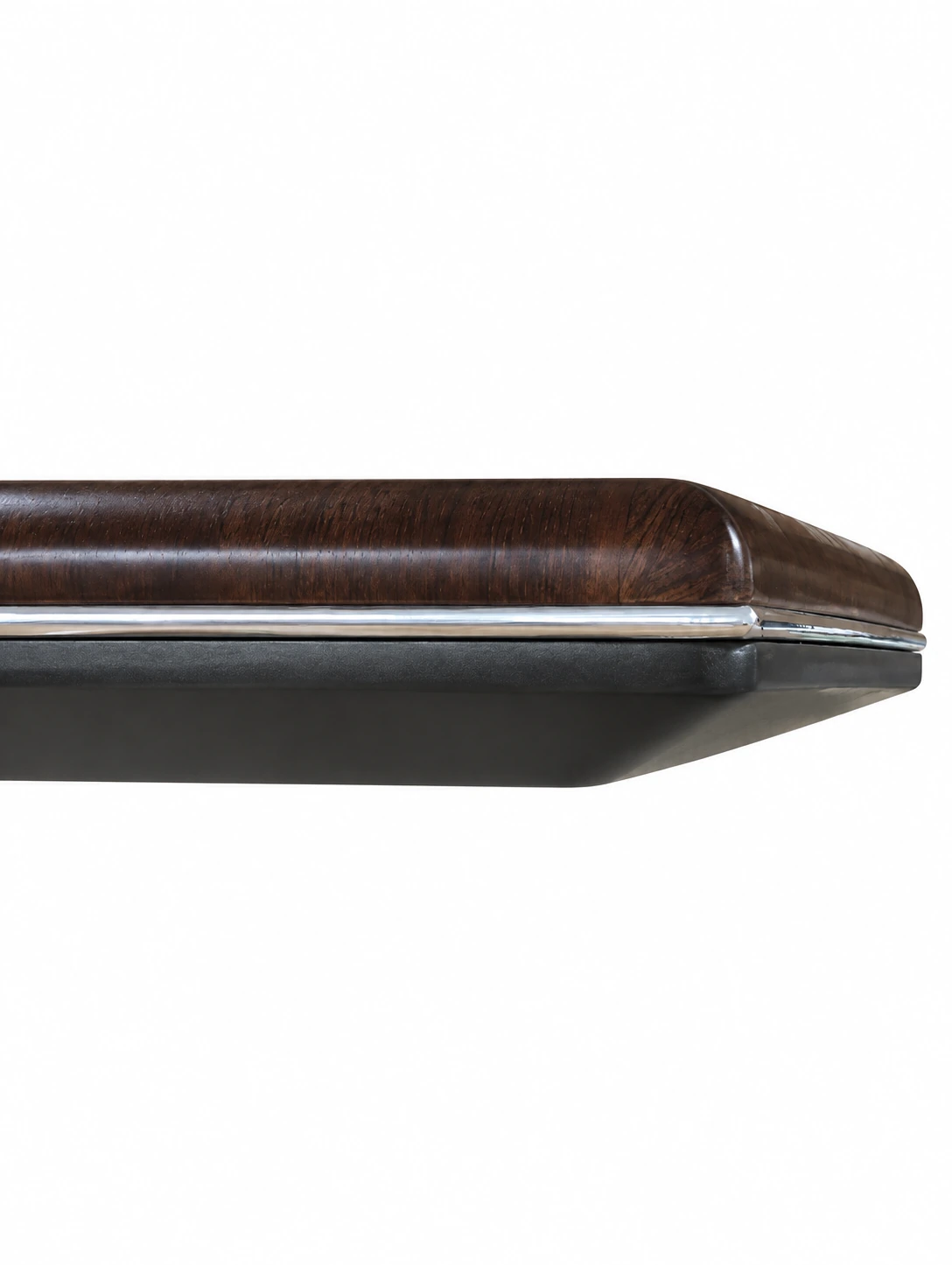
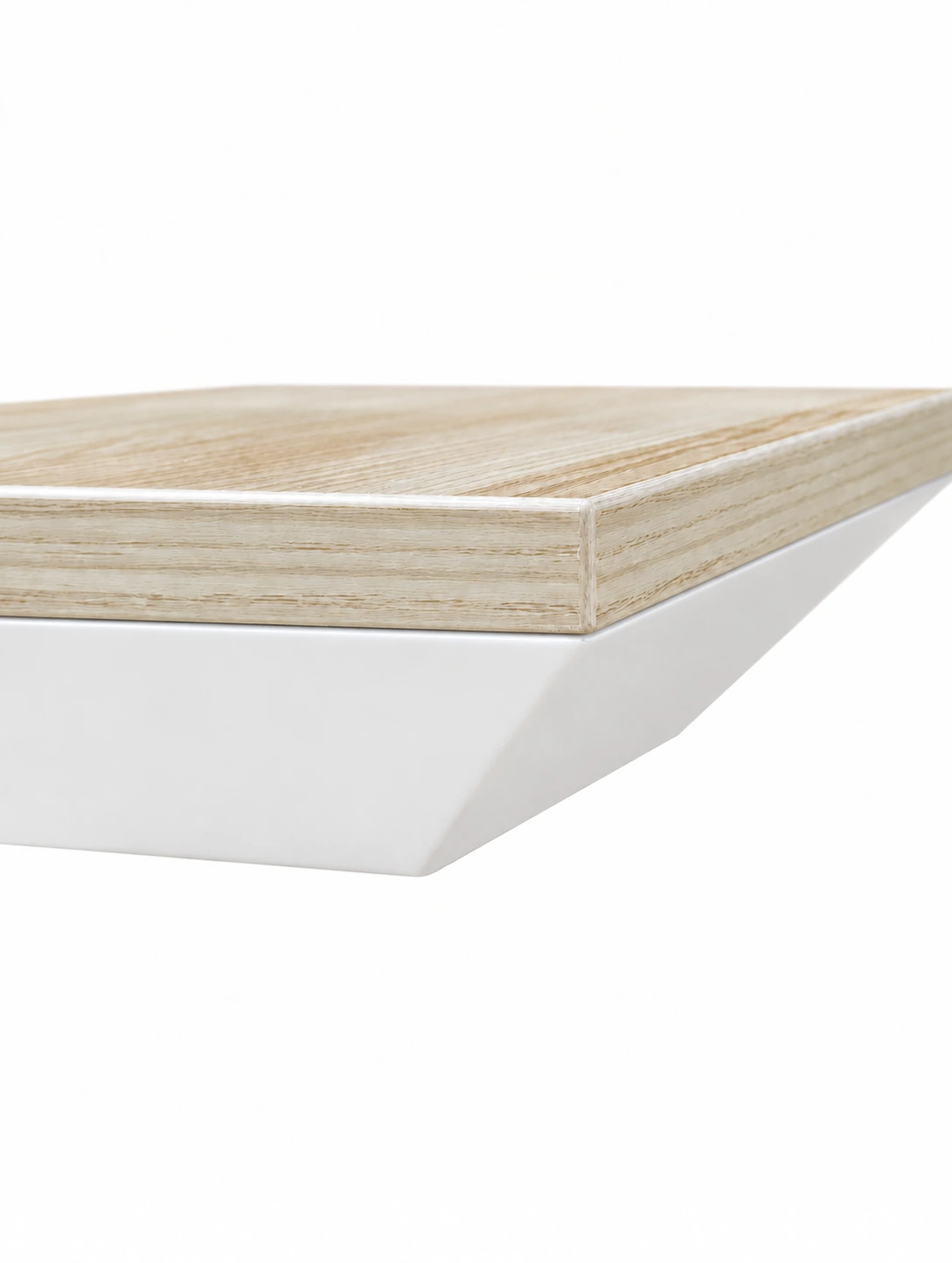
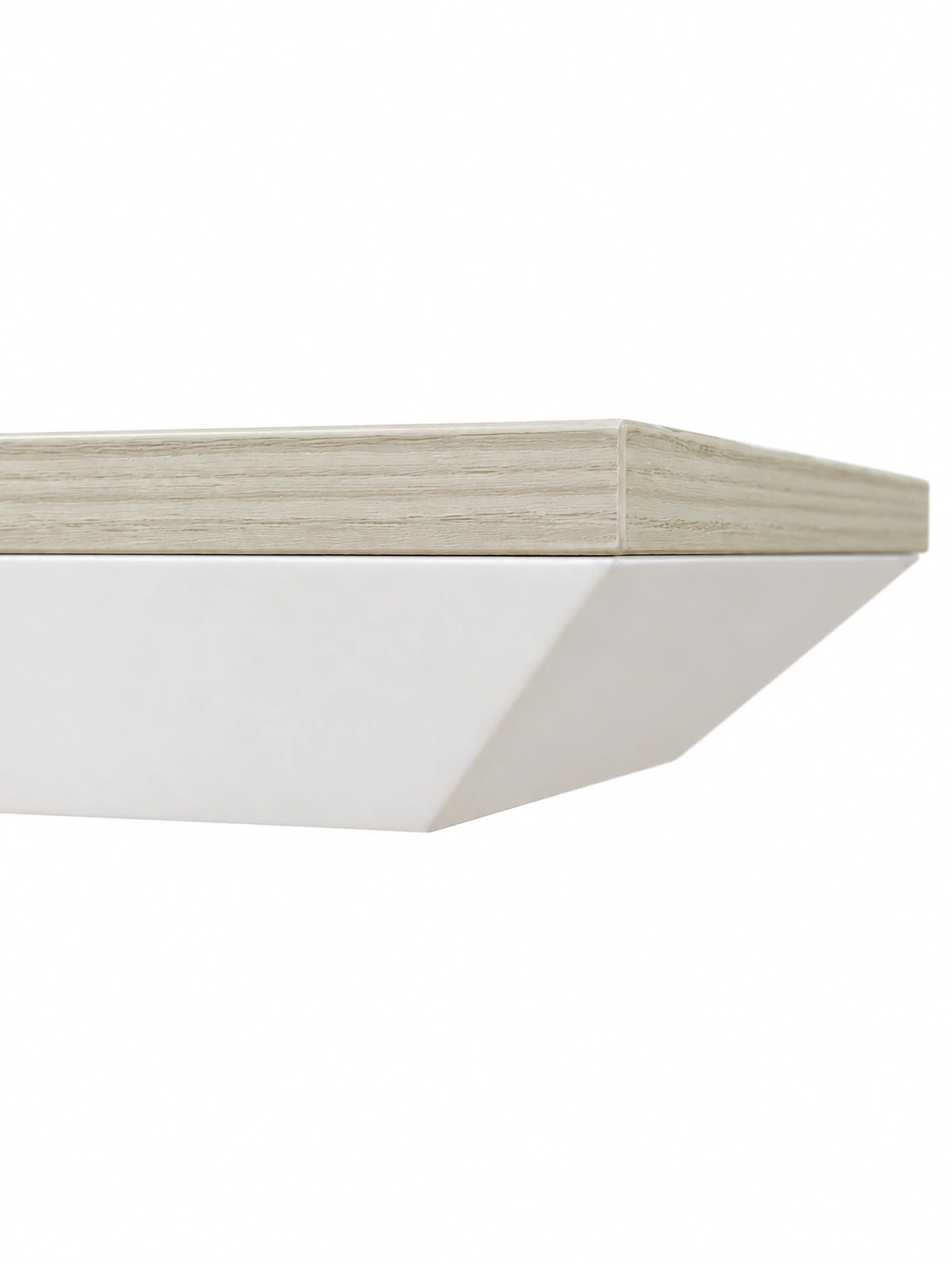
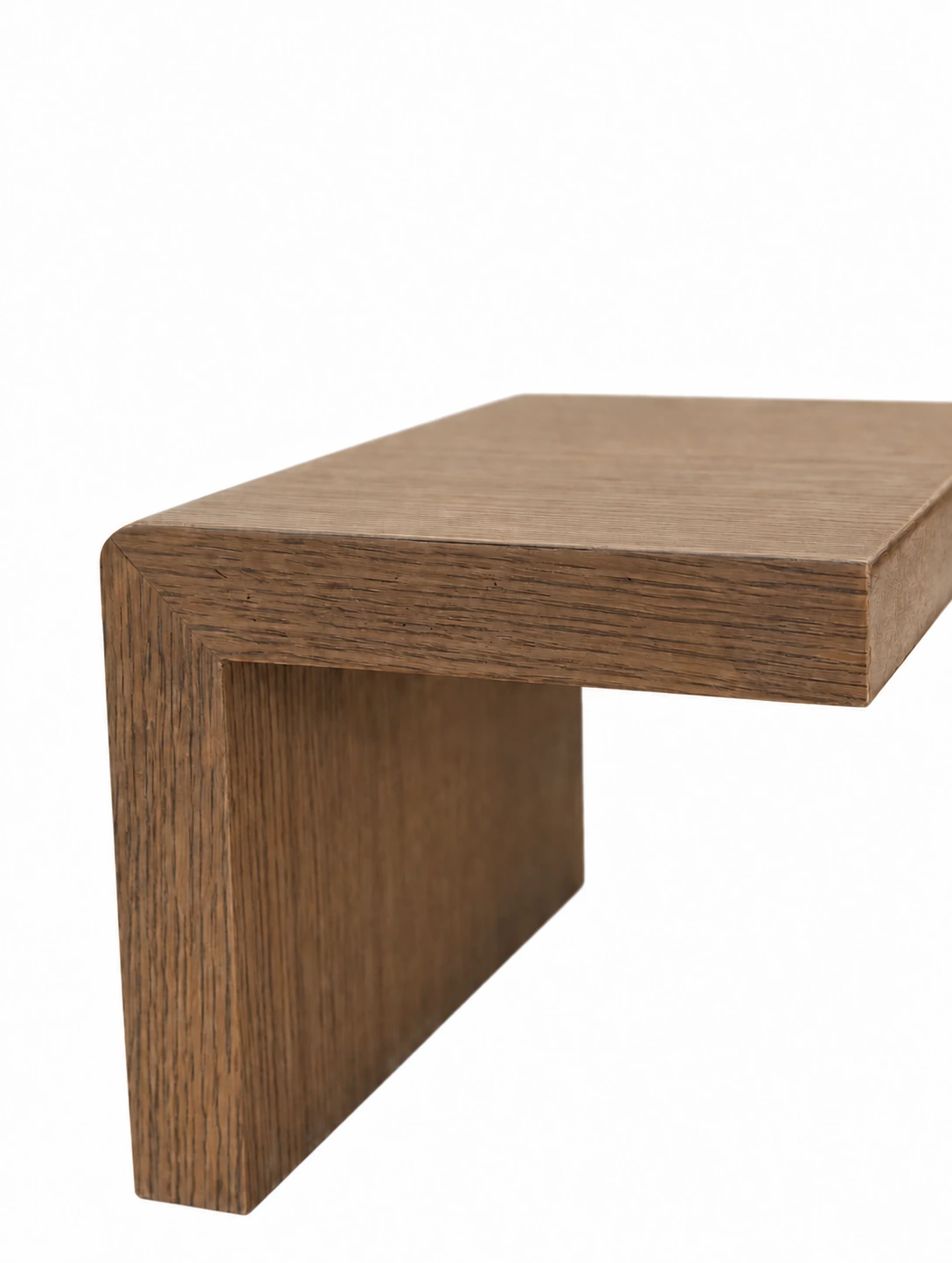
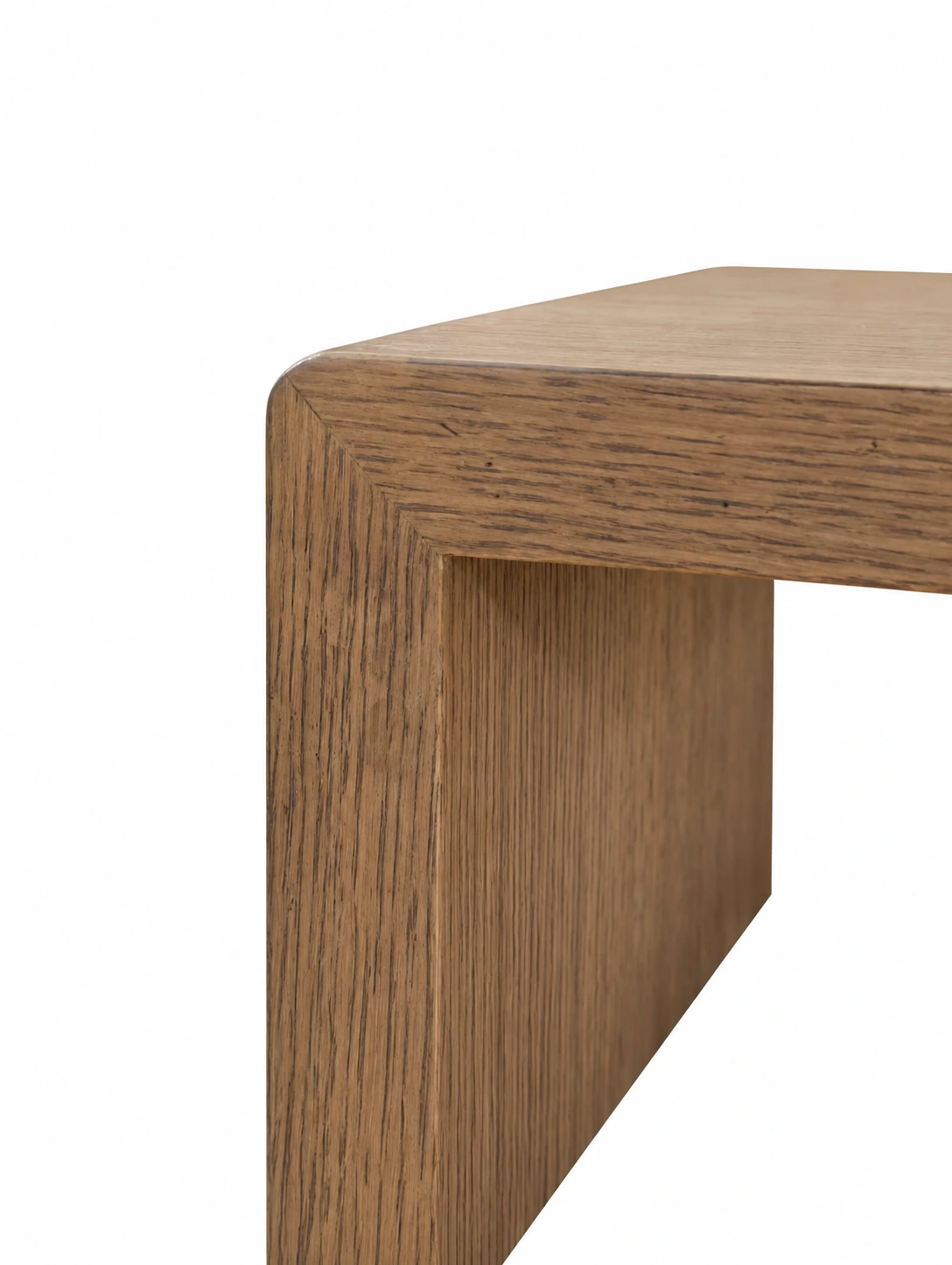
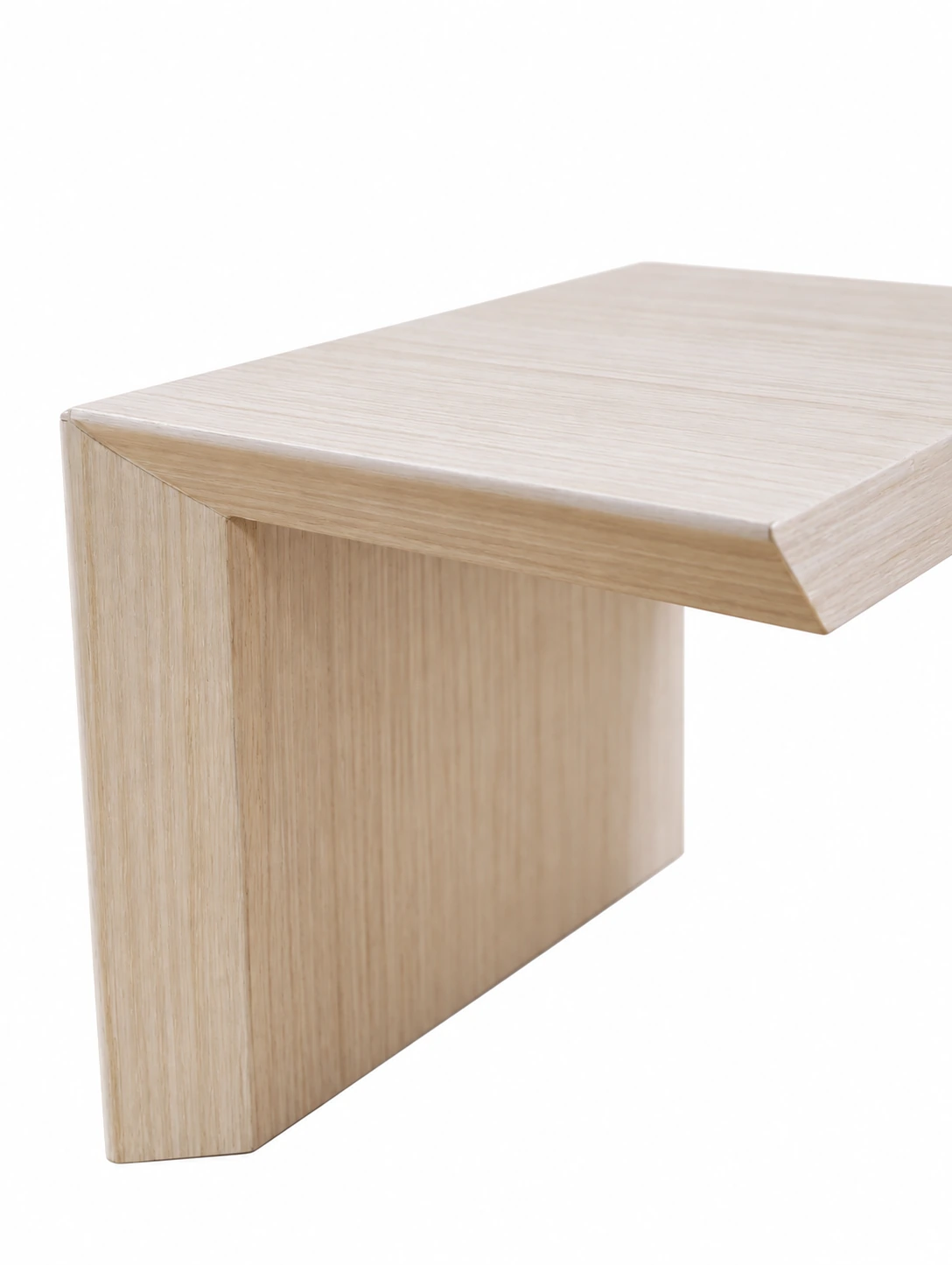
A sample's front shows colour; its edges show wrapping, turns, frames and detail lines. The gallery retains two views of every sample because they provide different information. Understand the differences, then examine physical samples with specific questions, rather than only enlarging the most attractive view.
Desk edges, armrests and joints receive frequent contact. Comparing their feel, edge profiles and junctions connects material choices with actual use.
When selecting an edge profile, record its intended part, adjacent materials and finishing method together to coordinate desktops, cabinet doors and corners.
04 · OPENING & ACCESS
View moving surfaces both closed and open.
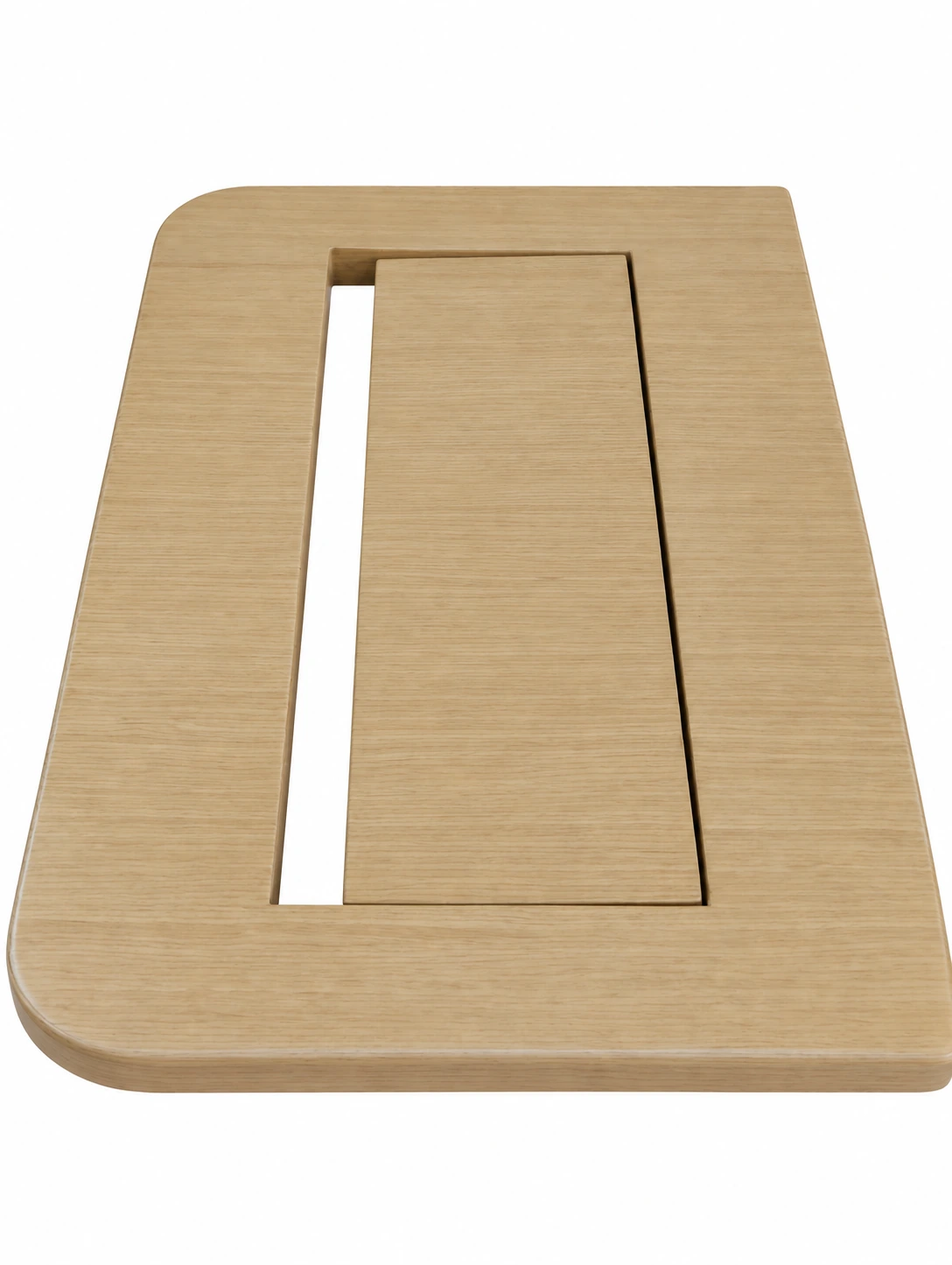
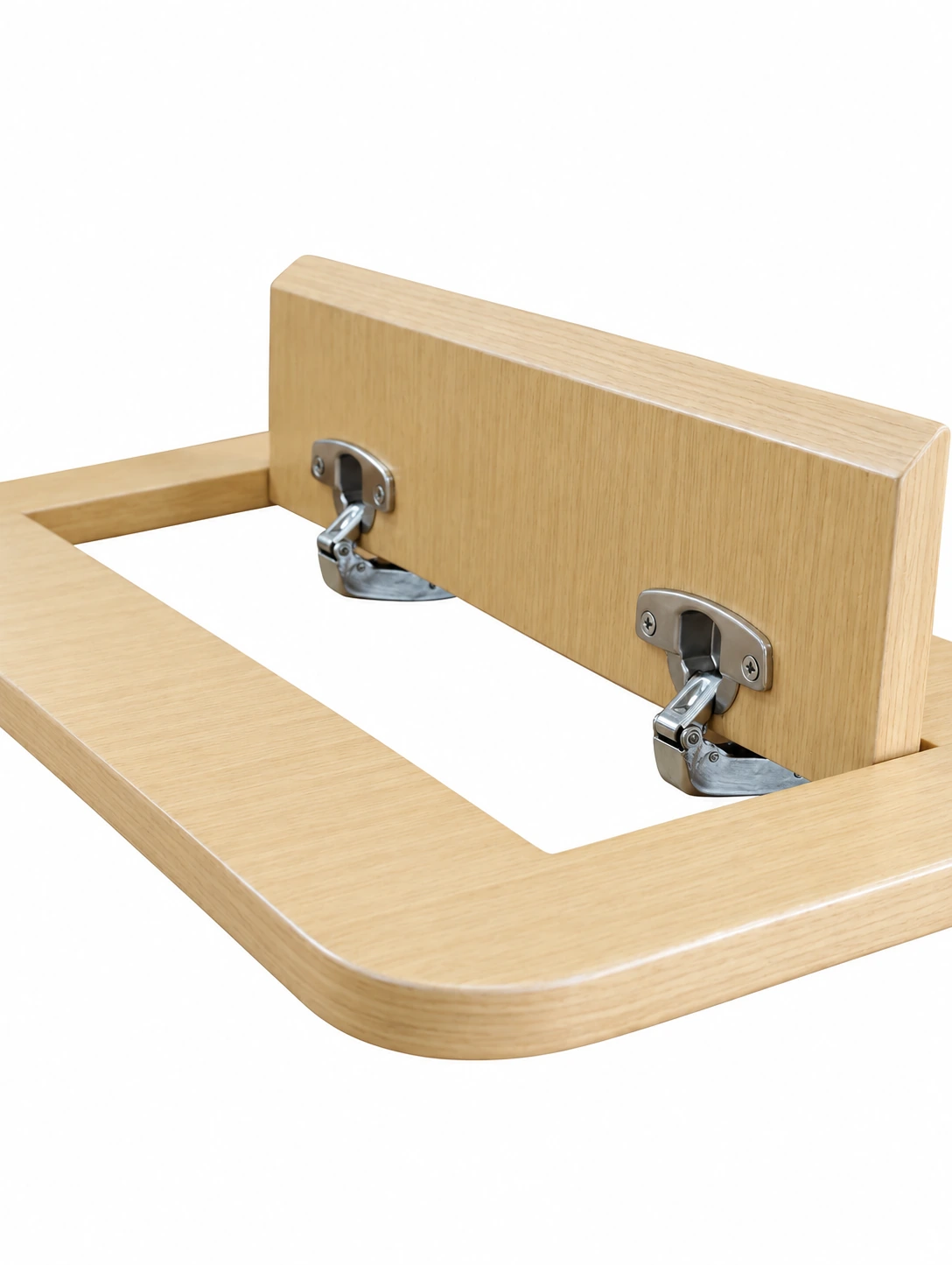
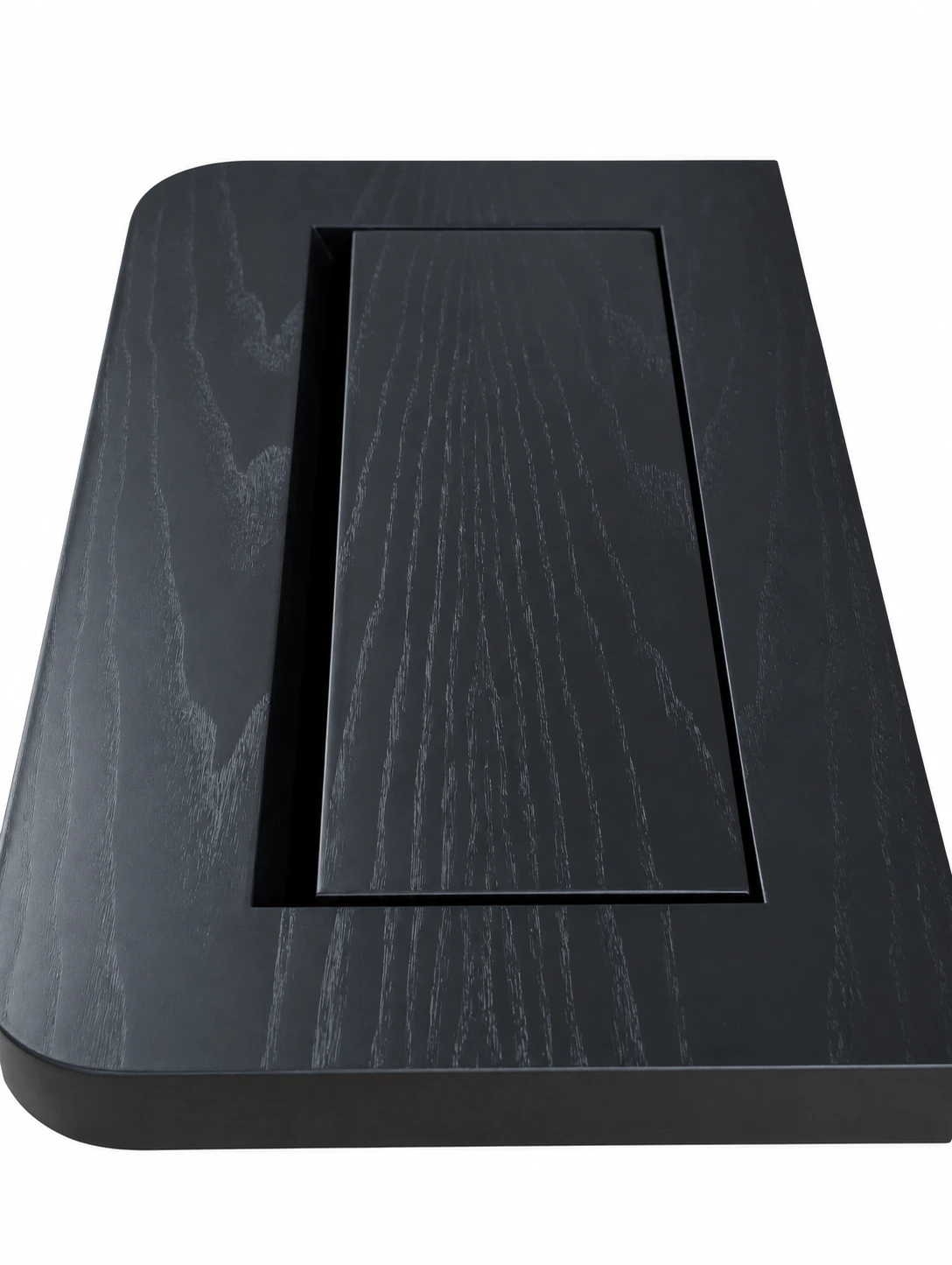
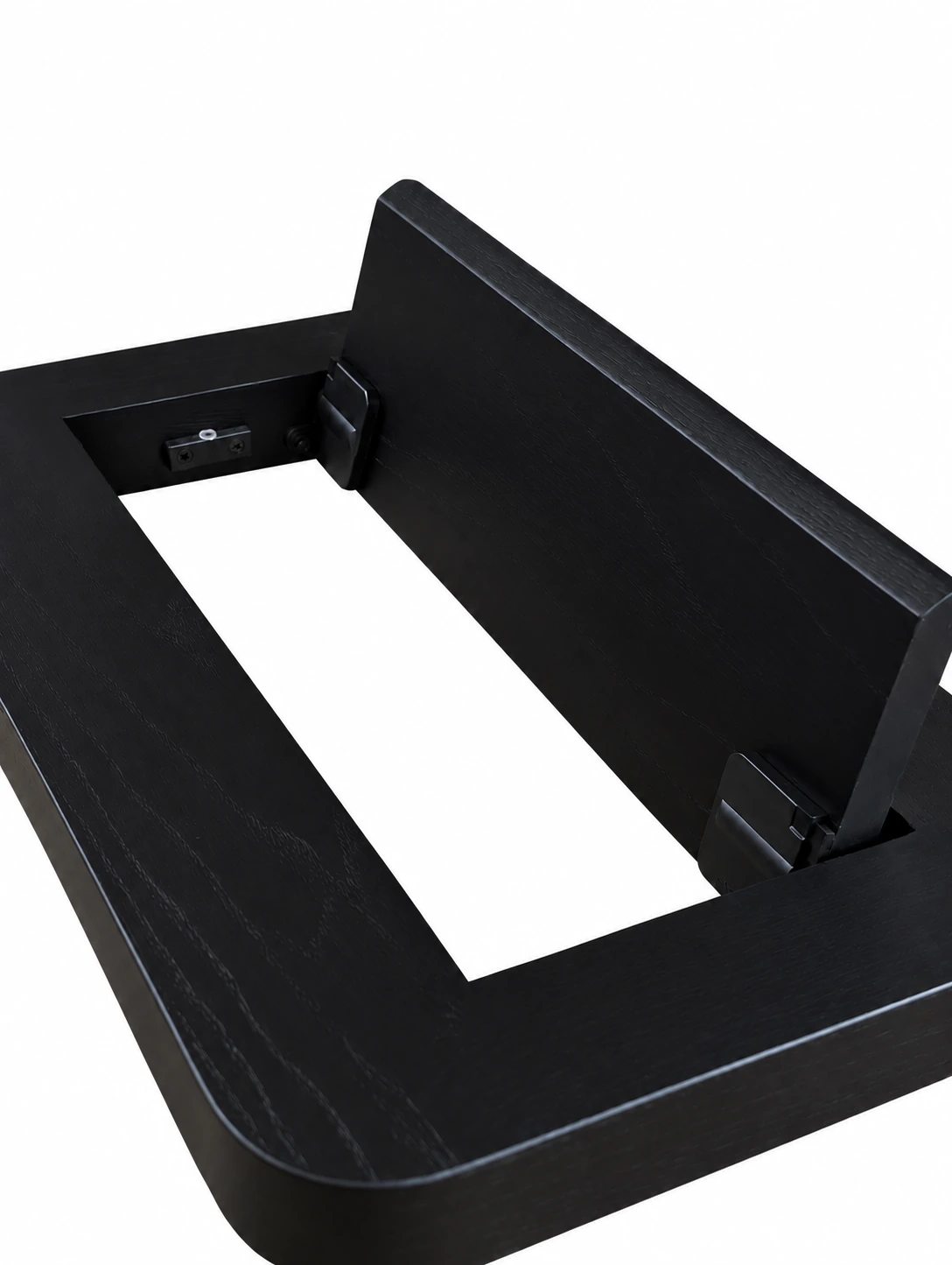
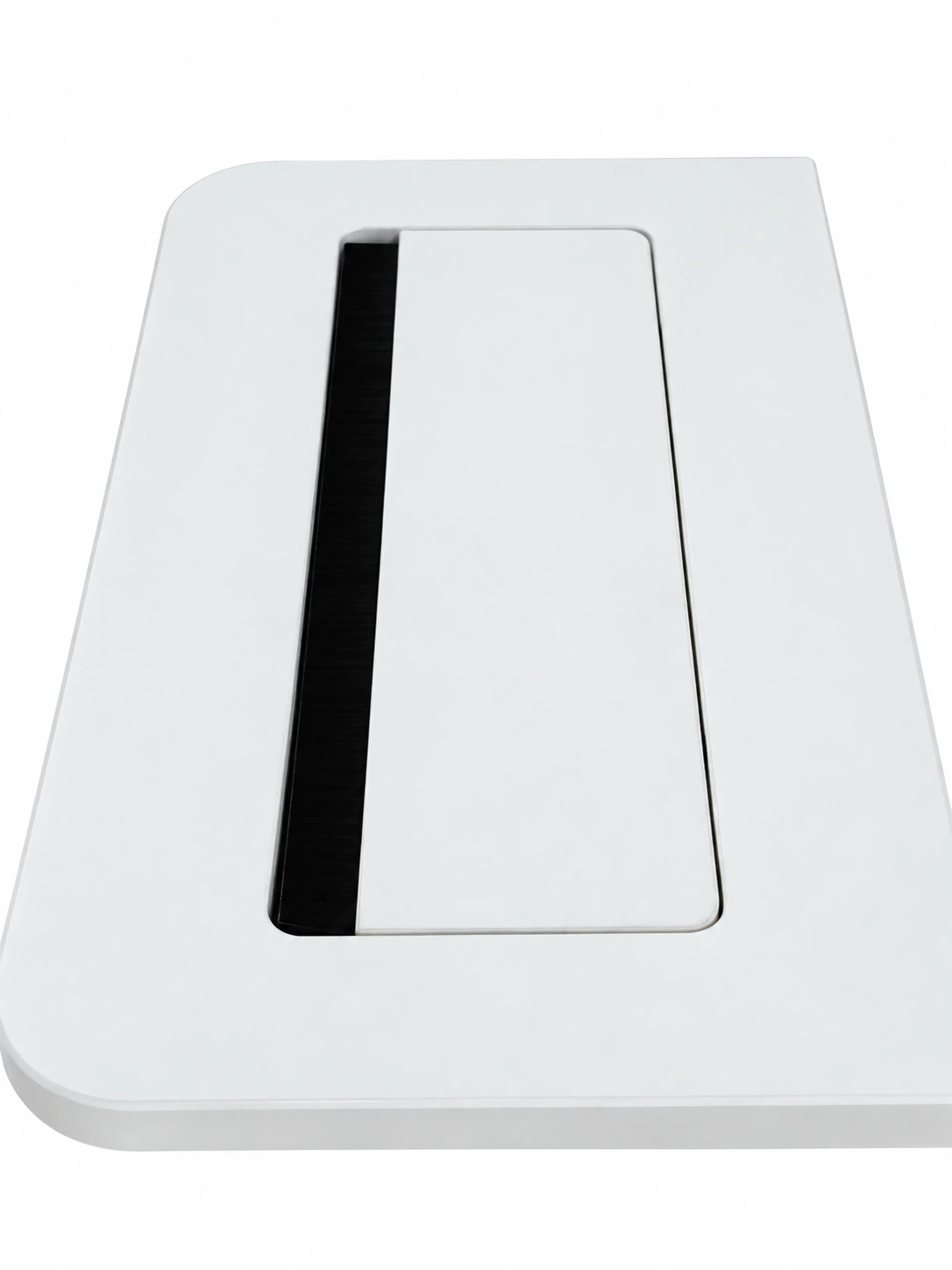
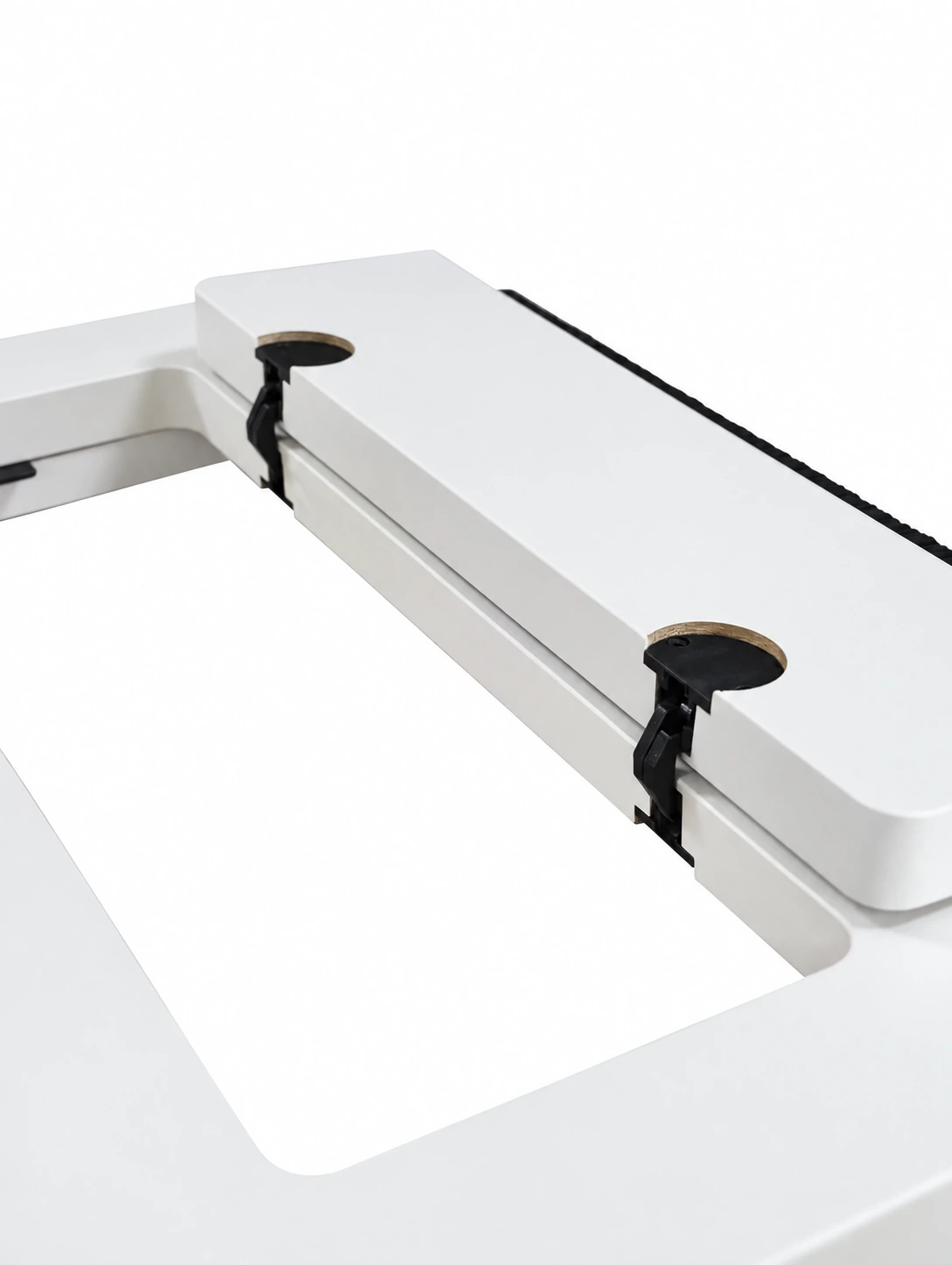
The closed view shows relationships between the tabletop and surrounding materials; the open view shows access, movement direction and adjacent space. Both help identify the form, while precise records and physical samples clarify operation, opening range and hardware.
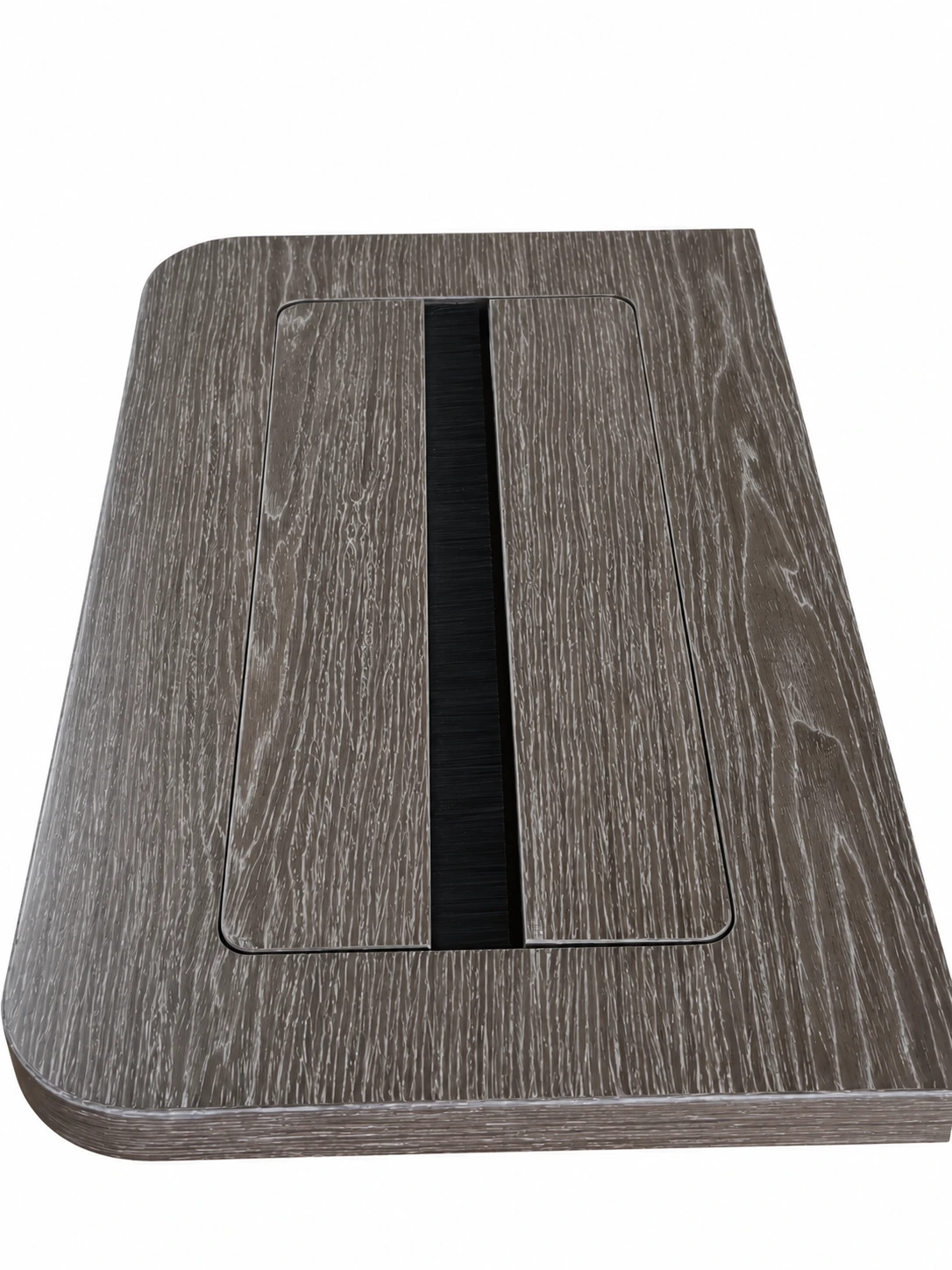
First describe the intended action: temporarily connecting equipment, placing or retrieving an item, or maintaining connections beneath the desk. Different aims correspond to different access points; flip-top positions and equipment connections can be coordinated within the same scheme.
Consider equipment, cables, connections and maintenance access in one scheme to organise desktop use and the service space below.
05 · FRAME & CONNECTION
Use detail samples to understand materials and connections.
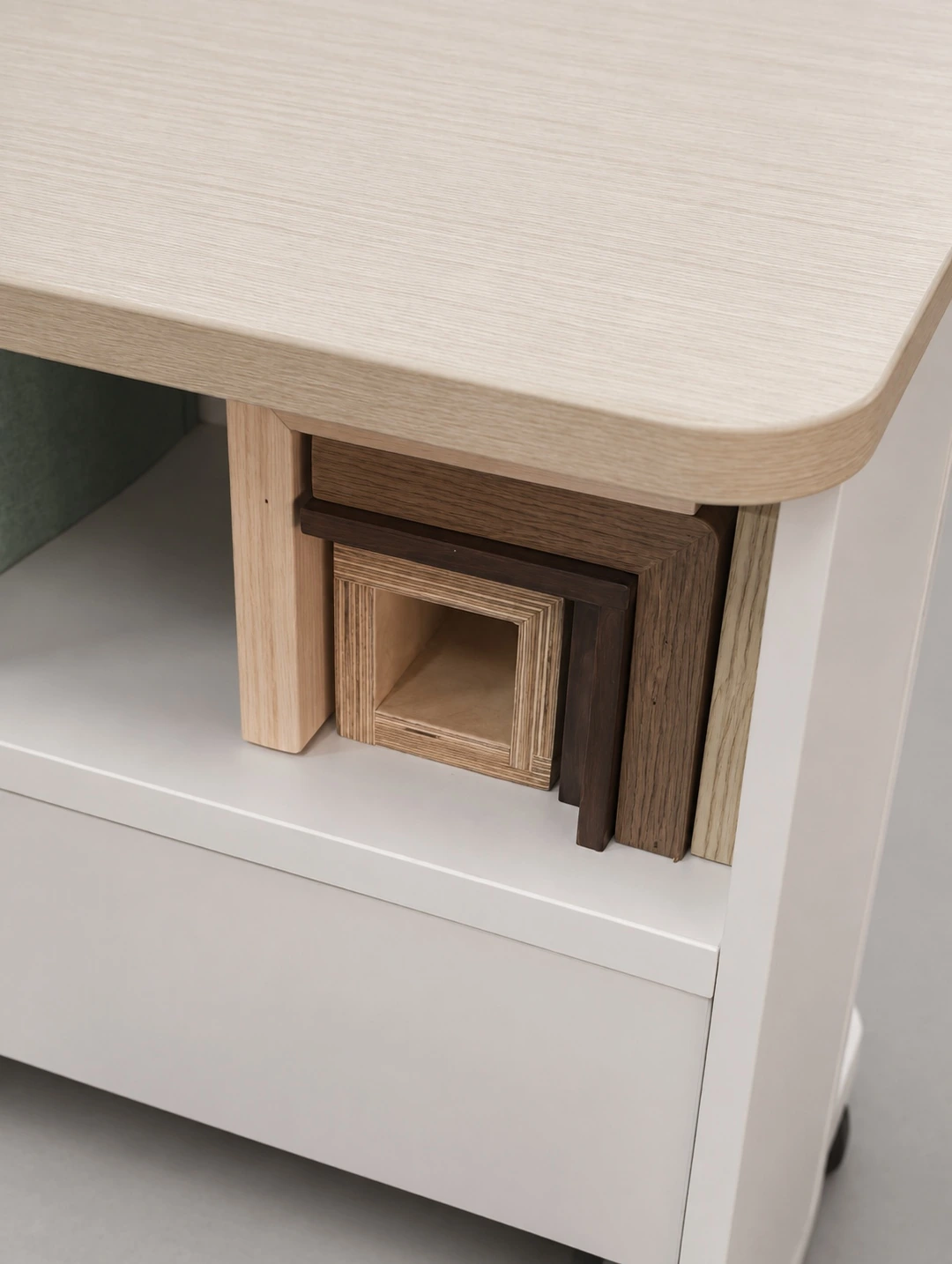
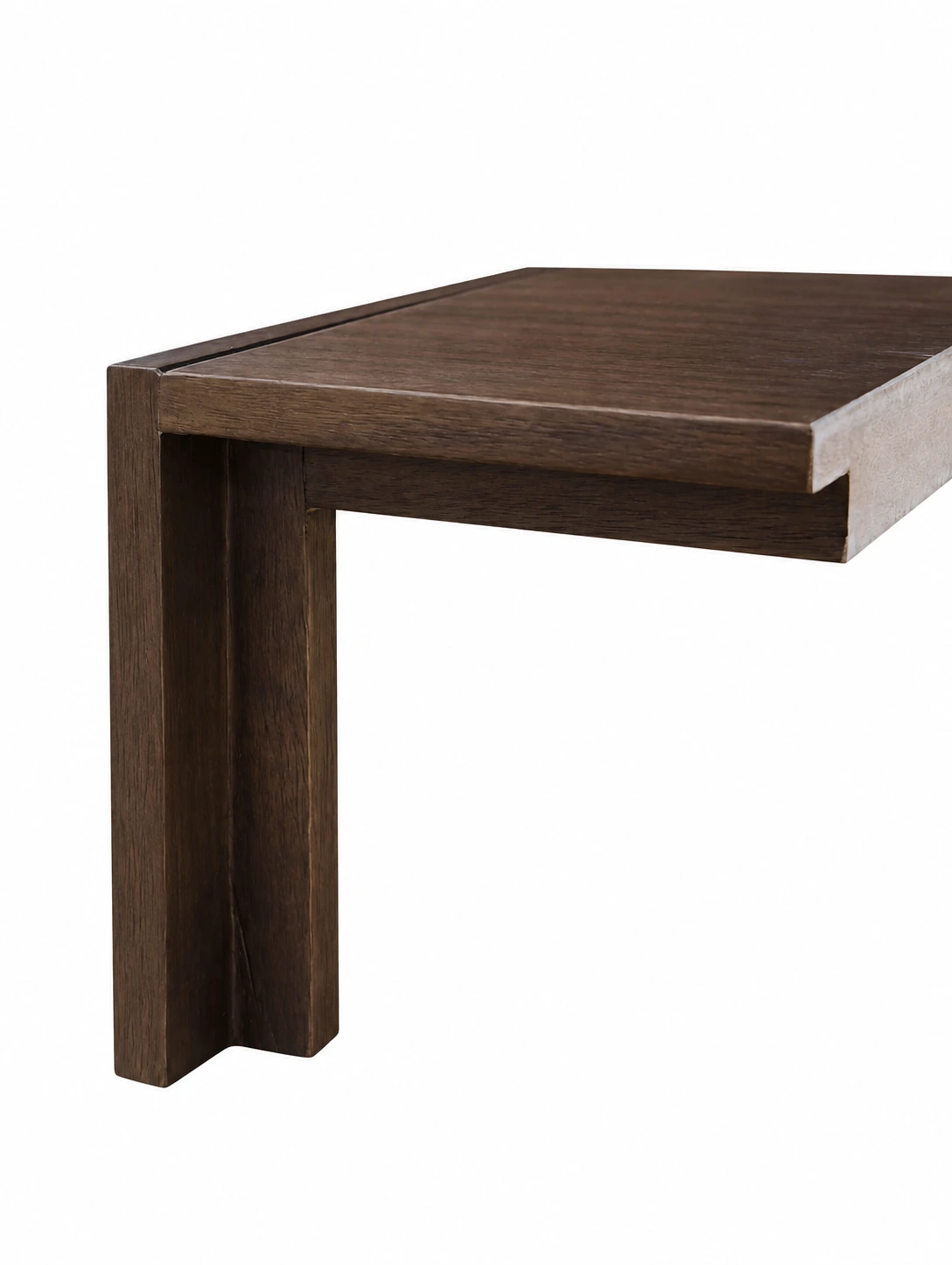
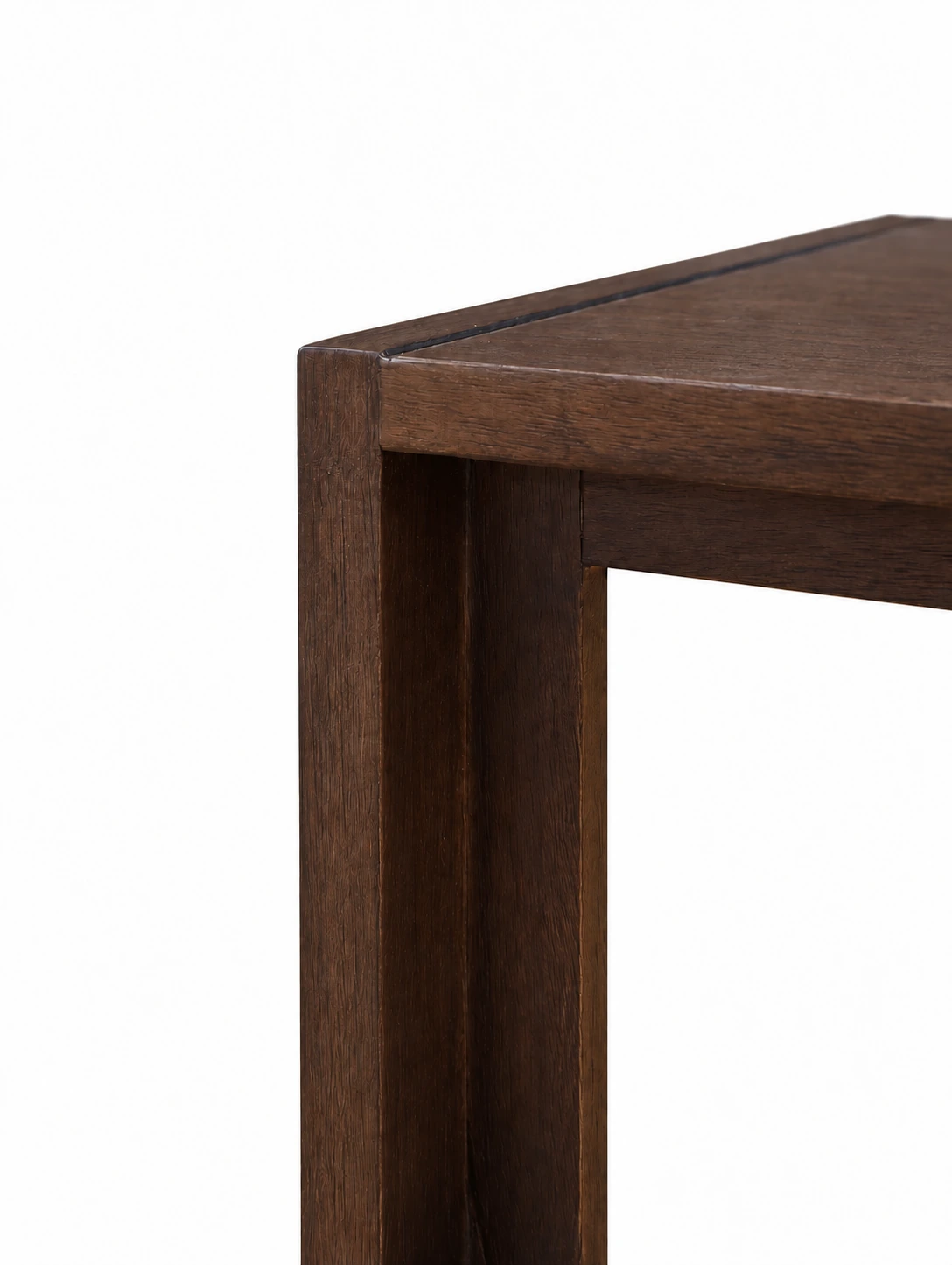
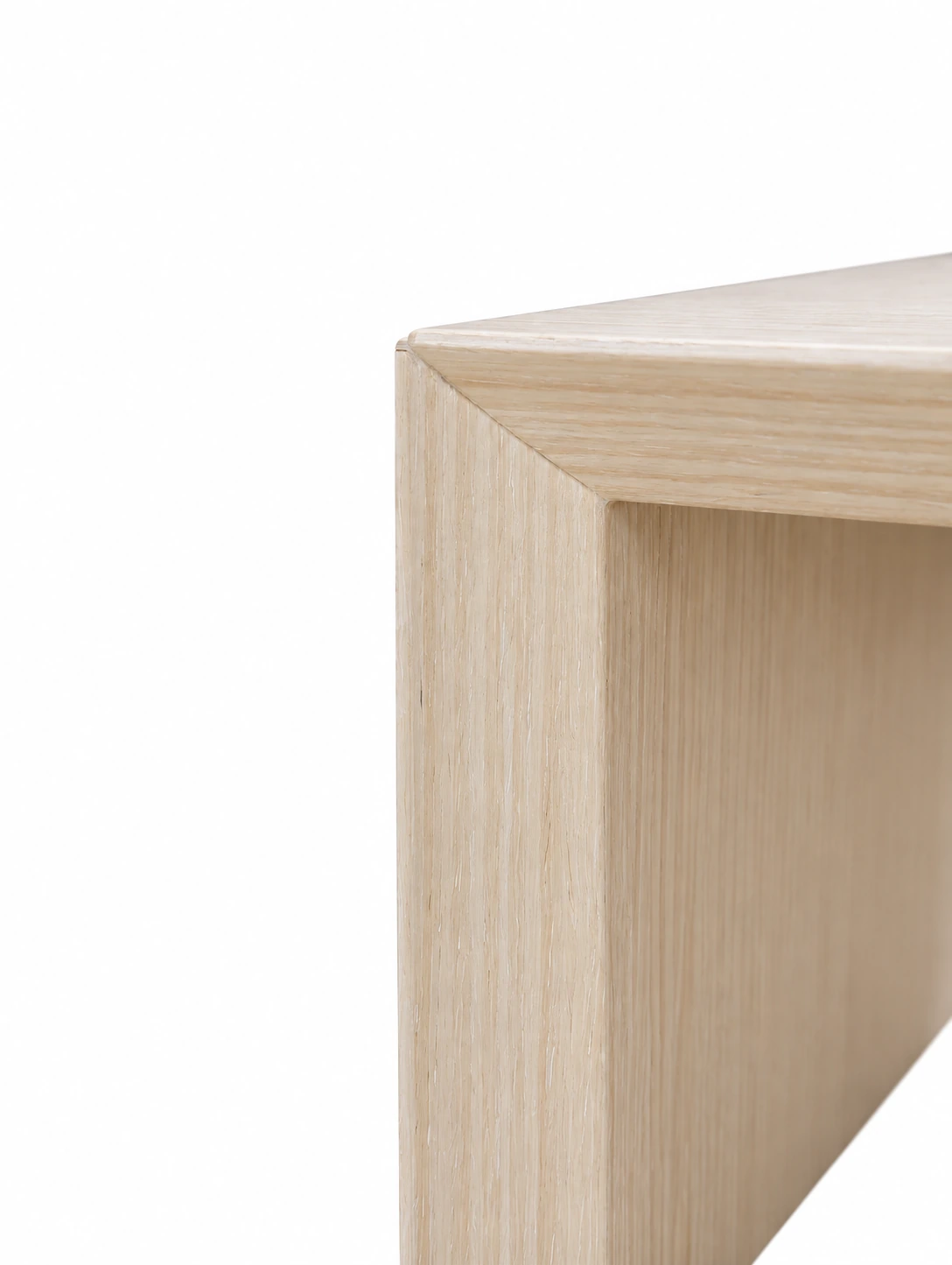
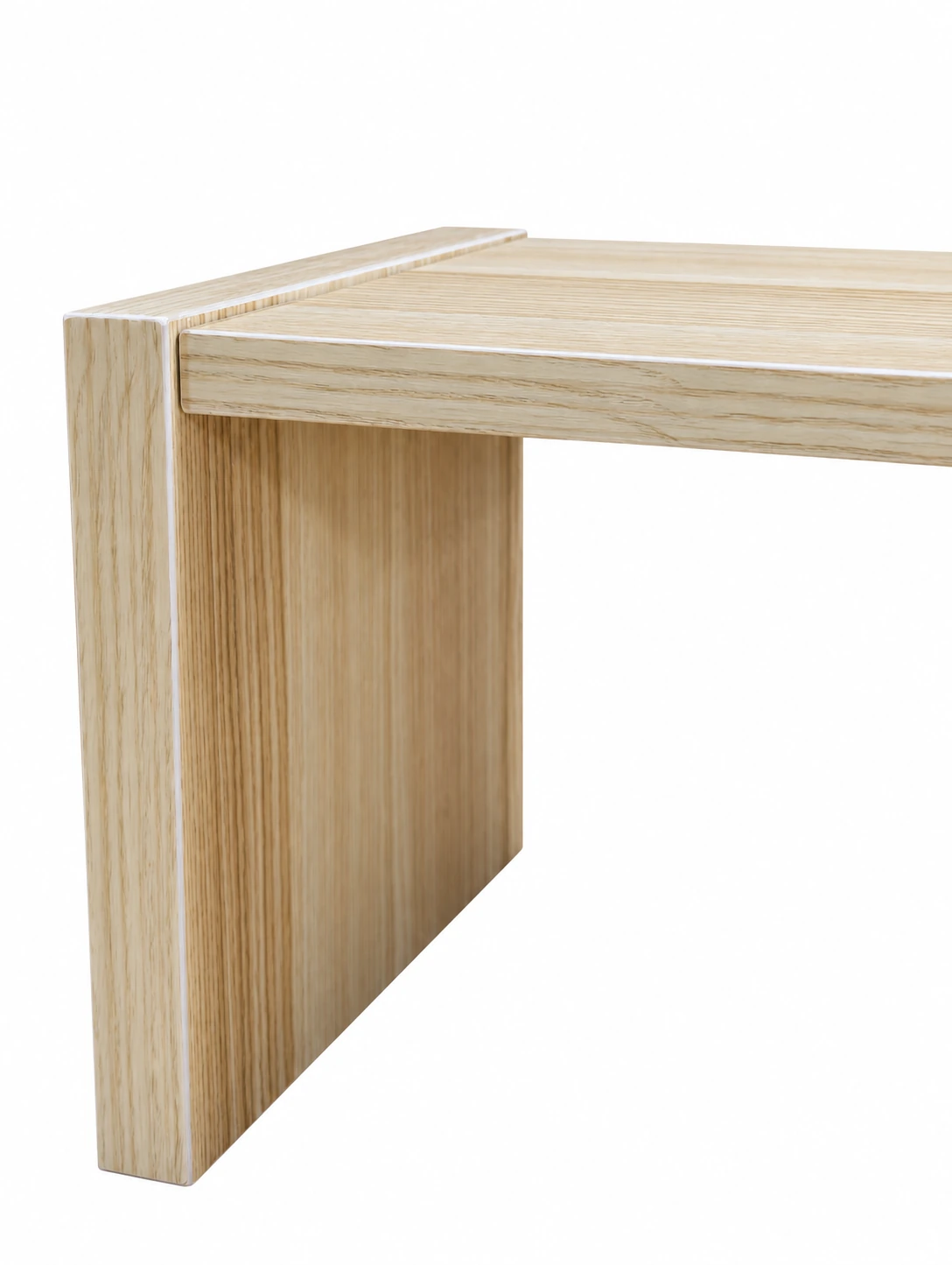
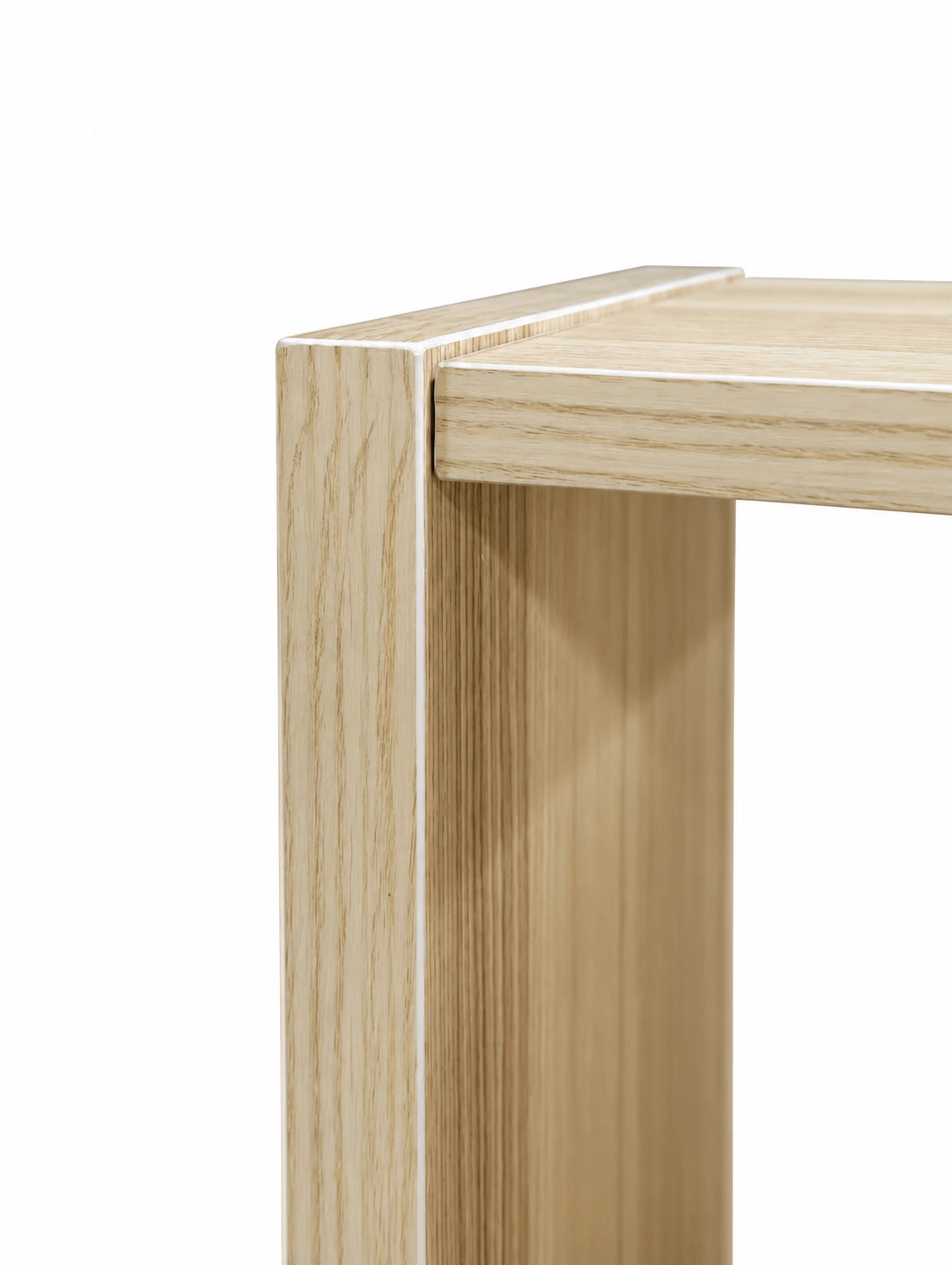
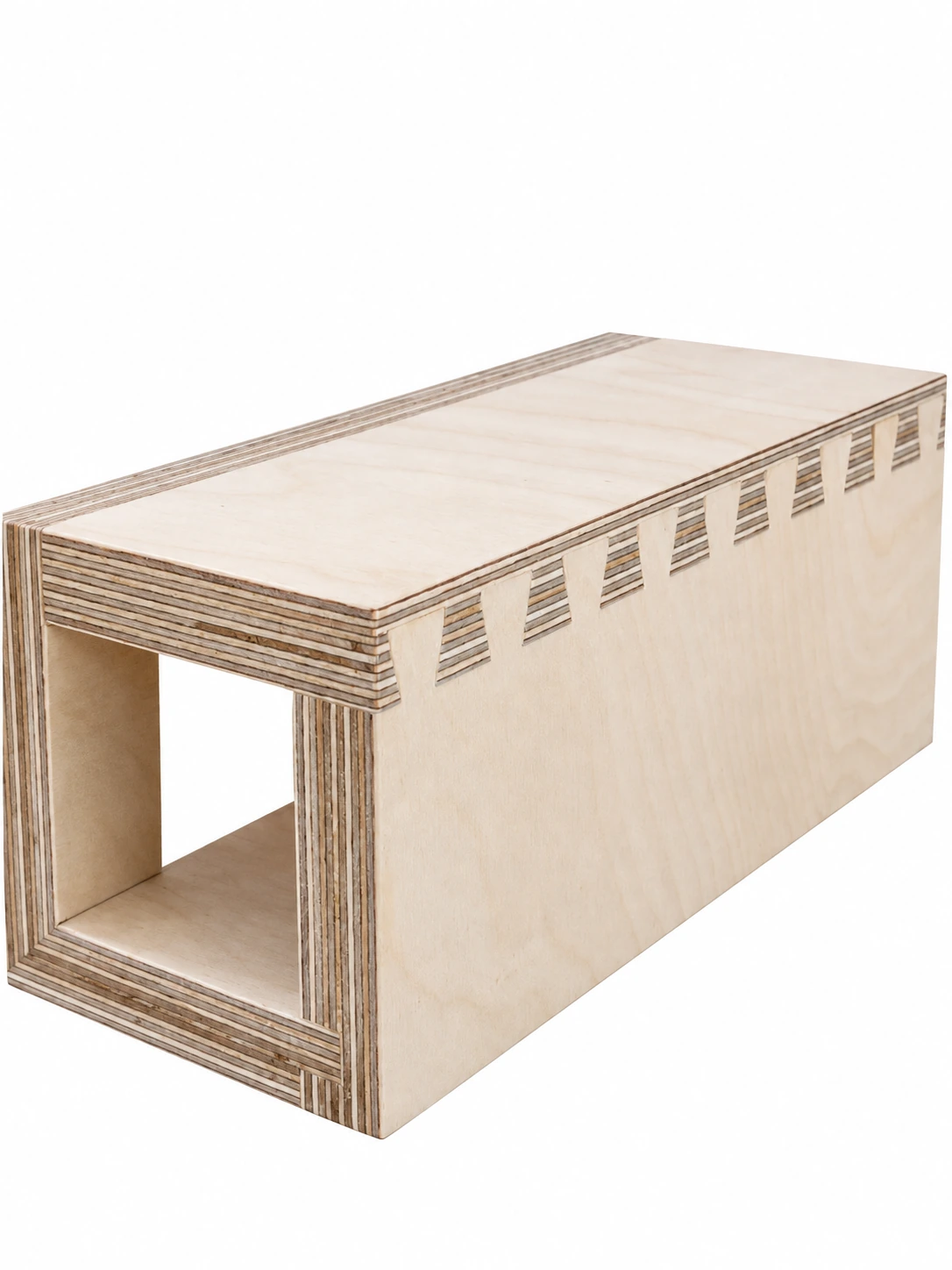
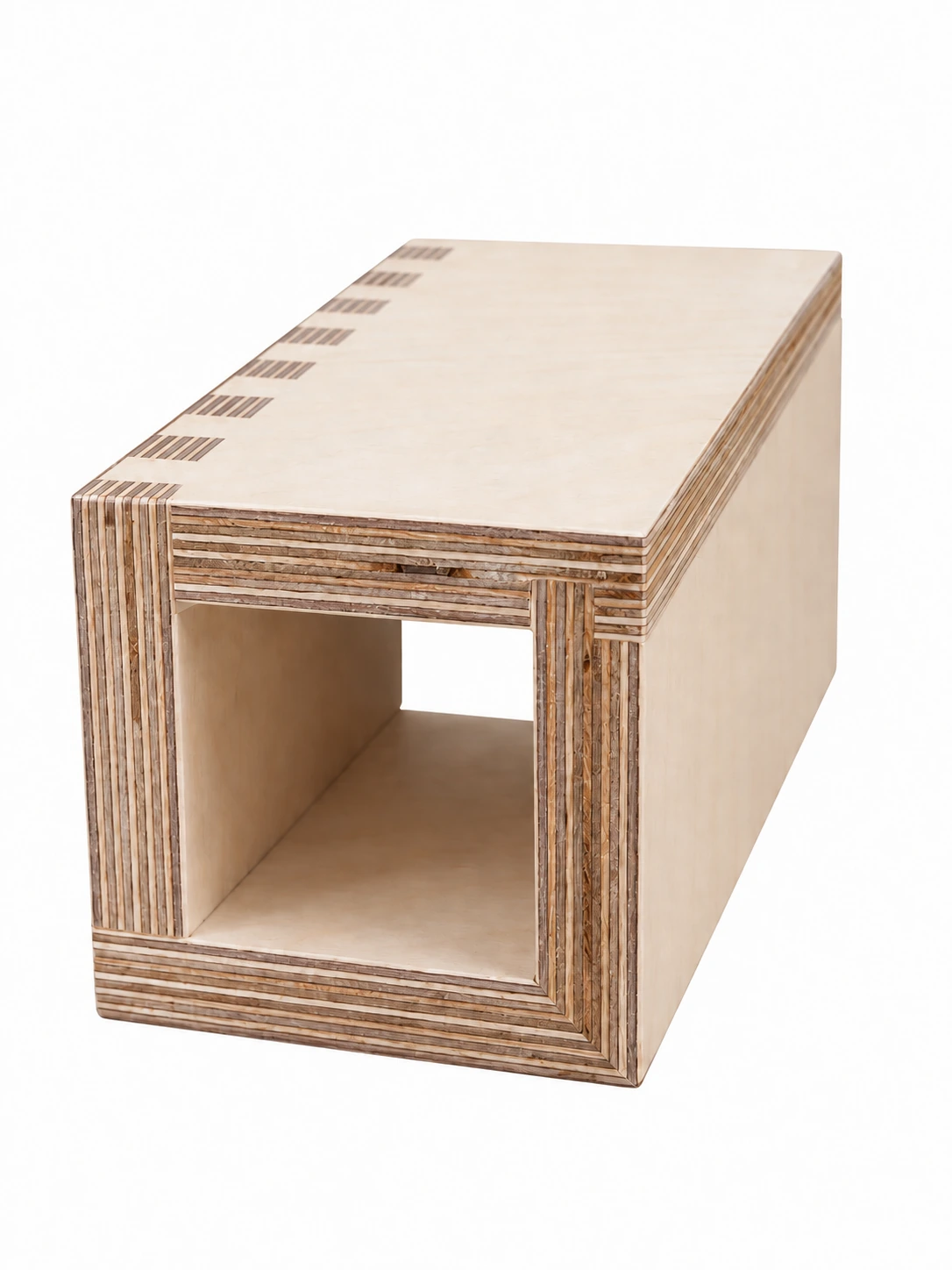
Stepped wrapped edge, Continuous exterior veneer, Wrapped bevelled edge, Laminated-panel structure and Joining detail show how surfaces meet within a small section. The original frame photograph brings inner faces, outer faces and corners into one object, revealing relationships beyond a flat swatch.
Frame and corner samples show how materials connect across inner and outer faces. Compare fixed positions, movement directions and edge finishes to understand the connections between parts.
When comparing samples, record visible finishing, material junctions and connection methods separately, then link them to desktops, cabinet doors or other specific parts.
06 · QUESTIONS BEFORE CONFIRMATION
Separate questions that are easily confused when viewing images.
Material codes, sample labels and product models identify different objects and cannot replace one another. The gallery's 25 names and labels support discussions of construction details; product selection links them to specific parts and versions.
The following questions provide starting points for discussion. You do not need every engineering requirement ready for a first conversation. Existing photographs, a target direction and open questions can help identify which sample to review next.
- Key point 01Can a website colour be used directly for ordering?
Use website colours to narrow the initial direction, then relate the selected colour to an exact physical swatch or an approved project sample. Lighting and screen differences matter.
- Key point 02Can the same veneer be used on every part?
Choose coordinated wood finishes for different parts by considering substrates, curves, edges and surface processes.
- Key point 03Do open and closed views define the hardware and connections?
View closed and open states together, comparing hardware positions, opening directions and connections.
- Key point 04How are replacements handled for existing projects?
Start with the original names, codes, parts and versions, then discuss current materials and batches. The 2024 and 2027 codes retain their identities and are not automatically renumbered by a new year.
07 · A RECORDED CHOICE
Record a scheme for a specific part, beyond a favourite image.
Record the target product, intended part, material code, grain direction and construction detail so the sample choice clearly corresponds to the product version.
Swatches present colours, samples reveal craft details, and project samples connect materials to specific products. Clear records of names, codes and parts make choices easier to communicate.
PROCESS SAMPLE ATLAS · 2027
Explore 25 samples from two angles.
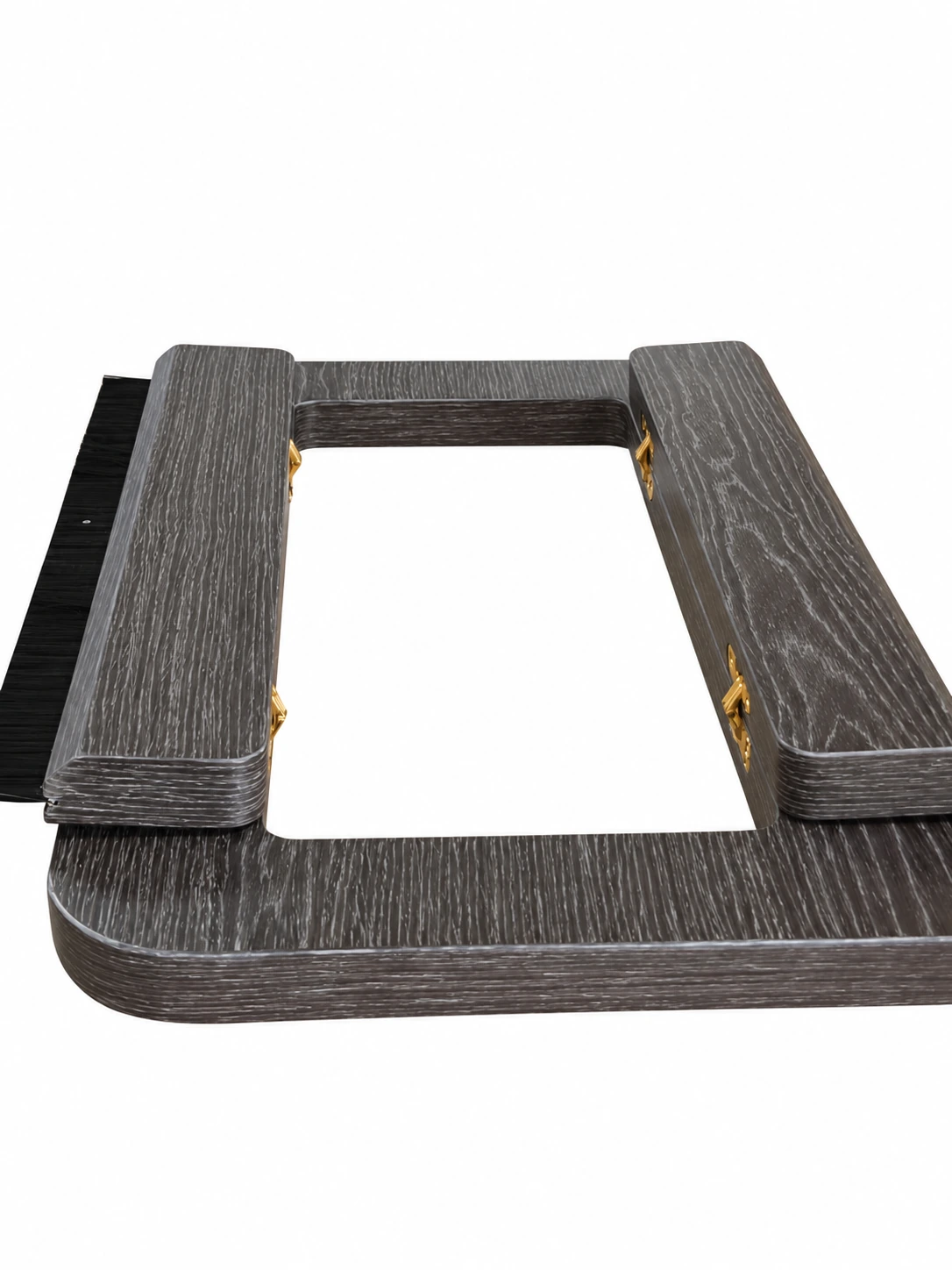
Compare edges, grain, hinged lids and connections from two angles, relating colours and details to specific parts.
Panels & edges 16 samples
View alternate angle
View alternate angle
View alternate angle
View alternate angle
View alternate angle
View alternate angle
View alternate angle
View alternate angle
View alternate angle
View alternate angle
View alternate angle
View alternate angle
View alternate angle
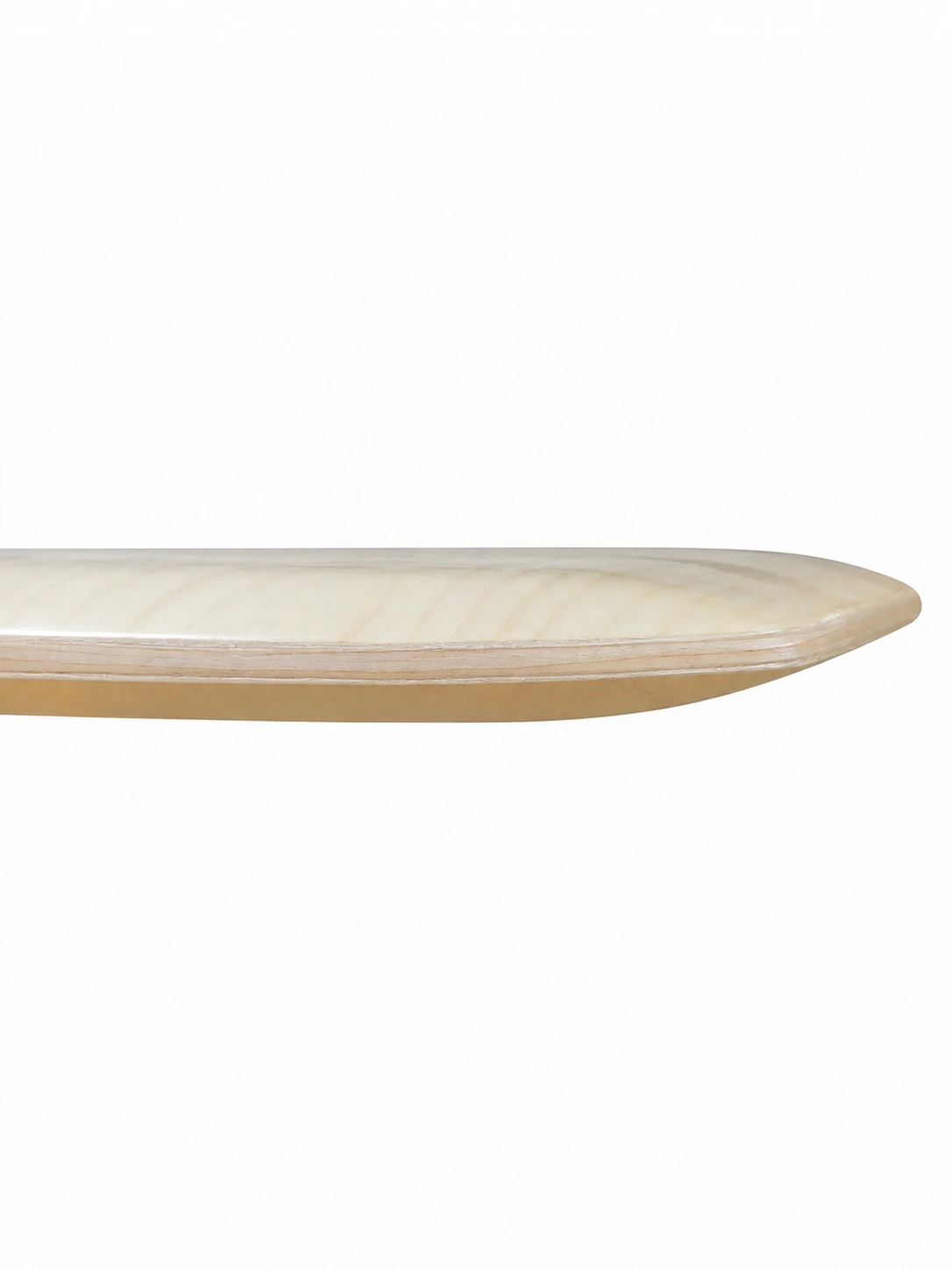
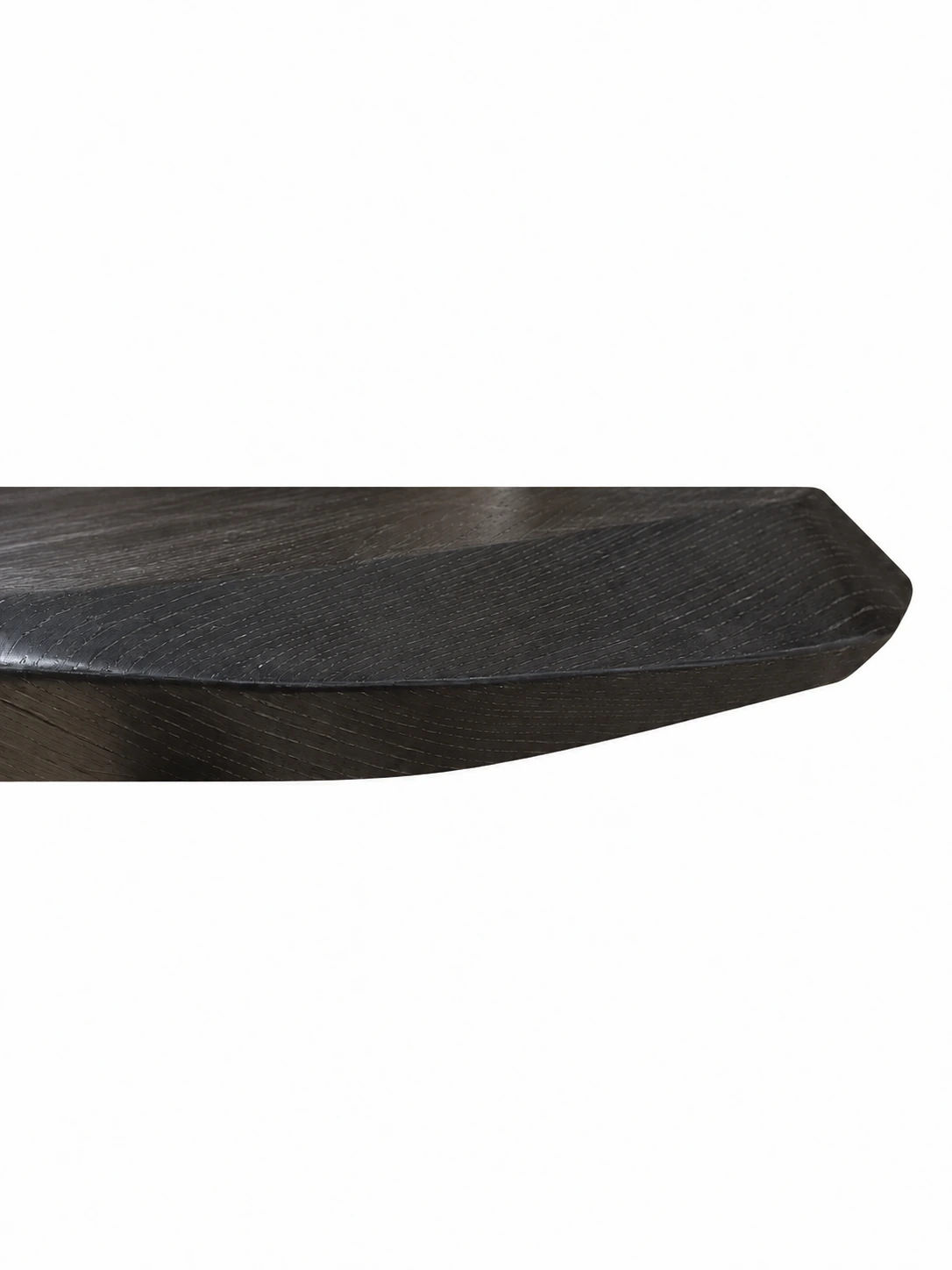
View alternate angle
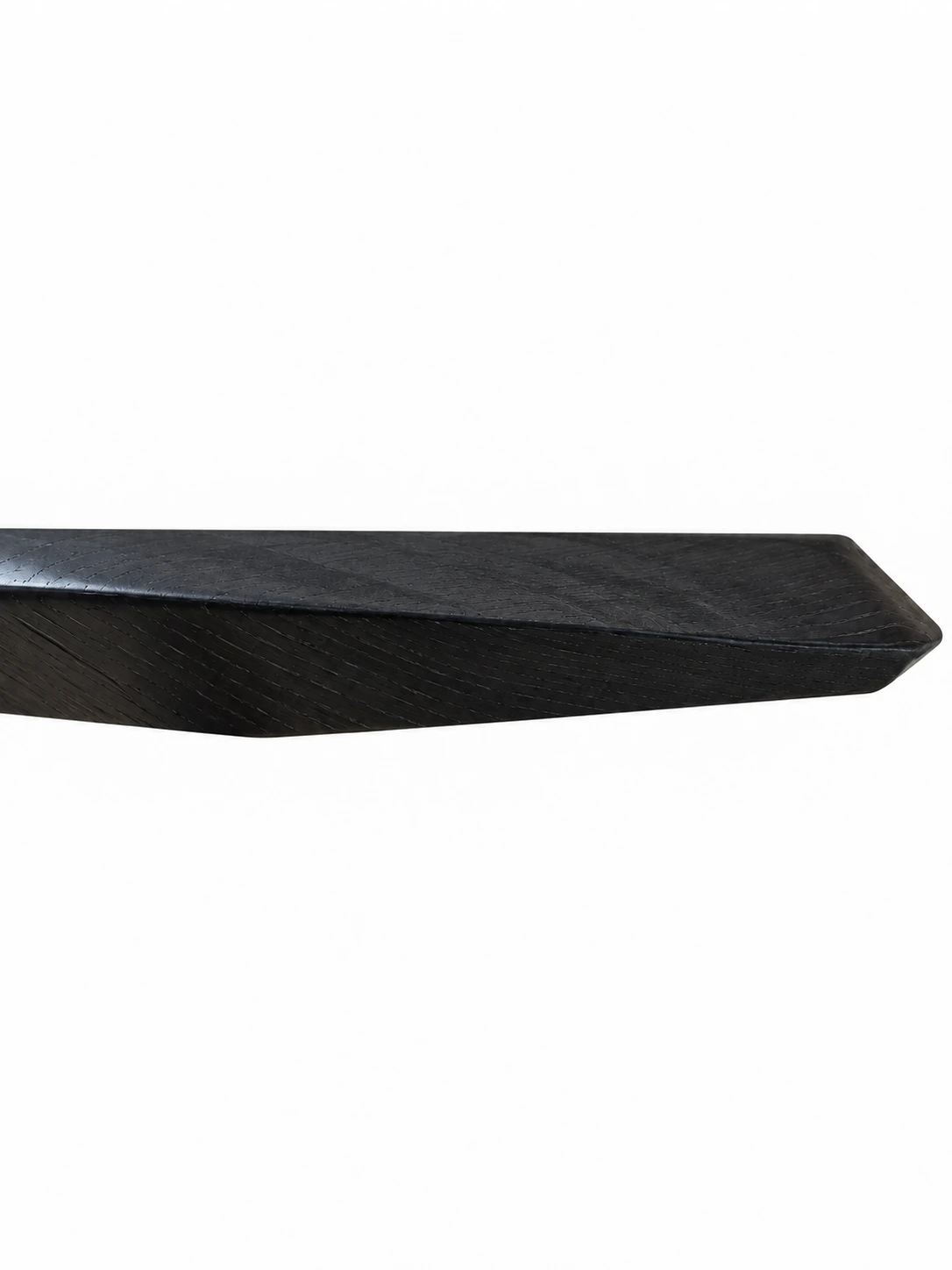
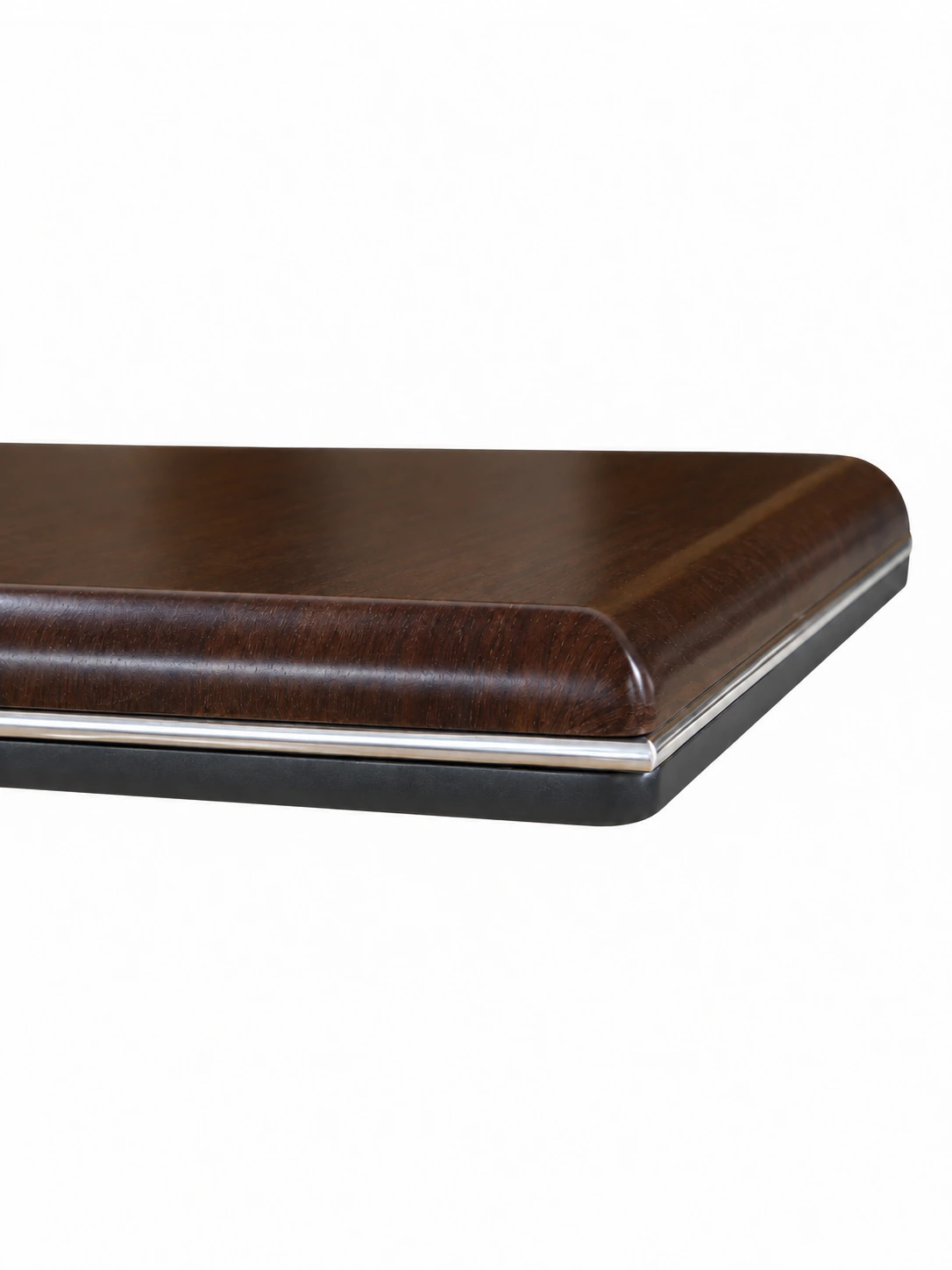
View alternate angle
View alternate angle
Hinged lids 4 samples
View alternate angle
View alternate angle
View alternate angle
View alternate angle
Structure 5 samples
View alternate angle
View alternate angle
View alternate angle
View alternate angle
View alternate angle
PRACTICAL CHECKLIST
Make sample selection records more precise.
Record the product, part, detail and material together, so each choice has a clear place in the scheme.
- 01Identity
Record the swatch version, name, code and sample label, rather than identifying the object only as 'light wood'.
- 02Part
Specify the desktop, cabinet door, side panel, edge or connection position, with grain direction linked to that part.
- 03Method
Compare fronts, edges, corners and moving surfaces.
- 04Confirmation
Record the relationship between physical samples and project versions, distinguishing screen references from formal approval.
Official brand product information informs the discussion of office furniture and space. Meichun perspectives and manufacturing notes express our views on products and making.
Original illustrations use the Meichun logo character and furniture to introduce product, component and spatial relationships.
- Meichun|Current use and code confirmation of the 2024 digital colour card
The company confirmed during this review that the 2024 digital colour card remains in use. Codes in the 2024 and 2027 materials retain their identities without automatic renumbering for a new version. Names, codes, material categories and intended parts together form precise selection records.
- Meichun|2027 standard colour palette and craft sample materials
Swatch names and codes correspond to the company's organised 2027 materials; the 25 sample names correspond to its craft labels. The gallery retains sample labels and names to compare local details by colour, edge profile and connection method.
- Meichun|Sample cabinet and furniture-detail selection
Extends the original selection topic through colour, grain, edges, moving surfaces, connections and approval records. Original photographs are used for the sample cabinet and frame; the white-background gallery retains two views of the company's twenty-five samples.